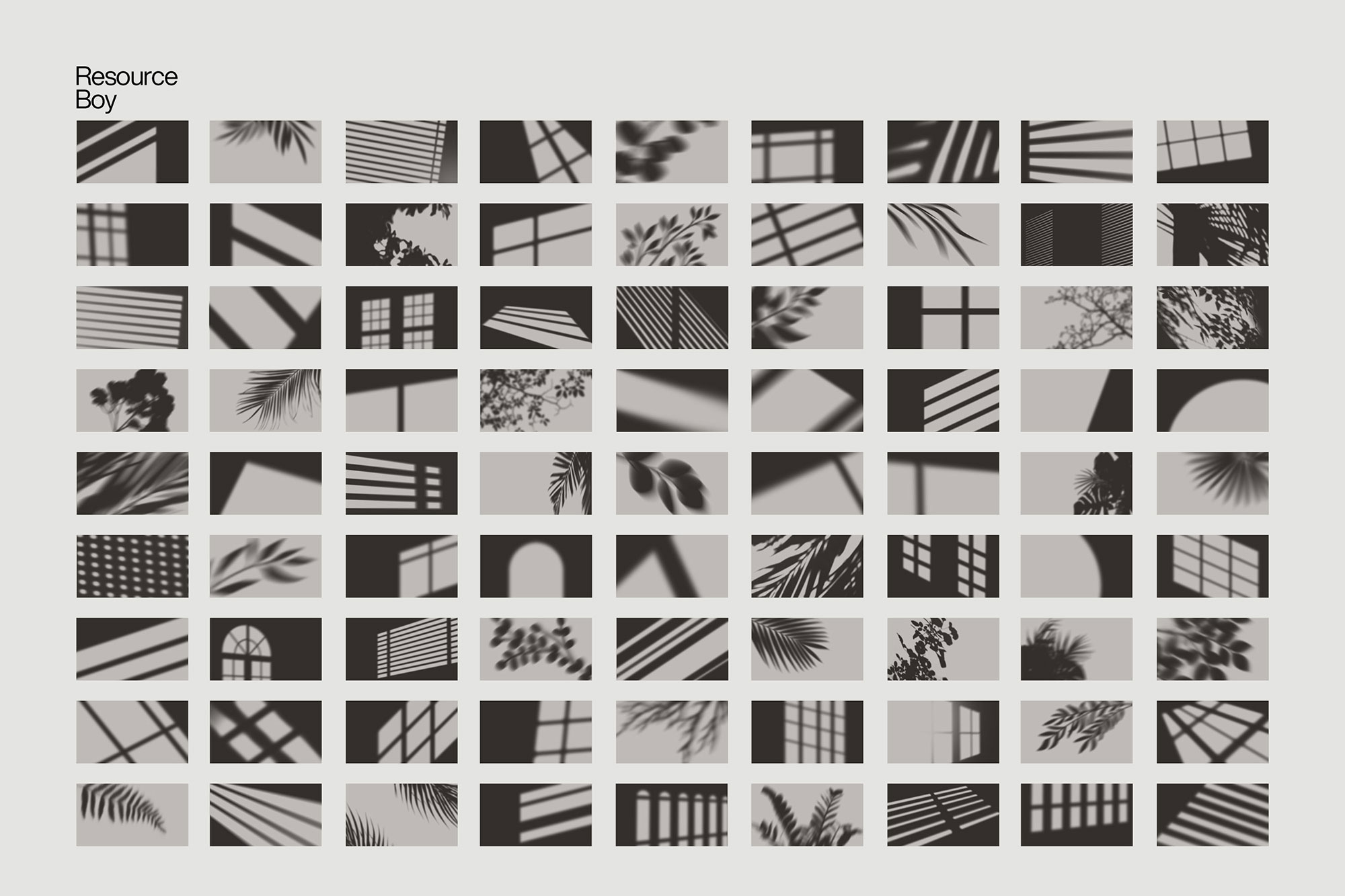
About 100 Shadow Overlays
Design work moves fast. When you find a solid textures resource, it can shave hours off a deadline. It’s made for Adobe Photoshop, and the previews show what you can expect.
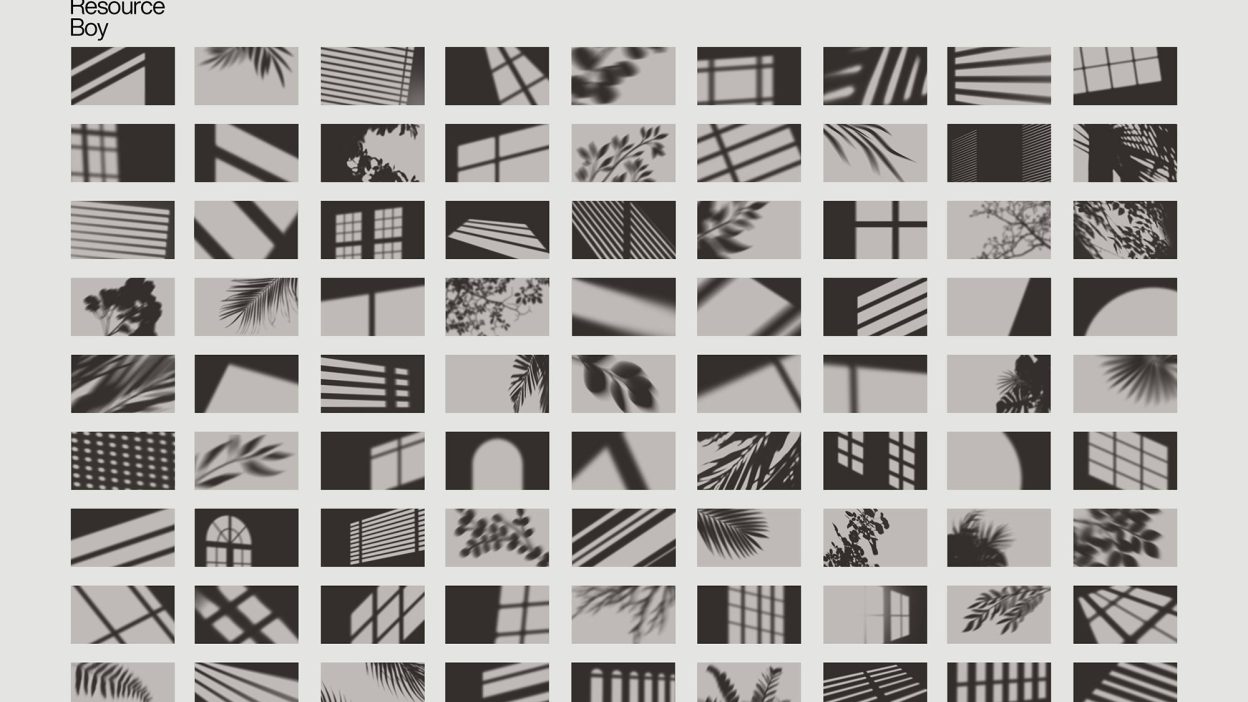
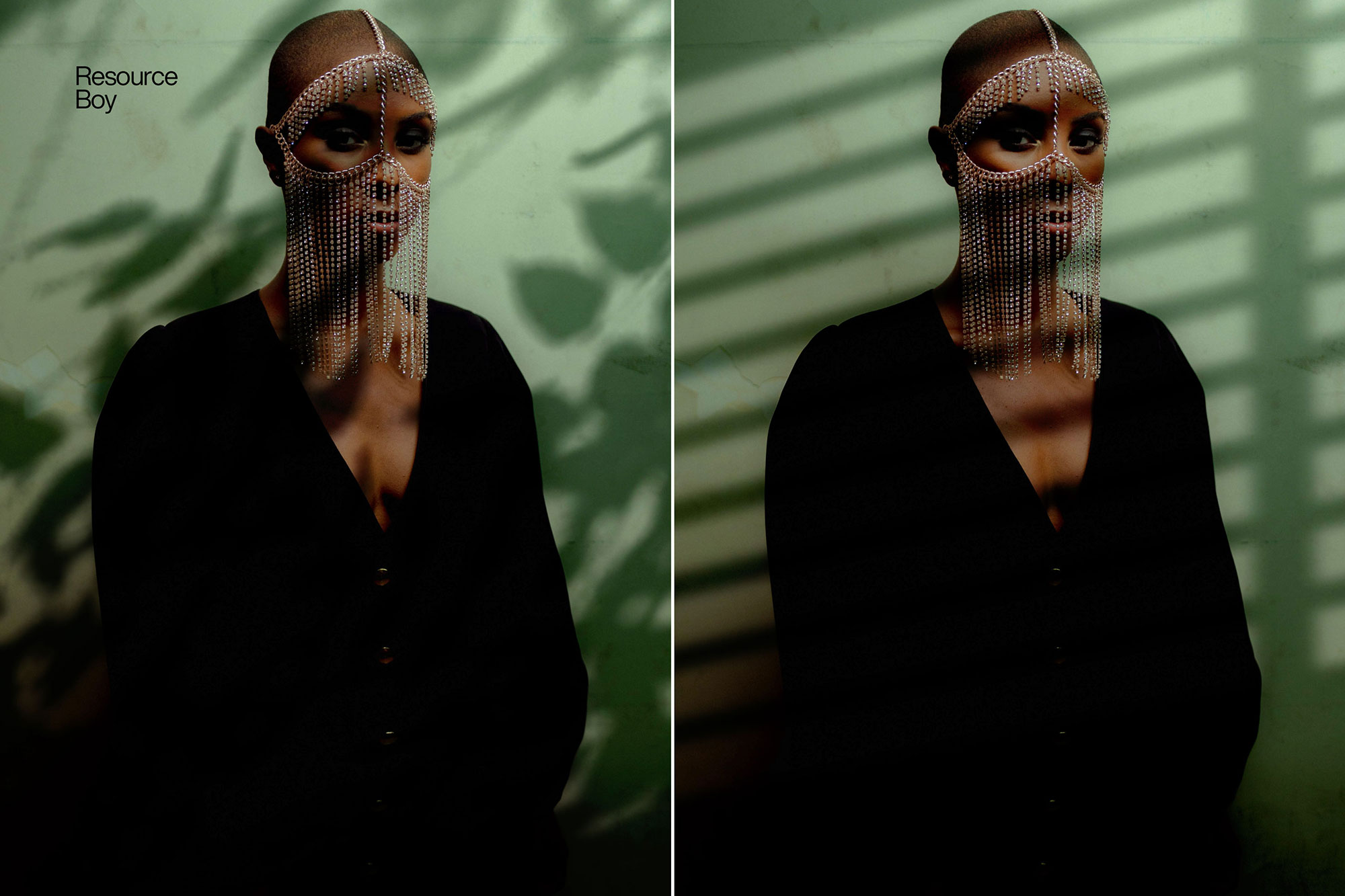
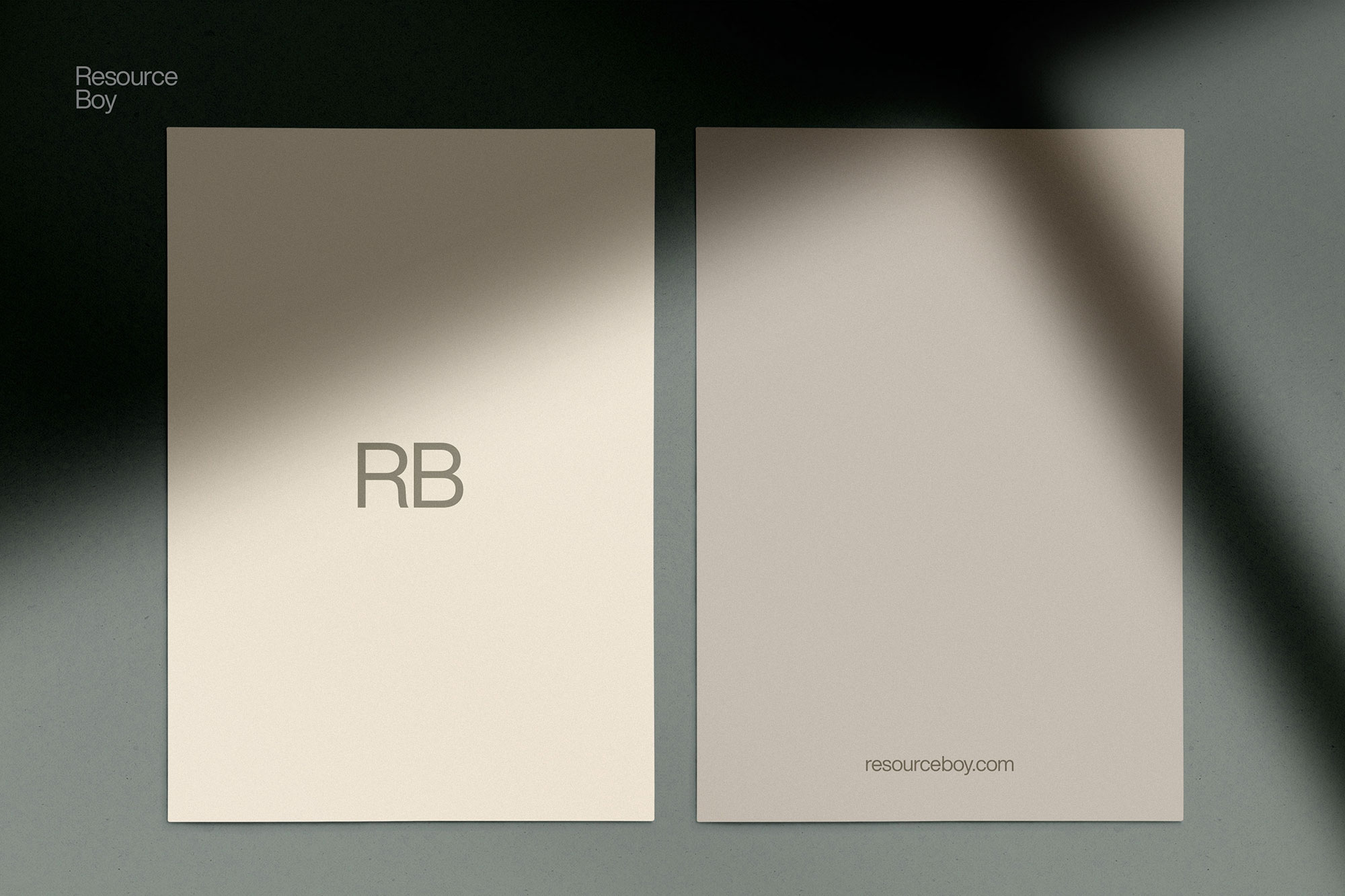
You might think shadows are merely a background element, but boy, couldn’t you be more wrong! In fact, they play such an important role in optimizing the artistic pull of your photos that you just don’t want the sun to ever set in any of your designs! Speaking from experience, plenty of our previous summer designs in the past couple of years could never end up even half as charming if it wasn’t for a sunlight shadow overlay of some sort. Being such huge fans of these cool light shadow photo overlays, we decided to make our own bundle. But ours was going to be much better than all these other packs, and so that’s what we did! Today, it takes a single click to enrich your art with the glamor of golden hours through several aesthetic PNG transparent shadow overlays from RB. They may feature a palm leaf, tree, or floral patterns or come as window shadow overlay Photoshop PNG of a drop or a blind. Guess your next photography and editing projects are going to be a whole new level of fun! Resource Boy is going to show you what it feels like to work with the number one collection of natural shadow overlays in the whole world. We’re offering you to download the top bundle ever in both size and quality including 100 transparent shadow overlay PNGs available at the incredible 4k resolution. Simply drag and drop each one of them that you fancy onto your own photos and let it blow your mind! It’s never been so realistic to apply fake shadows to a work of art and receive such natural output for free. It must have something to do with the fact that we handmade them all from scratch from real photos. Then obviously we went ahead and made their brush versions as well which you can find here: 100 shadow overlay brushes. You must know how good at it we are by now. You’ve seen our snow textures, lightning textures, and multiple exclusive Photoshop brushes. So get ready because this is going to be even more exciting than those.
Quick details: License: Personal & Commercial use. Designer: Resource Boy. Popularity: 65,248 downloads.
What you can do with it
You can keep it subtle or push it loud—either way, it stays usable. Use it for brand headlines, social banners, album covers, or any layout where you want a cleaner visual hook.
How to use it in Adobe Photoshop
Download, unzip, load the asset, then tweak until it fits your design.
- Download the ZIP file using the button below.
- Unzip the archive to a clean folder.
- Open Adobe Photoshop and load the included files (brushes via the Brushes panel; textures via Place/Embed; mockups/effects by editing Smart Objects).
- Apply it to your text or layer, then adjust size and position.
- Fine-tune opacity, blending mode, and color until the result feels balanced.
Practical tips
- Duplicate your layer before applying anything.
- Use Smart Objects when possible for clean scaling.
- Try a different blending mode before you give up on the look.
- Lower opacity first, then adjust contrast.
- Test it on both light and dark backgrounds.
If something looks “too much,” small changes usually fix it. Opacity, blending mode, and a soft mask solve most issues.
Preview images
These previews are included with the original post so you can judge edges, texture strength, and readability.
FAQ
Can I use it in client work?
The listed license is Personal & Commercial use. For important jobs, read the license text inside the download.
Will it work on older versions?
Most assets like this work fine on recent versions of Adobe Photoshop. If you’re on an older build, test it in a duplicate file first.
Download 100 Shadow Overlays
Use the download button below. If your download is large, give it a minute to complete before extracting.