
About 100 Splatter Textures
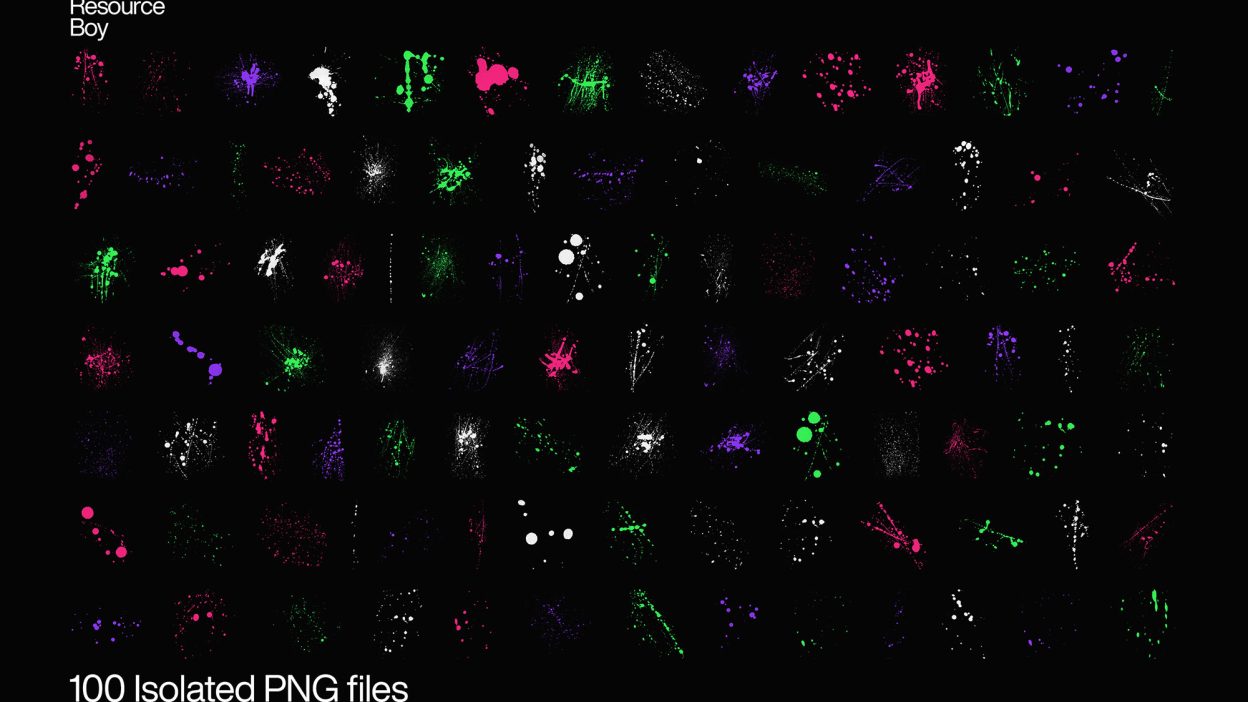
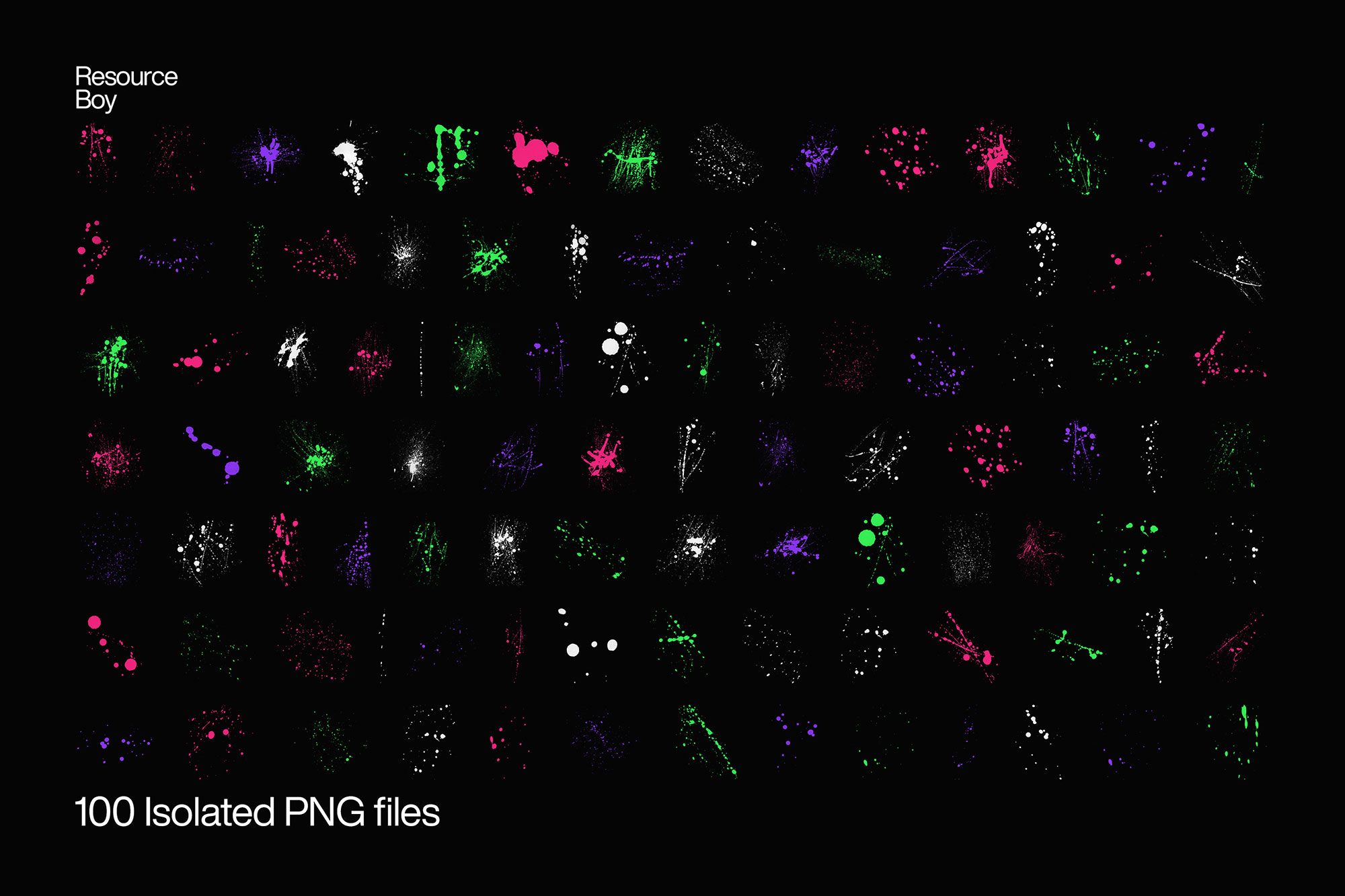
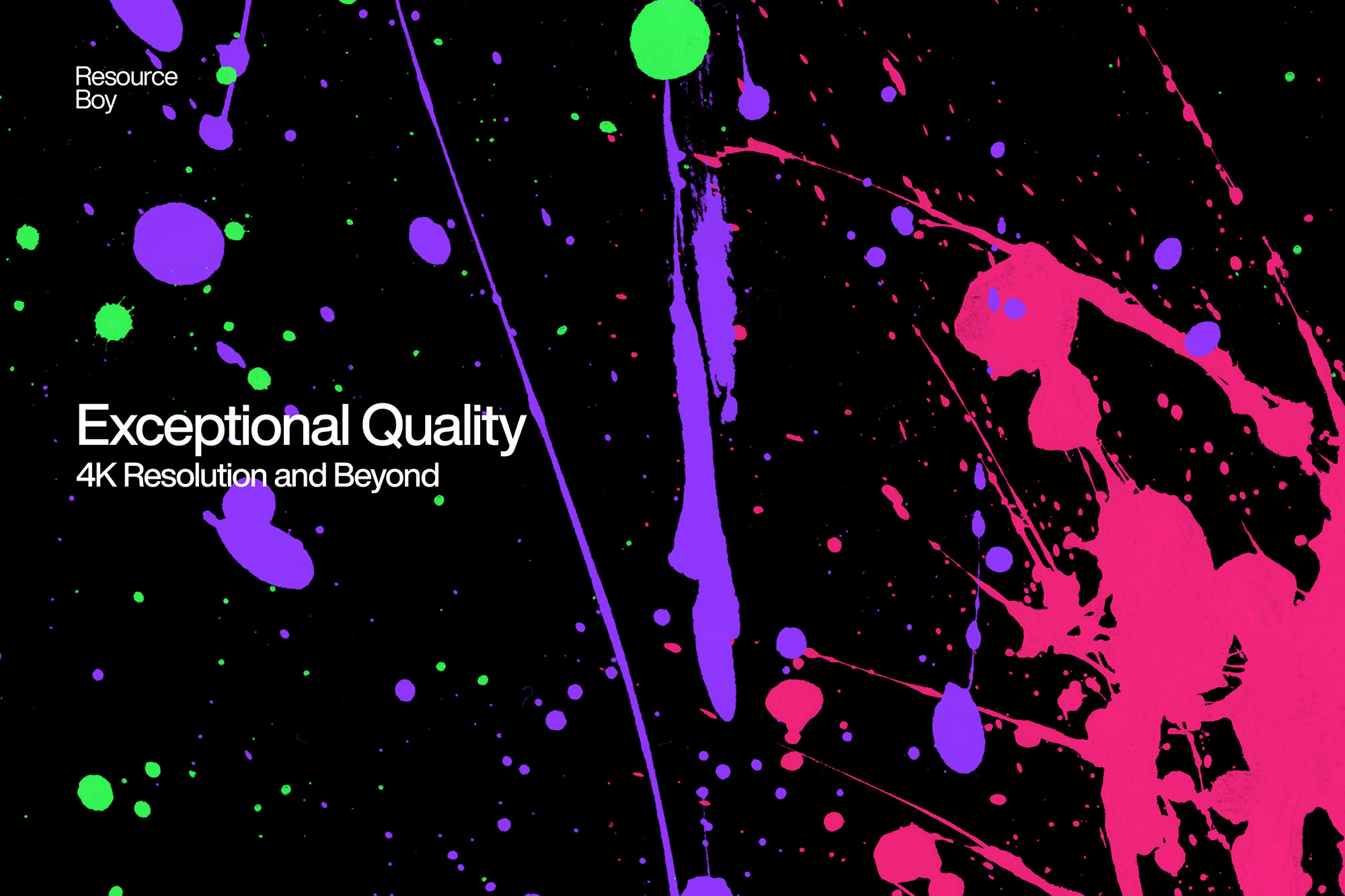
Not every asset deserves a spot in your toolbox. 100 Splatter Textures is one of the few that actually earns it. It’s made for Adobe Photoshop, and the previews show what you can expect.
Just wait till you see one of your designs enhanced with our awesome splatter textures and it’ll be hard to picture it without them anymore. Since every last of these 100+ textures is downloadable as PNG, the transparent backgrounds make them very easy to customize. So lucky you! Let’s not forget about the free commercial license which just makes this pack a lot more one-of-a-kind. Of course, we can also say the same about all the other free textures that Resource Boy offers exclusively. Honestly, every one of them is qualified to be called a masterpiece. And while you’re at it, don’t forget to pair them with our splatter fonts for even more creative results. To ensure the highest quality possible, we personally took care of the whole design process. Guess there’s no need to tell you about how uncommon that is, a whole collection of handmade splatter textures with supreme resolution, not costing anything. That almost never happens, except on Resource Boy, where the ultimate selection of free watercolor textures was also introduced before, along with so many other unique items. No wonder why no one from the graphic design community can ever afford to miss such a rich source. You don’t even have to worry about how realistic they look. We have taken care of that far better than you can imagine. Every detail about the paint splatters was captured flawlessly thanks to our highly advanced scanners. So prepare yourself to be blown out of your mind unless you’re already familiar with its earlier edition, the free splatter Photoshop brushes of RB. We’ve done the same work here but only in a different format. Maybe it used to be such a struggle to find a bunch of suitable freebies to work with, but not anymore. Now that you’re here, you’ll be in good hands.
Quick details: License: Personal & Commercial use. Designer: Resource Boy. Popularity: 12,059 downloads.
What you can do with it
It plays nicely with real-world files, not just perfect demo PSDs. Use it for brand headlines, album covers, YouTube thumbnails, or any layout where you want a cleaner visual hook.
How to use it in Adobe Photoshop
Download, unzip, load the asset, then tweak until it fits your design.
- Download the ZIP file using the button below.
- Unzip the archive to a clean folder.
- Open Adobe Photoshop and load the included files (brushes via the Brushes panel; textures via Place/Embed; mockups/effects by editing Smart Objects).
- Apply it to your text or layer, then adjust size and position.
- Fine-tune opacity, blending mode, and color until the result feels balanced.
Practical tips
- Duplicate your layer before applying anything.
- Try a different blending mode before you give up on the look.
- Test it on both light and dark backgrounds.
- Use Smart Objects when possible for clean scaling.
- Lower opacity first, then adjust contrast.
If something looks “too much,” small changes usually fix it. Opacity, blending mode, and a soft mask solve most issues.
Preview images
These previews are included with the original post so you can judge edges, texture strength, and readability.
FAQ
Can I use it in client work?
The listed license is Personal & Commercial use. For important jobs, read the license text inside the download.
Will it work on older versions?
Most assets like this work fine on recent versions of Adobe Photoshop. If you’re on an older build, test it in a duplicate file first.
Download 100 Splatter Textures
Use the download button below. If your download is large, give it a minute to complete before extracting.