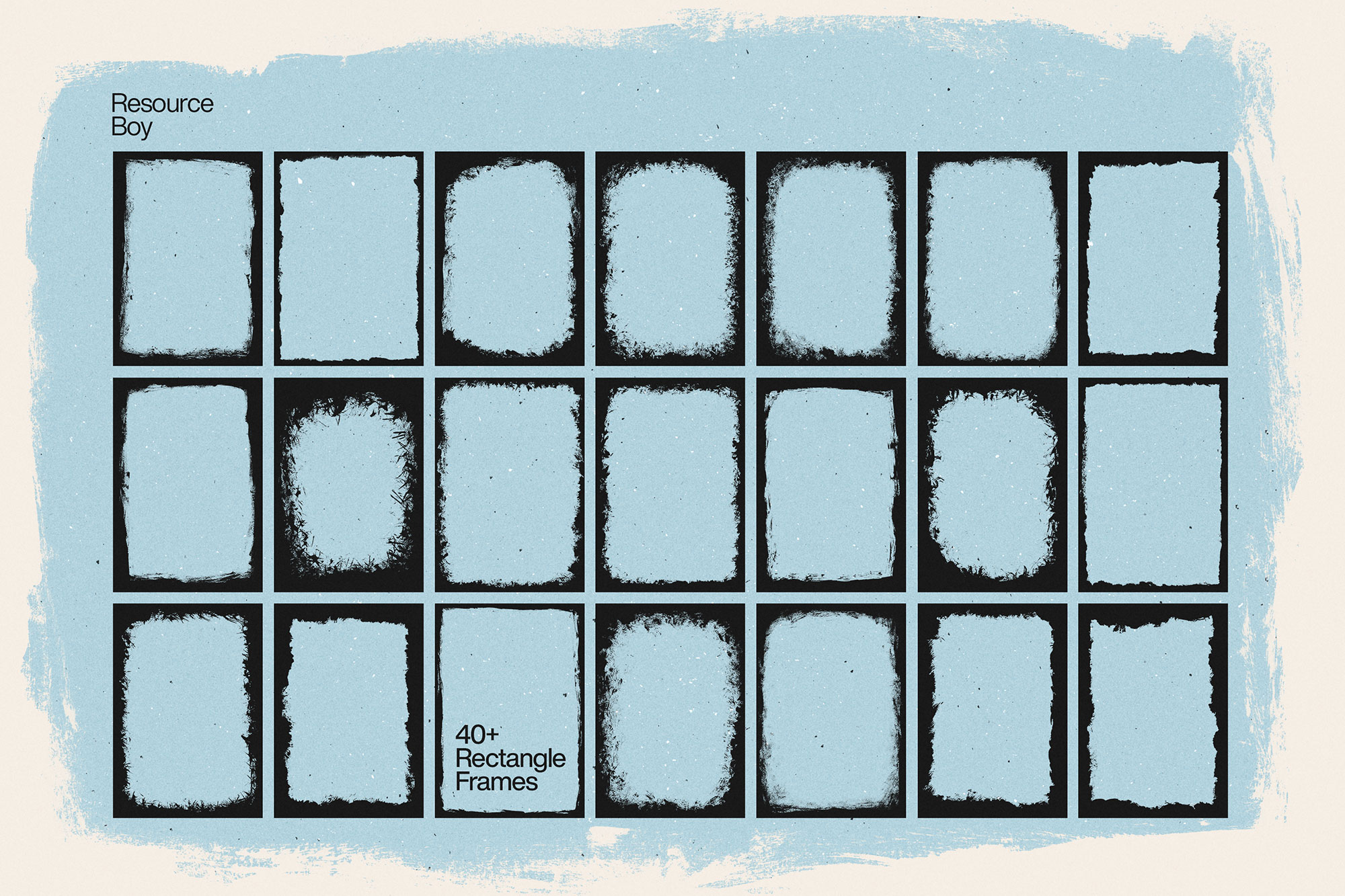
About 120+ Grunge Frame & Border Textures
Design work moves fast. When you find a solid textures resource, it can shave hours off a deadline. It’s made for Adobe Photoshop, and the previews show what you can expect.
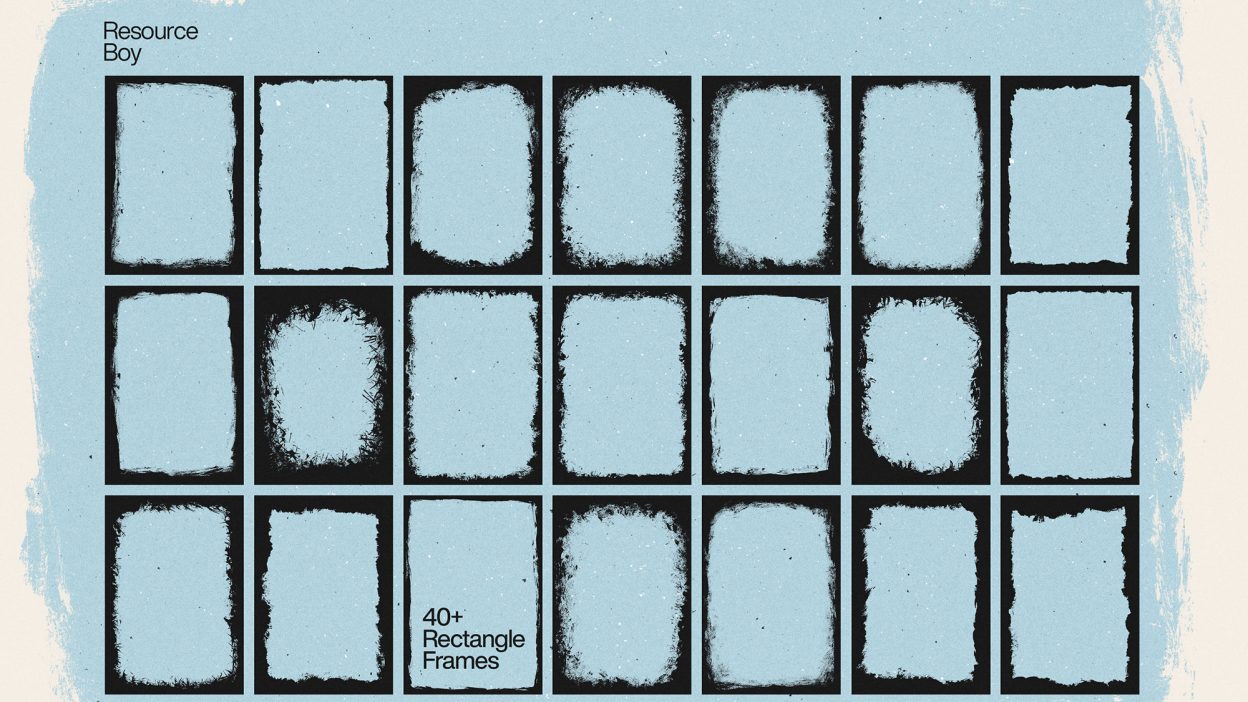
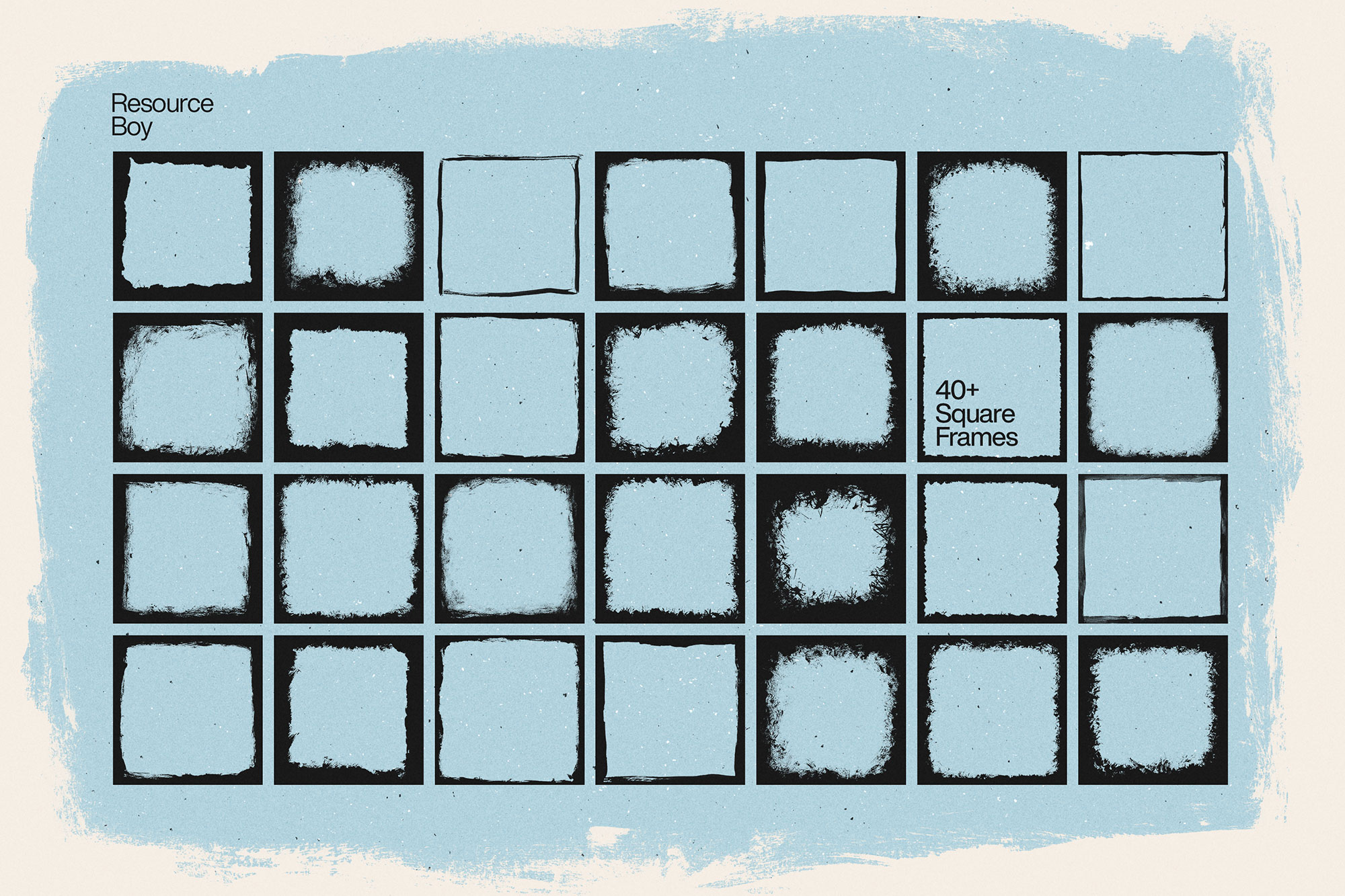
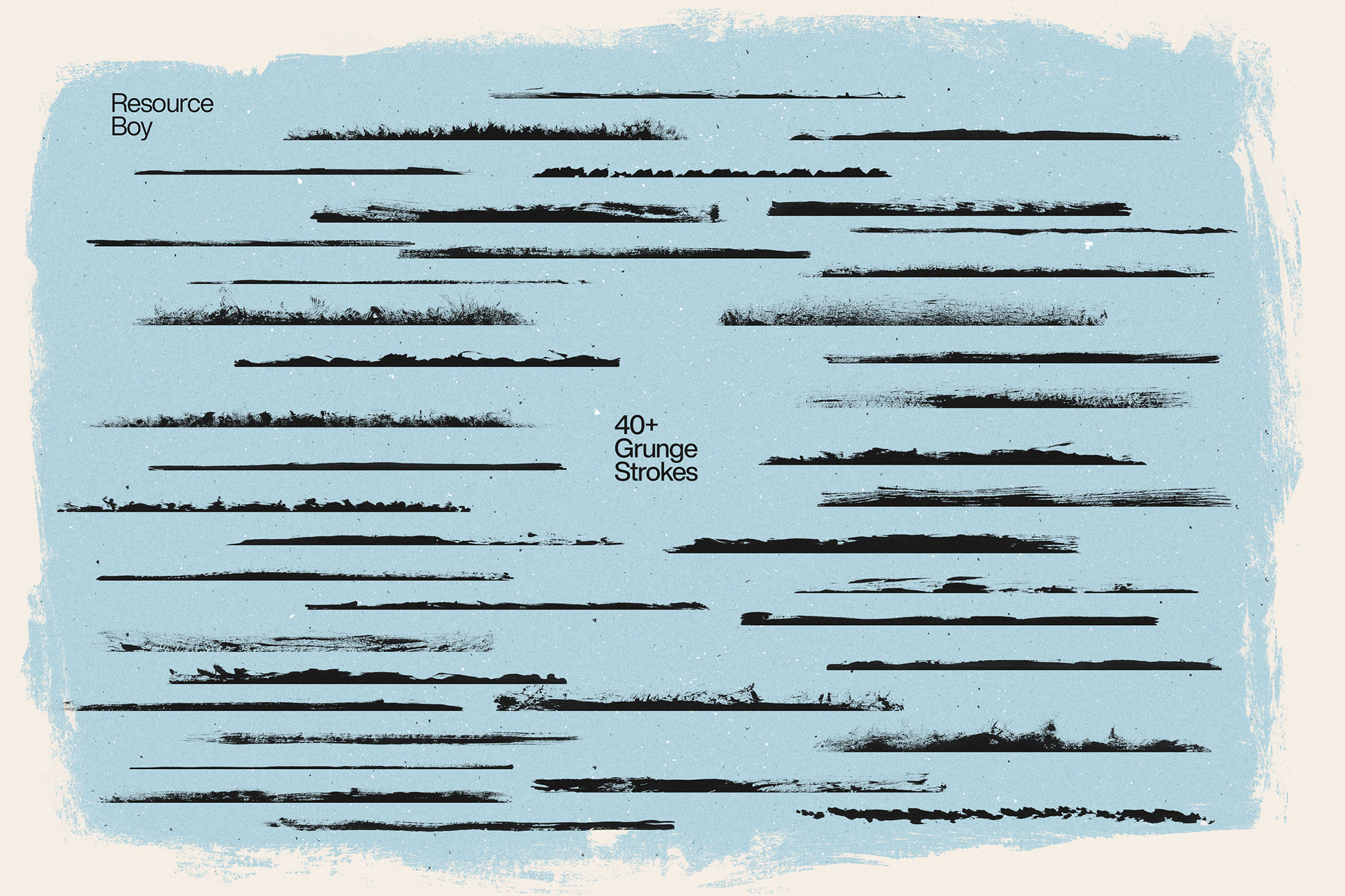
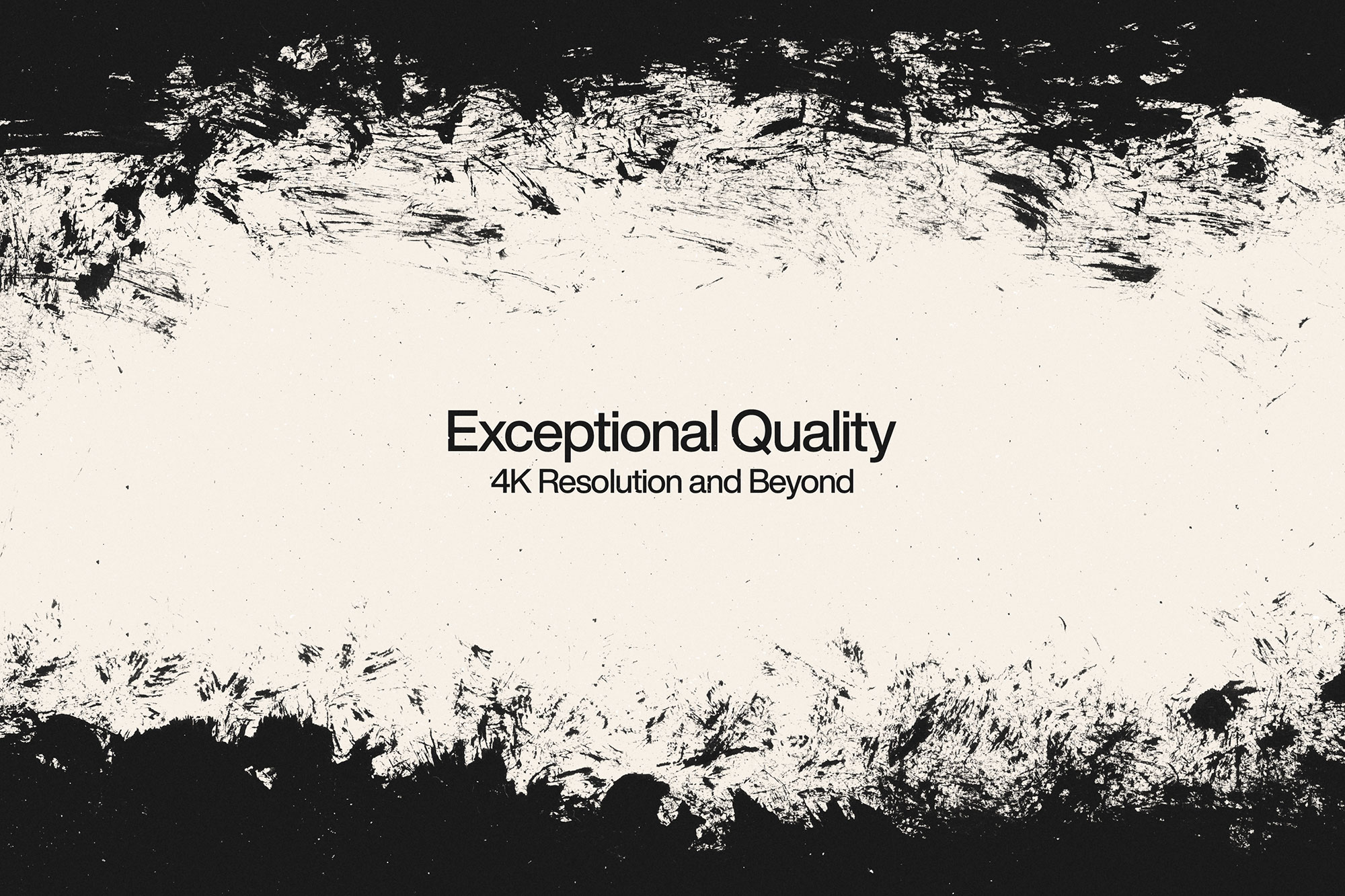
Anything looks much more artistic when you frame it, but only with the best borders you can find. We’re proud to announce, this collection of Resource Boy is entirely devoted to that. So the next time you want to spice things up in your art, you can find all the visual intrigues you need here in this bundle. And if you’re looking for something extra to complement this pack, our grunge fonts are the perfect choice. Don’t even worry about how you’re going to afford it. We want you all to have this chance to discover your full potential. That’s why we’ve included a free commercial license in the download file to put your mind at ease. Let’s just say there’s no other place on the internet to give you the VIP treatment of a premium user for free. All we ask in return is your feedback on social media about how you liked our free textures. We will certainly consider your suggestions in our future plans. For instance, this collection of grunge border textures is only here because of all the positive comments we received from you about our paint stroke textures. So if you want to share your ideas with us, please don’t hesitate to reach out to us. We’ve done so many awesome exclusive designs to this point that these 120+ frame textures shouldn’t be much of a surprise anymore. The perfect 4k resolution may not let you notice, but the whole pack is made step by step from real-life samples. We used different sizes and styles of brushes to paint them, and then one of the latest models of scanners to turn them into transparent PNGs. To make sure you get the widest range of options, we’ve made them in both square and rectangular frames. There are also single lines of grunge brush strokes, in case you want to put them together as you wish and make your own frames. It should be fun!
Quick details: License: Personal & Commercial use. Designer: Resource Boy. Popularity: 29,836 downloads.
What you can do with it
It plays nicely with real-world files, not just perfect demo PSDs. Use it for landing page hero sections, album covers, YouTube thumbnails, or any layout where you want a cleaner visual hook.
How to use it in Adobe Photoshop
Download, unzip, load the asset, then tweak until it fits your design.
- Download the ZIP file using the button below.
- Unzip the archive to a clean folder.
- Open Adobe Photoshop and load the included files (brushes via the Brushes panel; textures via Place/Embed; mockups/effects by editing Smart Objects).
- Apply it to your text or layer, then adjust size and position.
- Fine-tune opacity, blending mode, and color until the result feels balanced.
Practical tips
- Try a different blending mode before you give up on the look.
- Duplicate your layer before applying anything.
- Use Smart Objects when possible for clean scaling.
- Lower opacity first, then adjust contrast.
- Test it on both light and dark backgrounds.
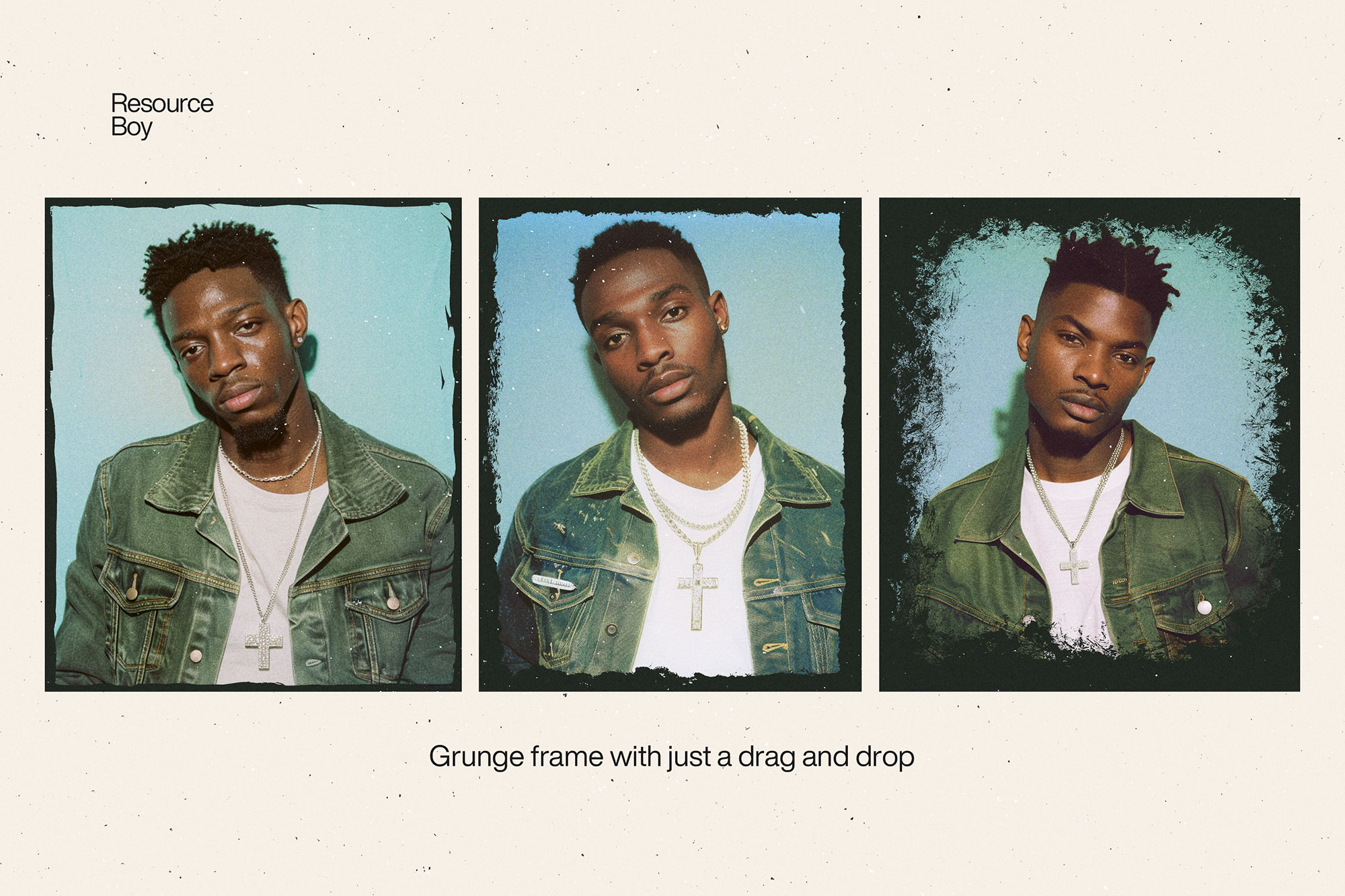
If something looks “too much,” small changes usually fix it. Opacity, blending mode, and a soft mask solve most issues.
Preview images
These previews are included with the original post so you can judge edges, texture strength, and readability.
FAQ
Can I use it in client work?
The listed license is Personal & Commercial use. For important jobs, read the license text inside the download.
Will it work on older versions?
Most assets like this work fine on recent versions of Adobe Photoshop. If you’re on an older build, test it in a duplicate file first.
Download 120+ Grunge Frame & Border Textures
Use the download button below. If your download is large, give it a minute to complete before extracting.