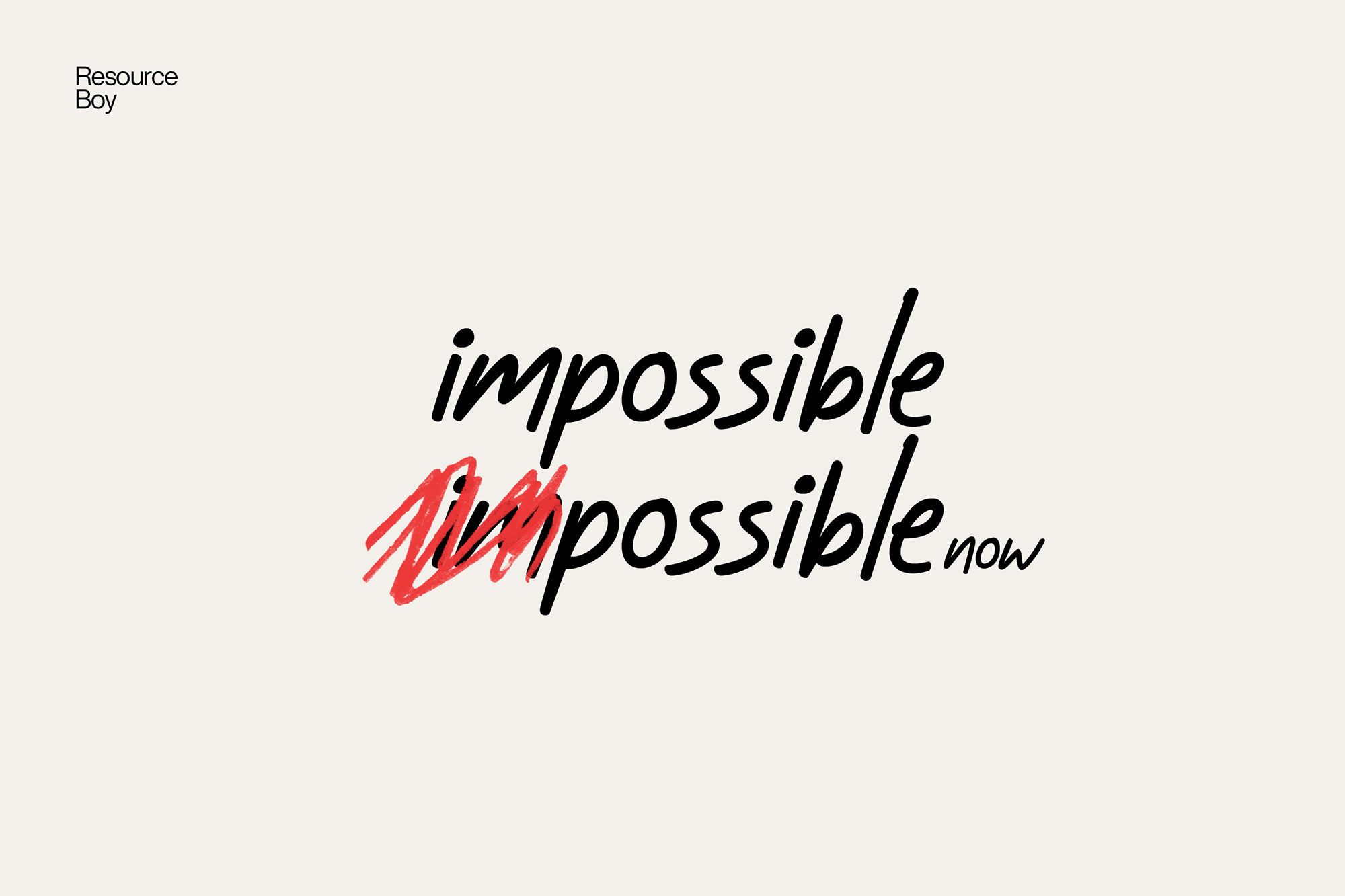
About 200+ Redaction Photoshop Brushes
Not every asset deserves a spot in your toolbox. 200+ Redaction Photoshop Brushes is one of the few that actually earns it. It’s made for Adobe Photoshop, and the previews show what you can expect.
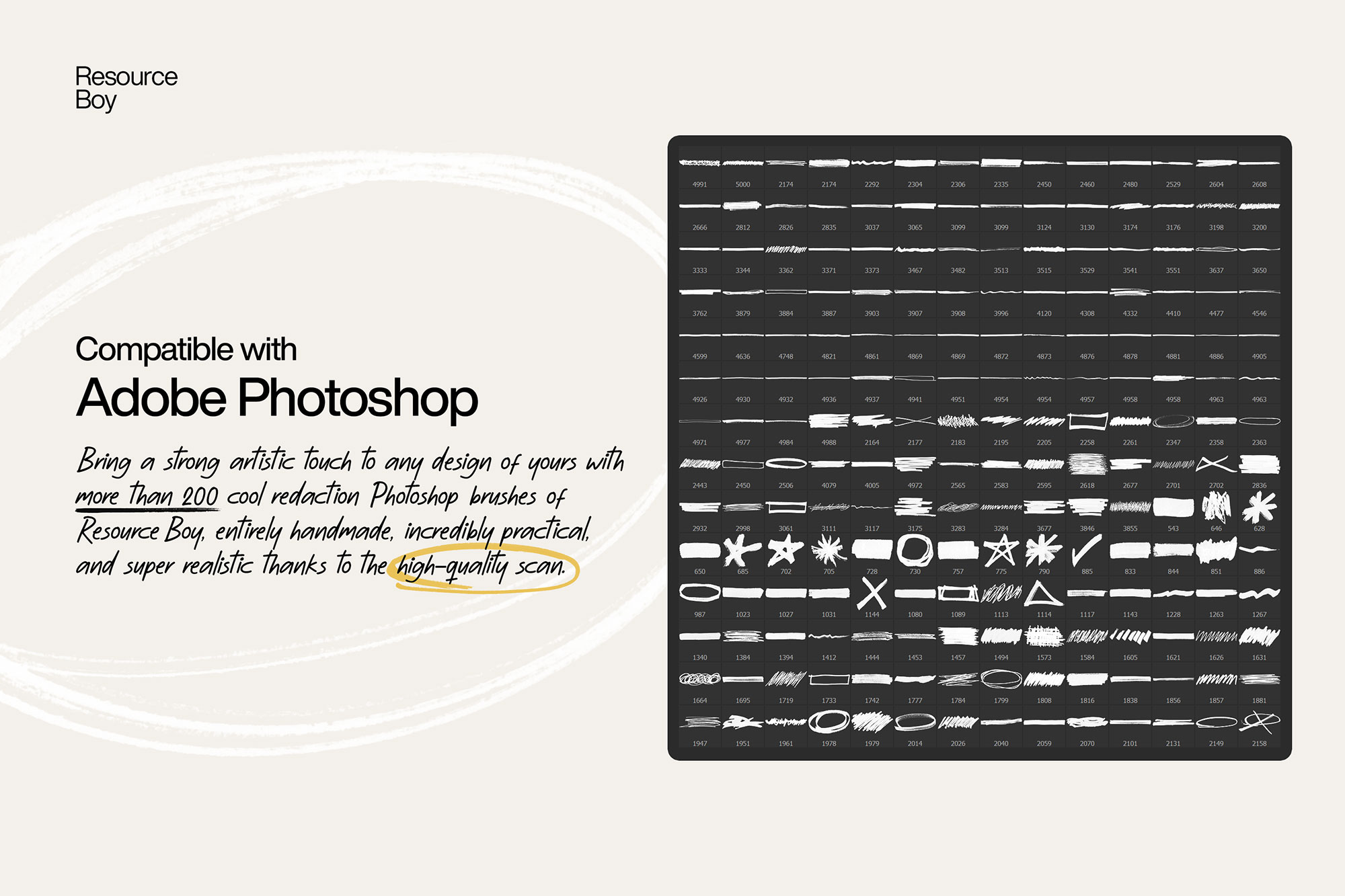
If all it takes to bring some more artistic touch to your design is through redacting it here and there, then let’s make sure you do it right. The best way to go for it is by using the best redaction Photoshop brushes made so far. Luckily, you’re already looking at it. Once again, ours has topped all else there is on the internet, in size, resolution, ease of access, and everything. The only thing it lacks compared to the rest of them is the price, but thanks to the free commercial license you won’t be needing that anyway. You’re very welcome! You need the largest pack of redactions with brush strokes and markers at your service if you want to have the highest number of options in front of you. Even though this collection is the largest in volume you can find with more than 200 brushes, you can also download 100 other similar items from our free stroke Photoshop brush bundle on Resource Boy to take things to the next level. Plus, everything here is entirely handmade and scanned with the highest quality to create the most realistic result. This must be the first time all of these awesome qualities have come together in the same bundle, only making this product all the more one-of-a-kind. However, this still should be no surprise to you since we have published the same thing earlier on our website only in a rather different version as 200+ free redaction textures. Looks like nothing is going to stop you from making countless creative redacted documents from now on. After all, how many free Photoshop brush collections in the market can offer you such great advantages all at once? That’s only going to make the free download options more unbelievable, but that’s just how we do things around here on RB.
Quick details: License: Personal & Commercial use. Designer: Resource Boy. Popularity: 24,606 downloads.
What you can do with it
It’s editable, flexible, and pretty forgiving if you like to experiment. Use it for landing page hero sections, album covers, packaging concepts, or any layout where you want a cleaner visual hook.
How to use it in Adobe Photoshop
Download, unzip, load the asset, then tweak until it fits your design.
- Download the ZIP file using the button below.
- Unzip the archive to a clean folder.
- Open Adobe Photoshop and load the included files (brushes via the Brushes panel; textures via Place/Embed; mockups/effects by editing Smart Objects).
- Apply it to your text or layer, then adjust size and position.
- Fine-tune opacity, blending mode, and color until the result feels balanced.
Practical tips
- Try a different blending mode before you give up on the look.
- Use Smart Objects when possible for clean scaling.
- Lower opacity first, then adjust contrast.
- Test it on both light and dark backgrounds.
- Duplicate your layer before applying anything.
If something looks “too much,” small changes usually fix it. Opacity, blending mode, and a soft mask solve most issues.
Preview images
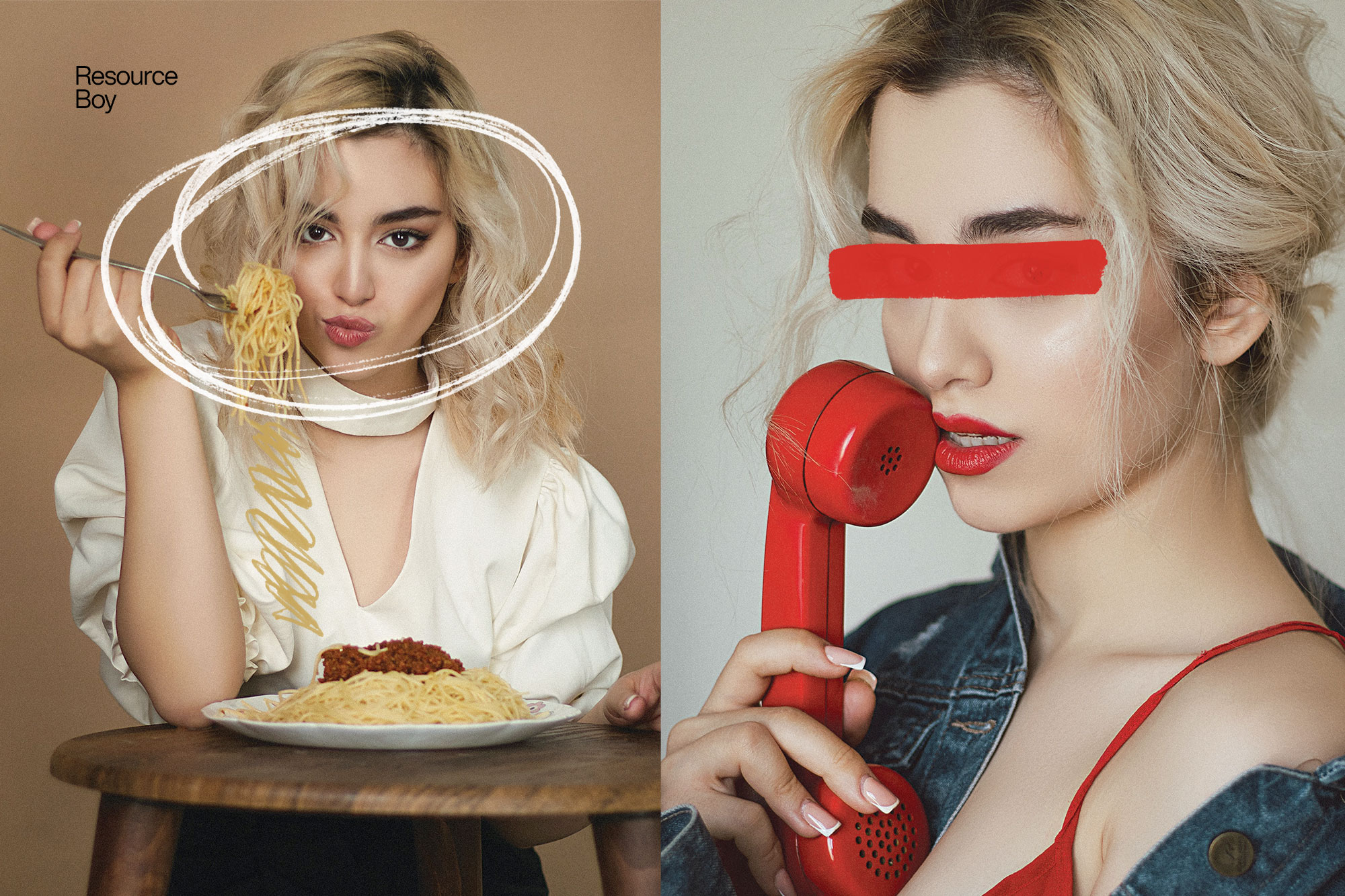
These previews are included with the original post so you can judge edges, texture strength, and readability.
FAQ
Can I use it in client work?
The listed license is Personal & Commercial use. For important jobs, read the license text inside the download.
Will it work on older versions?
Most assets like this work fine on recent versions of Adobe Photoshop. If you’re on an older build, test it in a duplicate file first.
Download 200+ Redaction Photoshop Brushes
Use the download button below. If your download is large, give it a minute to complete before extracting.