


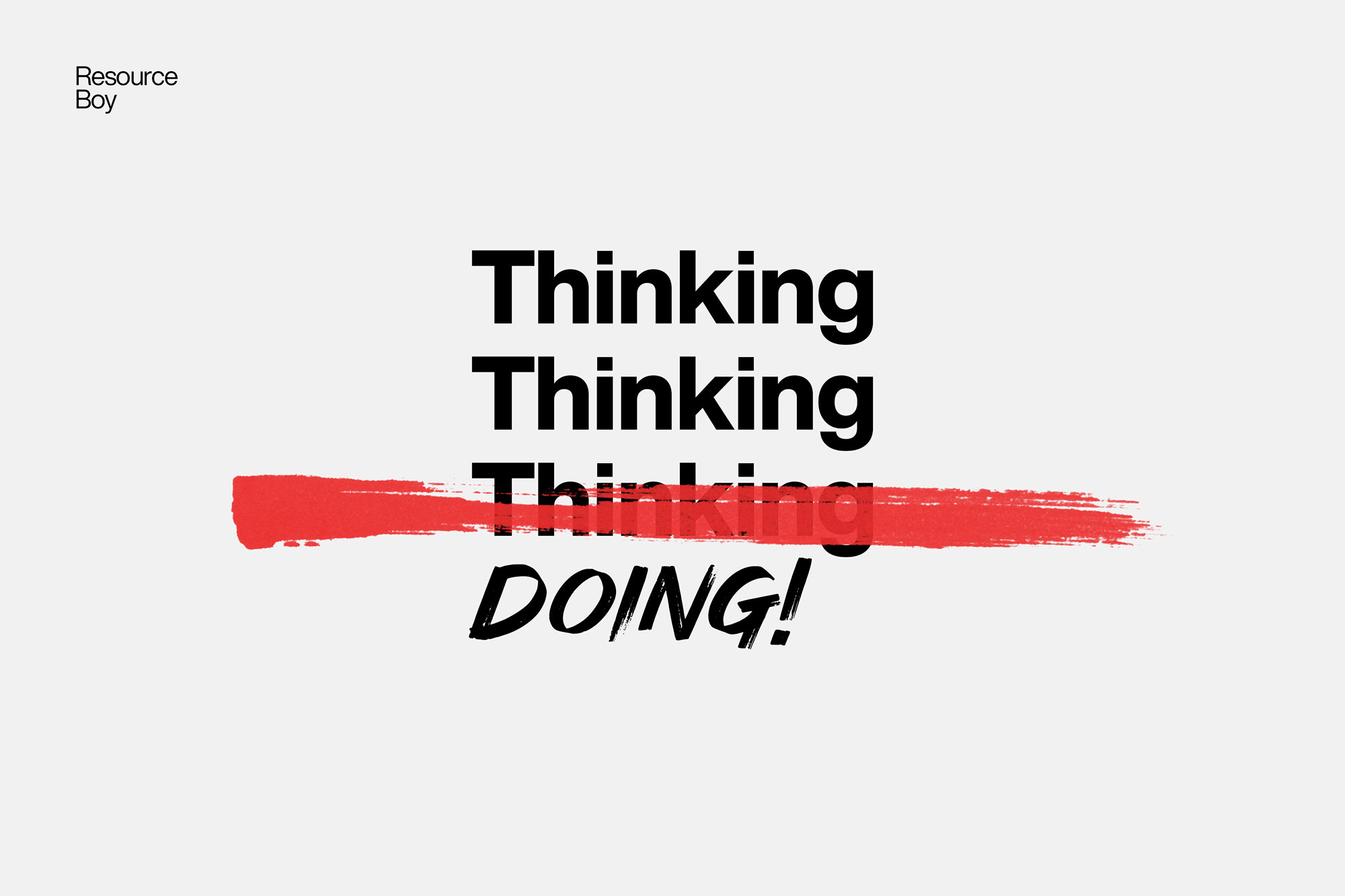
About 200+ Redaction Textures
Not every asset deserves a spot in your toolbox. 200+ Redaction Textures is one of the few that actually earns it. It’s made for Adobe Photoshop, and the previews show what you can expect.
Never been fully satisfied with any of the redaction texture bundles you have purchased so far elsewhere? That’s because you have not yet tried Resource Boy’s exclusive redaction textures. Now is the best time to see what you’ve been missing. And here’s the big surprise. Unlike the other collections, ours will not cost you even a single penny. That’s how confident we are about the quality we offer on our website. As the first largest and richest collection ever published, our 200+ redaction textures are available at 4k resolution with transparent backgrounds to meet all your high standards at once. Amazing, isn’t it? Sometimes some of your words have to take a hit so that your other words can get far more noticed. That’s when Resource Boy’s free handmade redaction PNGs are most needed. Smartly use them to fade or hide unimportant parts of your texts to make the rest pop. It’ll be the closest you’ll ever get to a realistic output with clean redactions that will make your design more authentically valuable and strategically engaging. Click to download our top-notch 200+ redaction PNG textures right now and prove you’re a total professional for free. This is not the first time Resource Boy has revolutionized the market for a particular graphic design supply though. Our exclusive library is full of other peerless but free design assets that will blow your mind. If you’re a designer aspiring to become universally known, our entire exclusive collection is a must-have for you. For start, make sure to check out our white paper textures as well as our kraft paper textures, and after that, you will not let a day go by without revisiting our exclusive section for new releases. We’ll be back soon with the brush version of our redaction textures right here at redaction Photoshop brushes.
Quick details: License: Personal & Commercial use. Designer: Resource Boy. Popularity: 29,773 downloads.
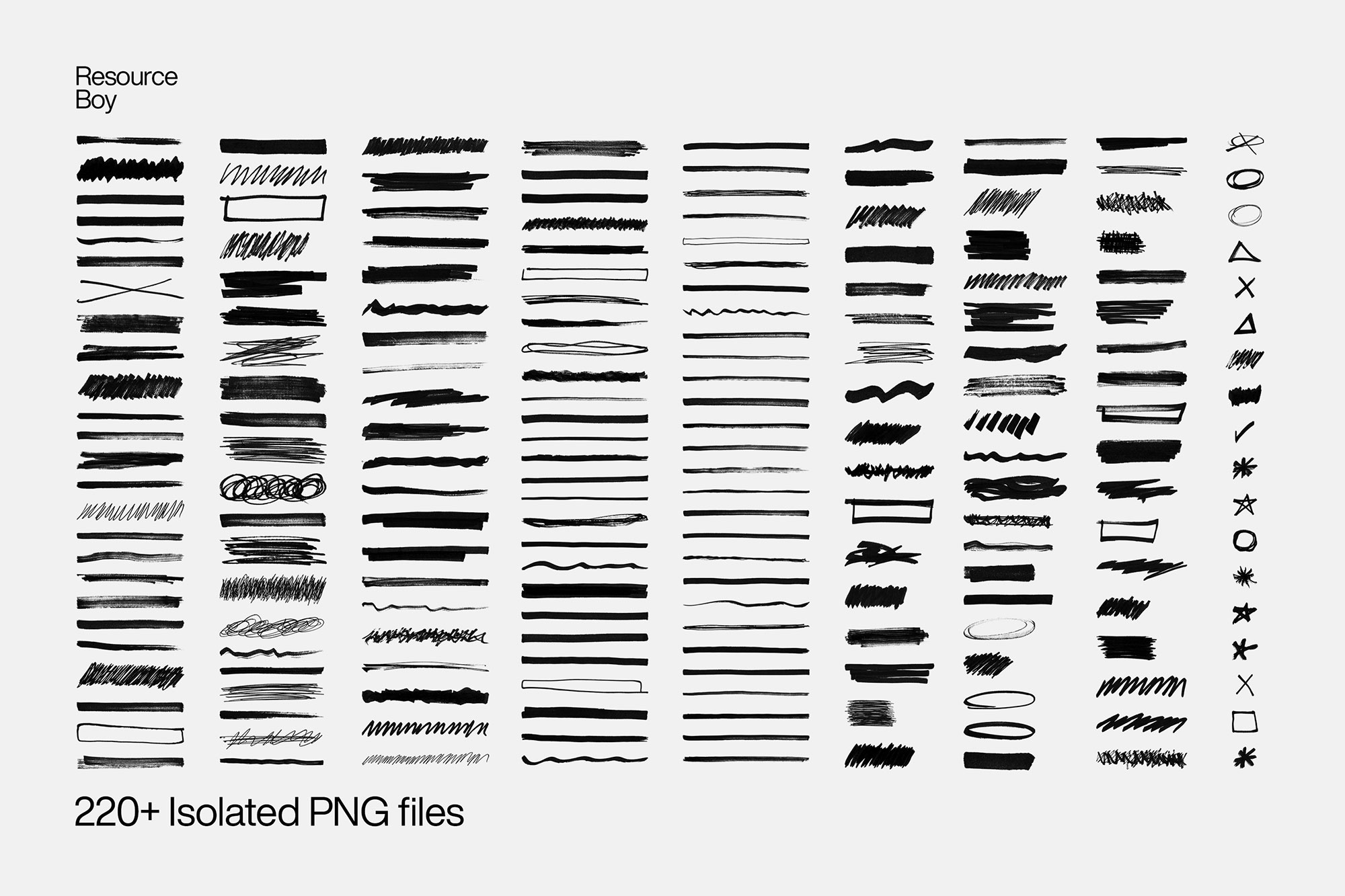
What you can do with it
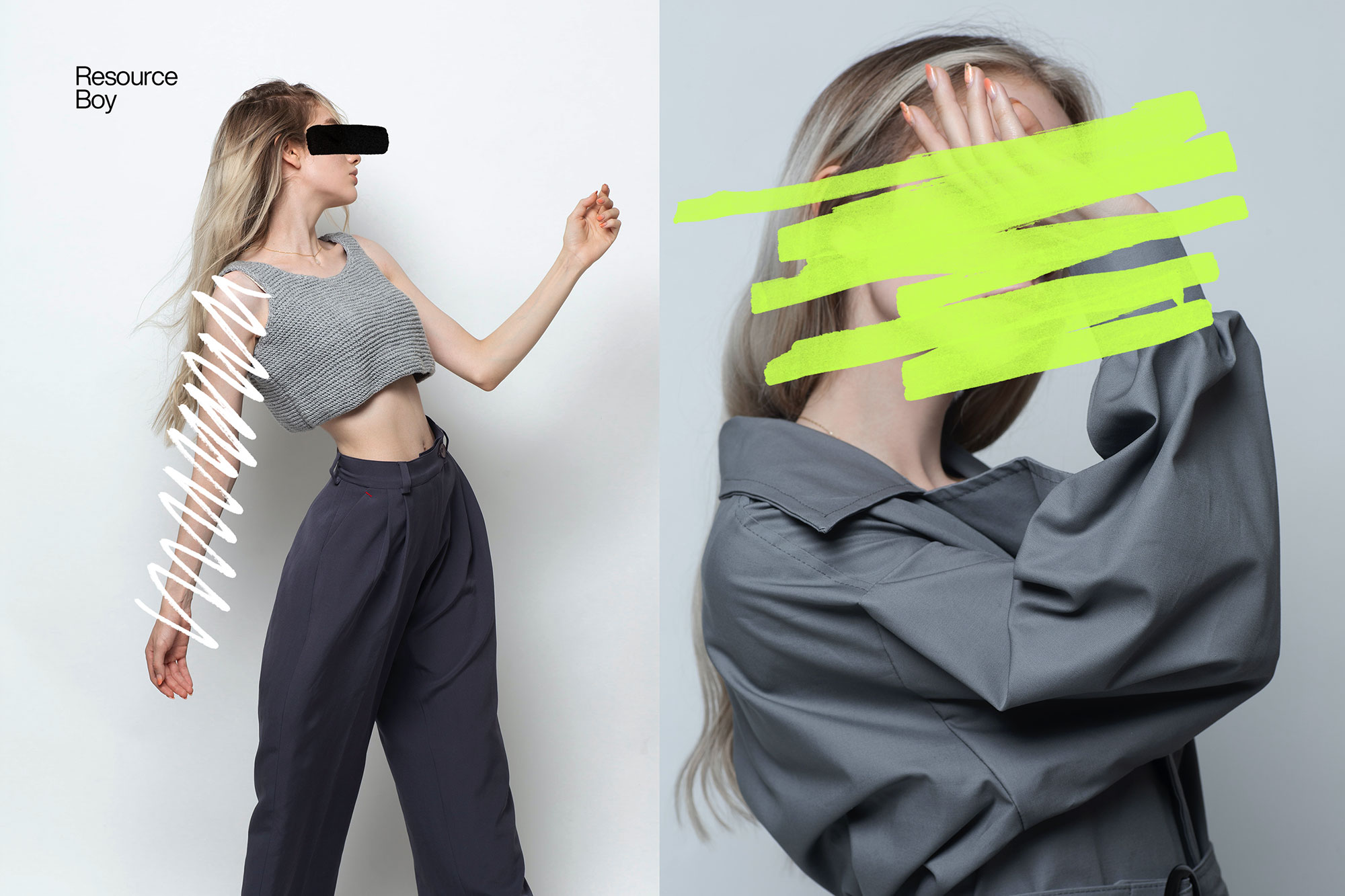
You can keep it subtle or push it loud—either way, it stays usable. Use it for posters, social banners, album covers, or any layout where you want a cleaner visual hook.
How to use it in Adobe Photoshop
Download, unzip, load the asset, then tweak until it fits your design.
- Download the ZIP file using the button below.
- Unzip the archive to a clean folder.
- Open Adobe Photoshop and load the included files (brushes via the Brushes panel; textures via Place/Embed; mockups/effects by editing Smart Objects).
- Apply it to your text or layer, then adjust size and position.
- Fine-tune opacity, blending mode, and color until the result feels balanced.
Practical tips
- Try a different blending mode before you give up on the look.
- Duplicate your layer before applying anything.
- Use Smart Objects when possible for clean scaling.
- Lower opacity first, then adjust contrast.
- Test it on both light and dark backgrounds.
If something looks “too much,” small changes usually fix it. Opacity, blending mode, and a soft mask solve most issues.
Preview images
These previews are included with the original post so you can judge edges, texture strength, and readability.
FAQ
Can I use it in client work?
The listed license is Personal & Commercial use. For important jobs, read the license text inside the download.
Will it work on older versions?
Most assets like this work fine on recent versions of Adobe Photoshop. If you’re on an older build, test it in a duplicate file first.
Download 200+ Redaction Textures
Use the download button below. If your download is large, give it a minute to complete before extracting.


