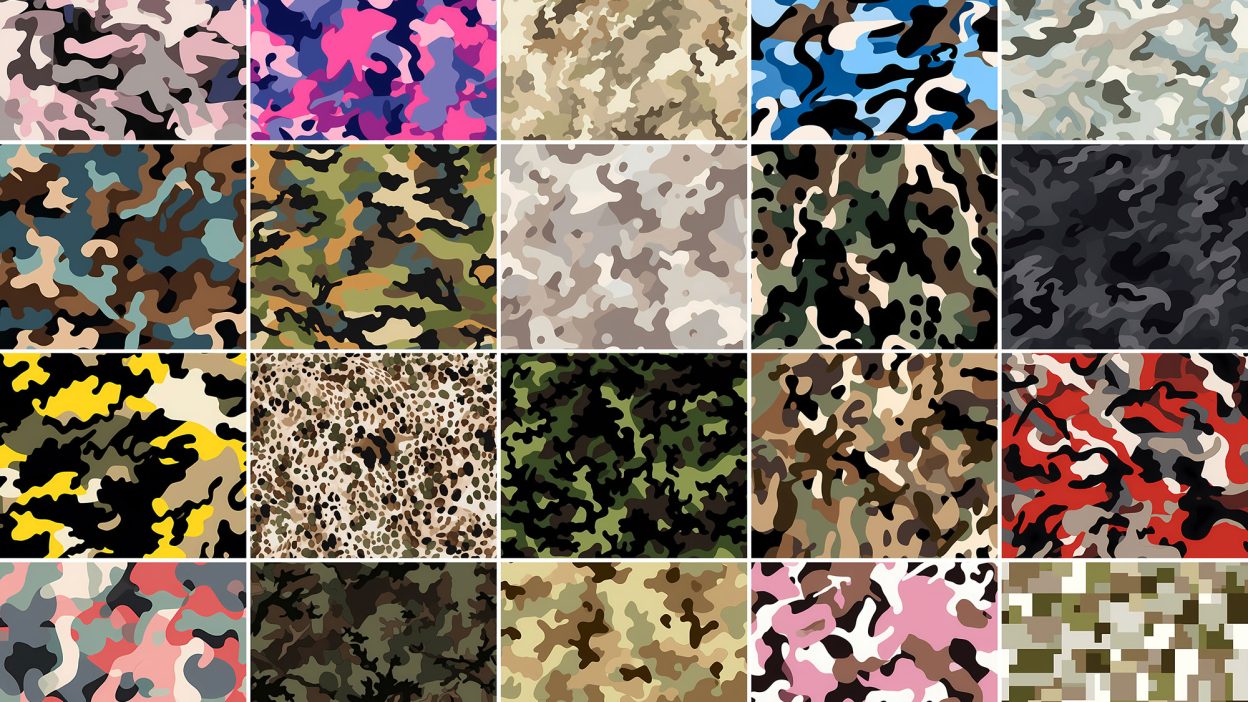
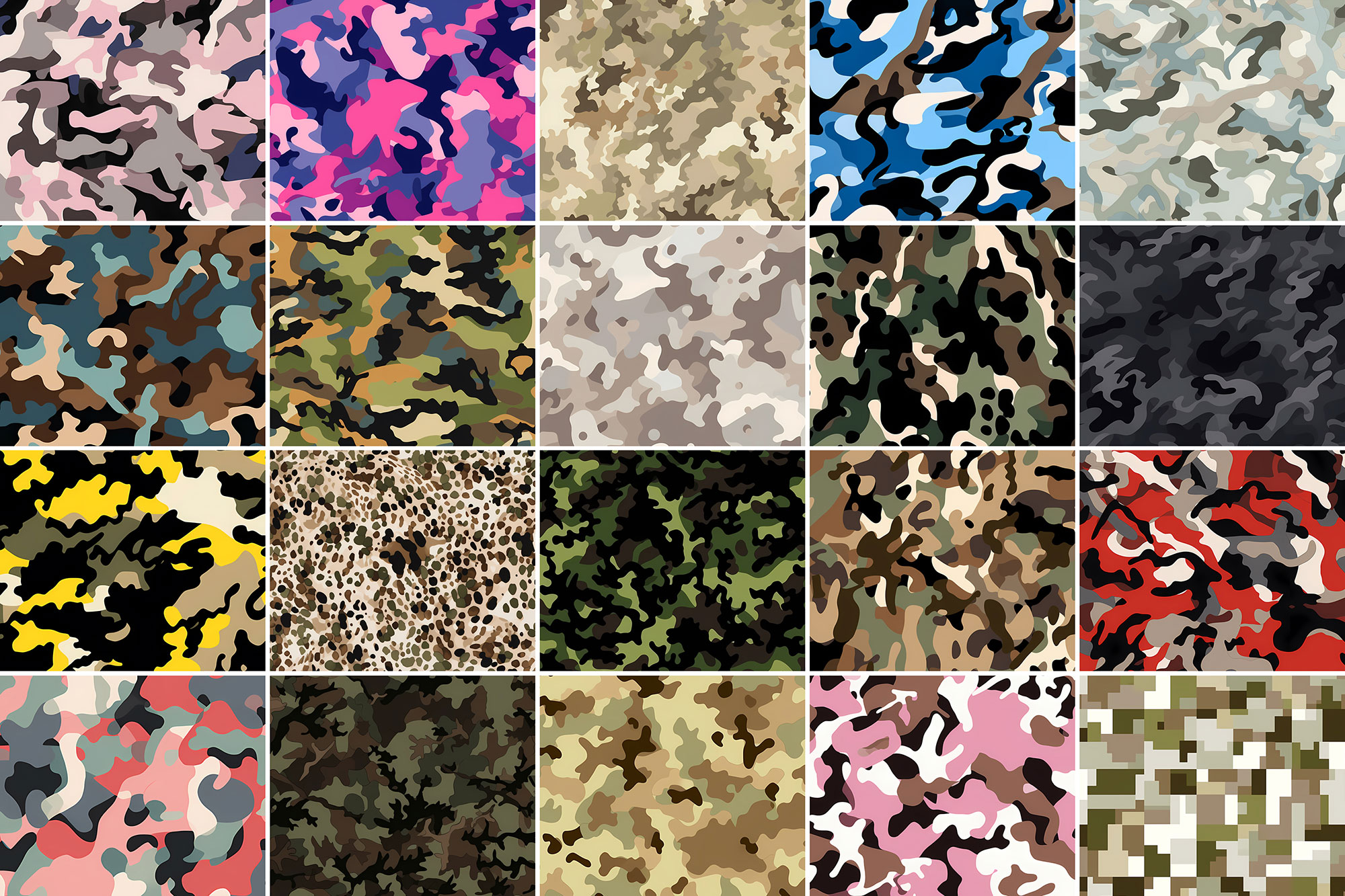
About 400+ Camouflage Patterns
Design work moves fast. When you find a solid graphic design resource, it can shave hours off a deadline. It’s made for Adobe Photoshop, and the previews show what you can expect.
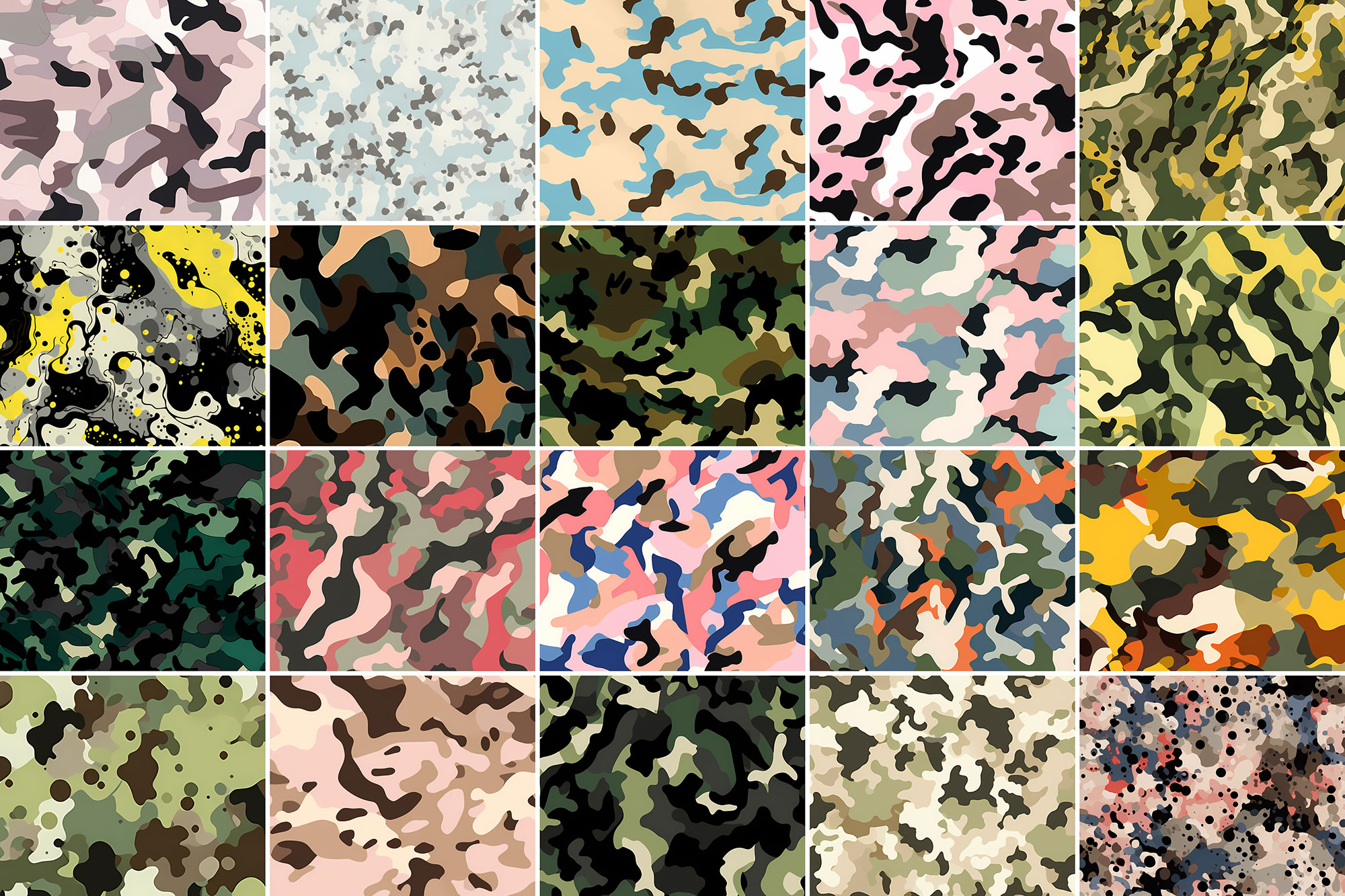
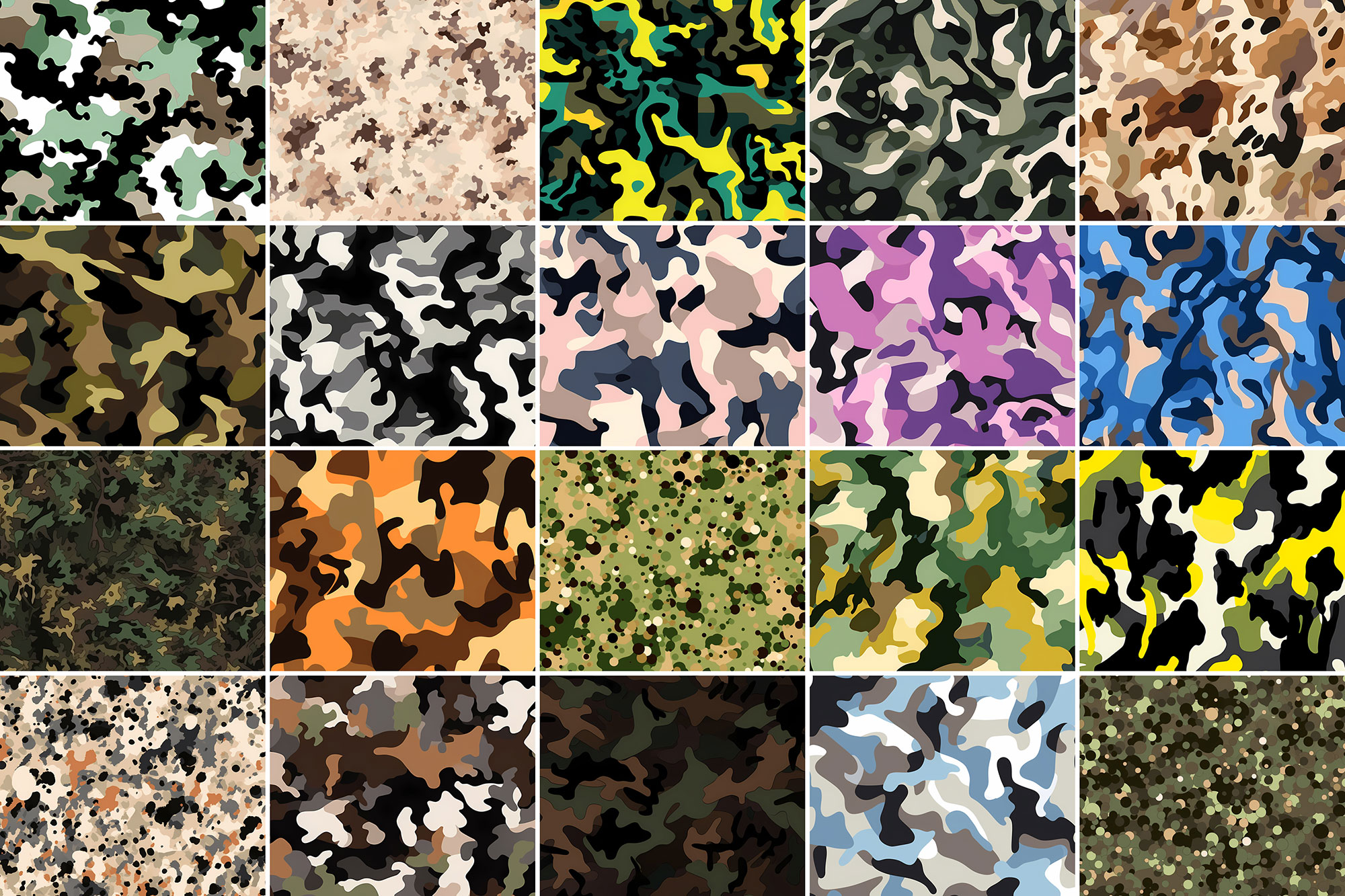
The whole point of camouflage is to attract the least attention, but Resource Boy’s camouflage patterns make that impossible. Designed at such high quality, our patterns are meant to stick out. Surely, one day these patterns help you hide among the trees in an all-green camouflage, deceiving the animals for a better hunting experience, while the other day, they make you completely invisible in a desert, wearing an urban brown camouflage uniform to keep the enemy away. But you can never hide from the keen eyes of a trained designer when you’re dealing with the best camouflage patterns and the geometric texture is so freaking neat. So if you were looking for the ultimate selection of free camouflage patterns, mission accomplished! Even as backgrounds, RB’s patterns can make anything pop right out. After all, there’s a reason Resource Boy has gone so quickly universal for its exclusive products. So this superb collection of seamless camouflage patterns in front of you is just the start of another new chapter for us and our lucky users. Developed according to the most modern methods, our digital camouflage patterns are highly printable on all kinds of your army artworks. To highlight the military theme of your design, try using one of our different types of camouflage patterns and let your design get as cool as possible. Download the world’s greatest camouflage patterns from Resource Boy now and don’t ever let the enemy predict your next move in your competition against other designers. Here on Resource Boy, we’re all rooting for you!
Quick details: License: Personal & Commercial use. Designer: Resource Boy. Popularity: 11,842 downloads.
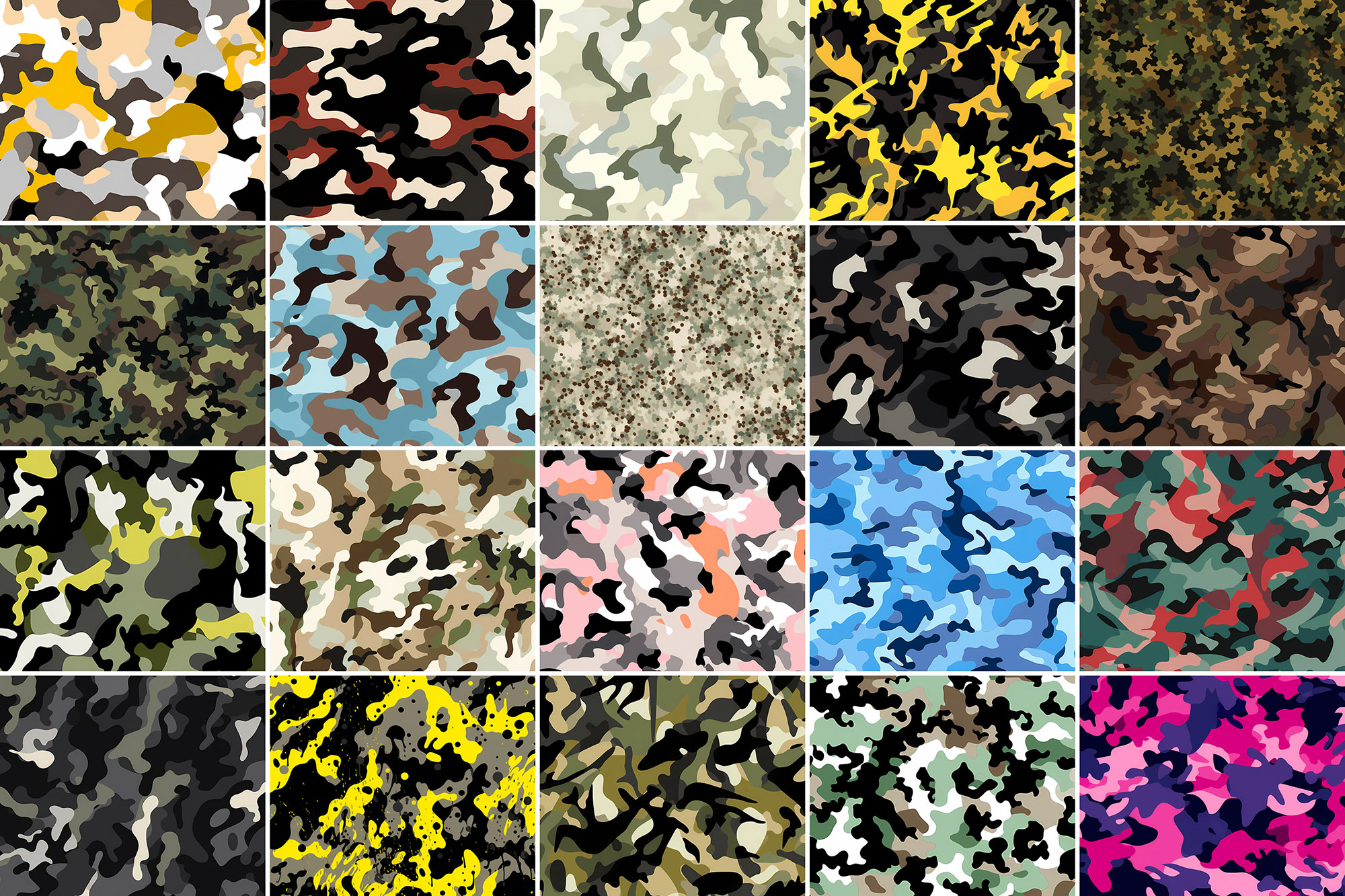
What you can do with it
It plays nicely with real-world files, not just perfect demo PSDs. Use it for album covers, packaging concepts, YouTube thumbnails, or any layout where you want a cleaner visual hook.
How to use it in Adobe Photoshop
Download, unzip, load the asset, then tweak until it fits your design.
- Download the ZIP file using the button below.
- Unzip the archive to a clean folder.
- Open Adobe Photoshop and load the included files (brushes via the Brushes panel; textures via Place/Embed; mockups/effects by editing Smart Objects).
- Apply it to your text or layer, then adjust size and position.
- Fine-tune opacity, blending mode, and color until the result feels balanced.
Practical tips
- Lower opacity first, then adjust contrast.
- Test it on both light and dark backgrounds.
- Use Smart Objects when possible for clean scaling.
- Try a different blending mode before you give up on the look.
- Duplicate your layer before applying anything.
If something looks “too much,” small changes usually fix it. Opacity, blending mode, and a soft mask solve most issues.
Preview images
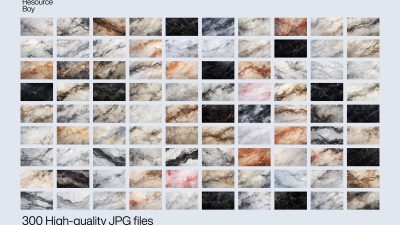
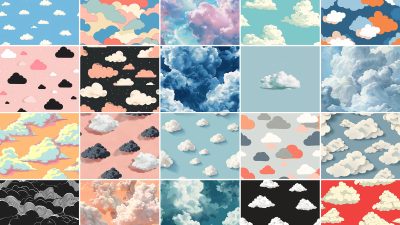
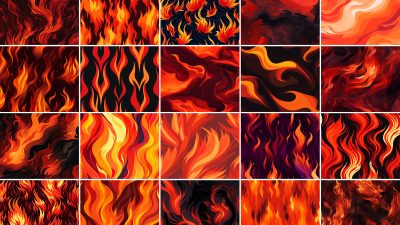
These previews are included with the original post so you can judge edges, texture strength, and readability.
FAQ
Can I use it in client work?
The listed license is Personal & Commercial use. For important jobs, read the license text inside the download.
Will it work on older versions?
Most assets like this work fine on recent versions of Adobe Photoshop. If you’re on an older build, test it in a duplicate file first.
Download 400+ Camouflage Patterns
Use the download button below. If your download is large, give it a minute to complete before extracting.