About 600+ 90s Patterns
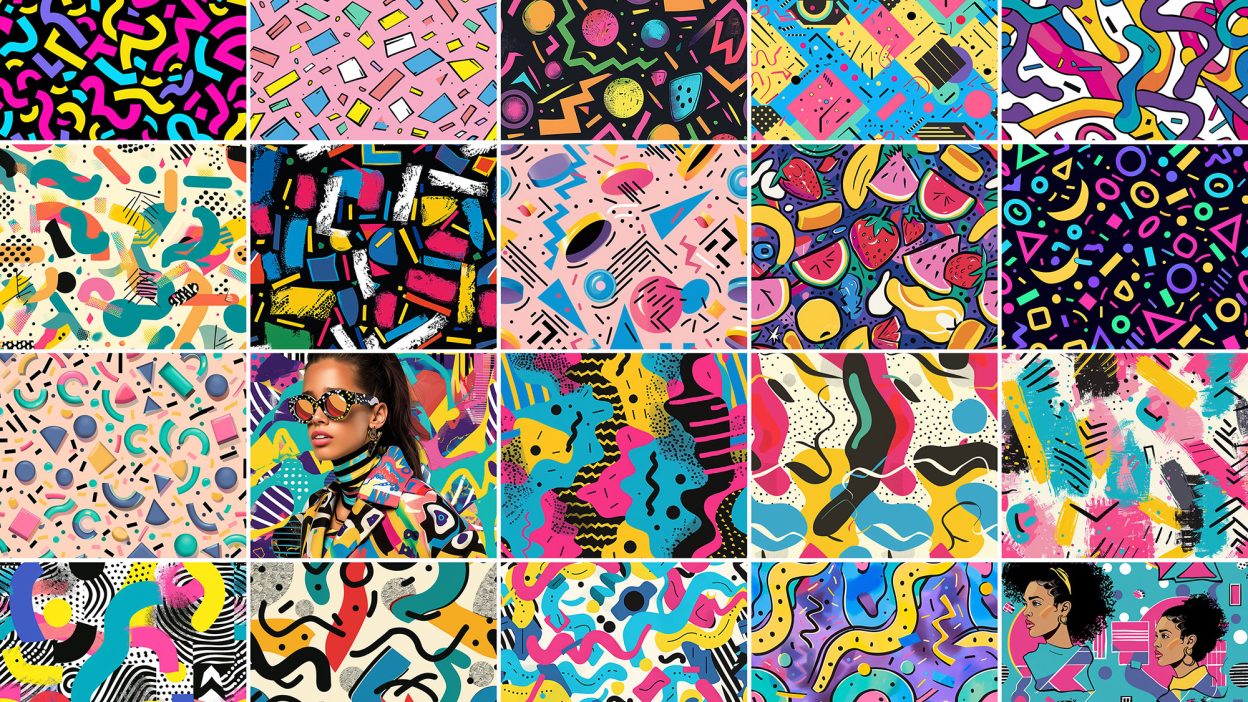
Design work moves fast. When you find a solid graphic design resource, it can shave hours off a deadline. It’s made for Adobe Photoshop, and the previews show what you can expect.
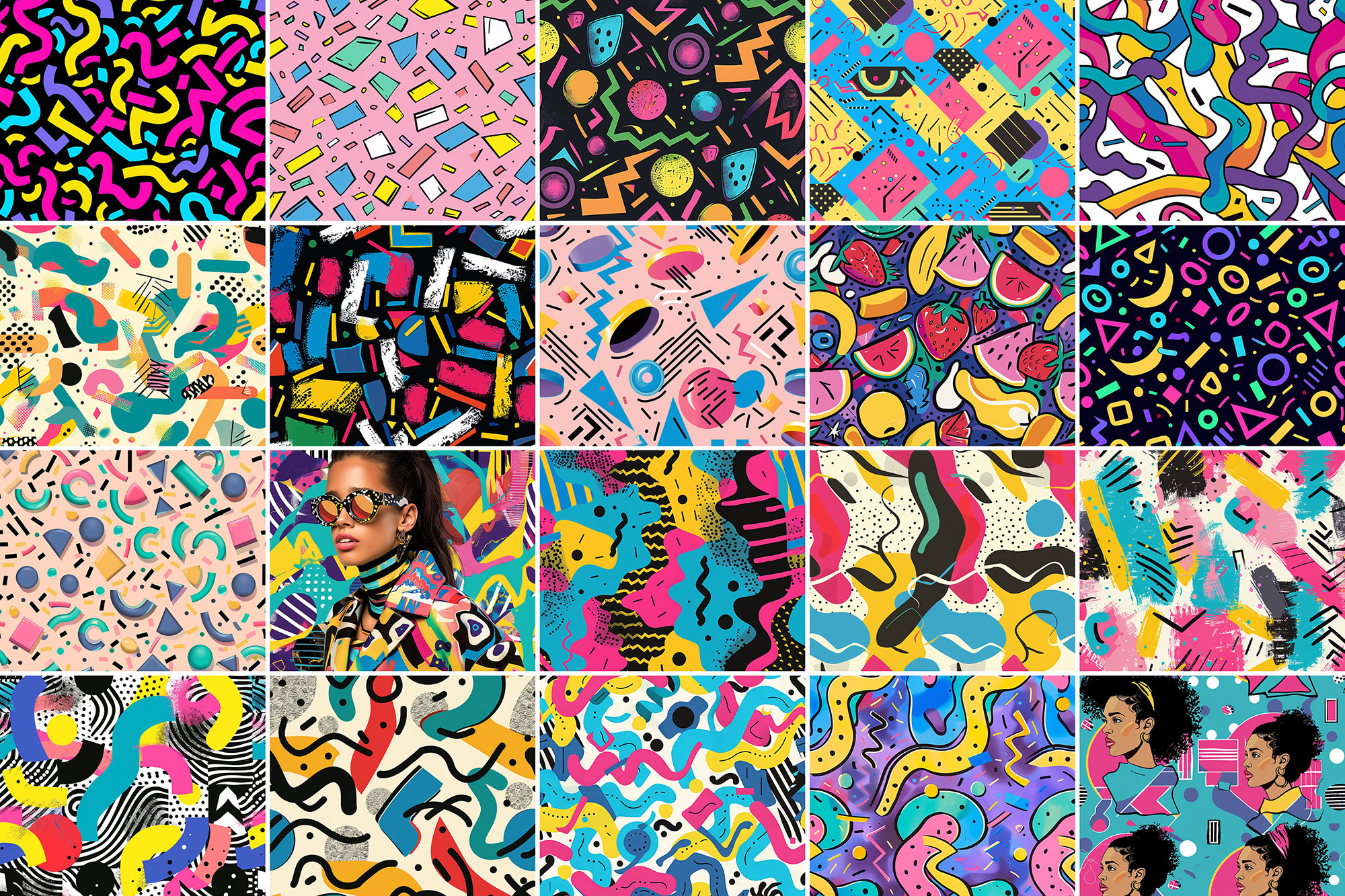
Doesn’t it feel just sweet when you have lots of good memories flooding back to you by simply looking at some visual cues? That’s how strong our 90s patterns can be. We’ve made them on purpose to exude nostalgia and fun at the same time, so it’s not going to be easy not to fall in love with such a killer combination right on the spot. Now here on Resource Boy, all it takes for you to be part of that rich tradition is a click on the download button and nothing else. You won’t even have to worry about the payment. We have no such thing about our free patterns on Resource Boy. Since we’re also giving away their free commercial license, you can do whatever you want with our seamless 90s patterns. They’ll have a lot to contribute to your art even when they’re in the background. If you want, we can also fix you up with our free 80s patterns and 90s fonts to make sure you’re not missing anything from our awesome resources. You’ll be unstoppable with so many cool retro patterns in your toolkit, especially since no other collection across the net comes even close to ours. Why should you settle for black and white to bring back the good old days when you can have all these creative and colorful patterns to capture the era? You’re not going to find a more aesthetic bundle that can bring such a delightful jazz mood and funky vibes to your artwork. Just pair them with some neon text and you can have a gorgeous club flyer, website header, and advertising digital banners for your social media. Sure enough, they will also make your wallpapers and clothes print design stick out with their geometric style and the unique color palette of yellow, pink, and blue.
Quick details: License: Personal & Commercial use. Designer: Resource Boy. Popularity: 5,471 downloads.
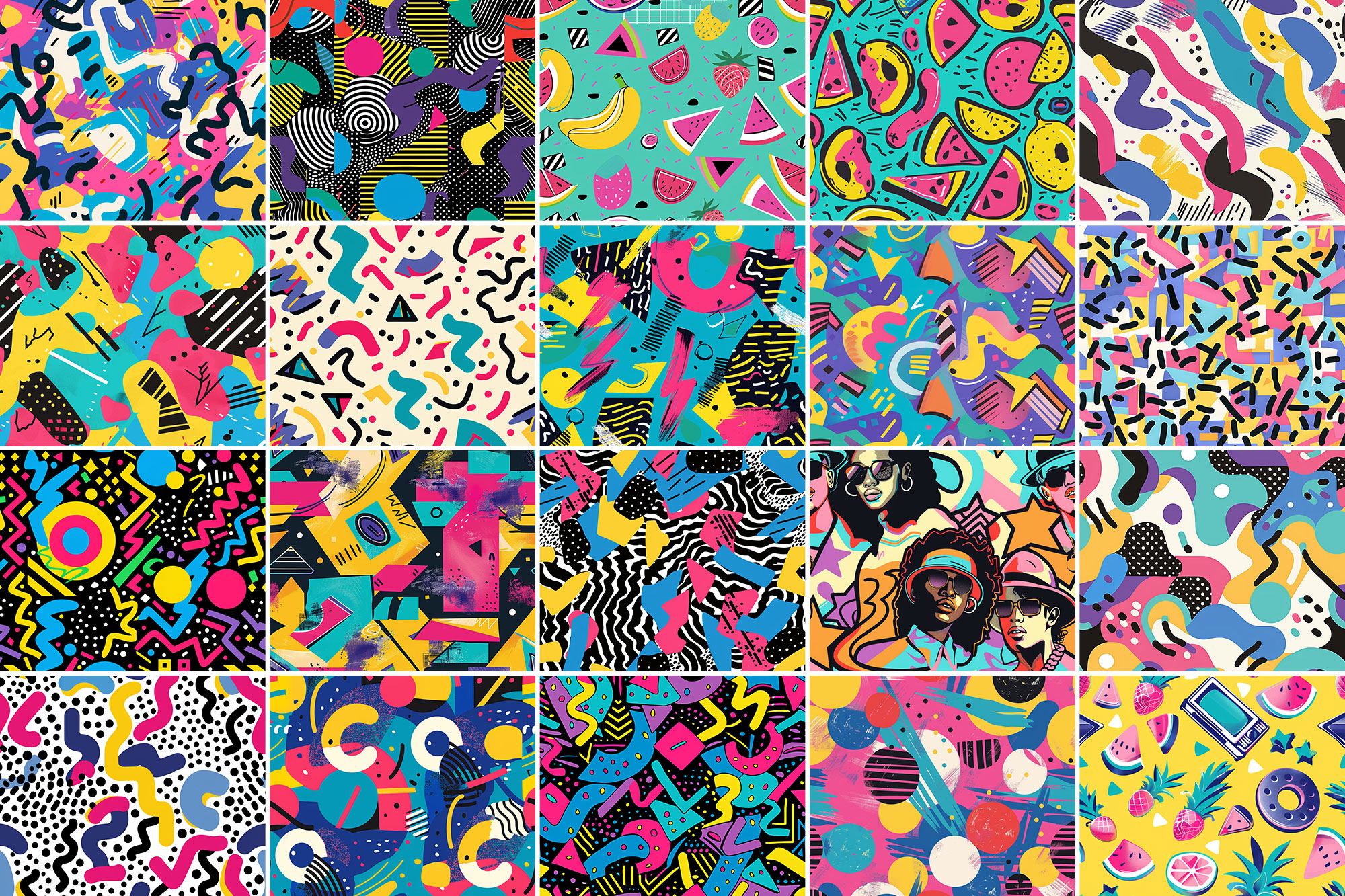
What you can do with it
You can keep it subtle or push it loud—either way, it stays usable. Use it for brand headlines, landing page hero sections, social banners, or any layout where you want a cleaner visual hook.
How to use it in Adobe Photoshop
Download, unzip, load the asset, then tweak until it fits your design.
- Download the ZIP file using the button below.
- Unzip the archive to a clean folder.
- Open Adobe Photoshop and load the included files (brushes via the Brushes panel; textures via Place/Embed; mockups/effects by editing Smart Objects).
- Apply it to your text or layer, then adjust size and position.
- Fine-tune opacity, blending mode, and color until the result feels balanced.
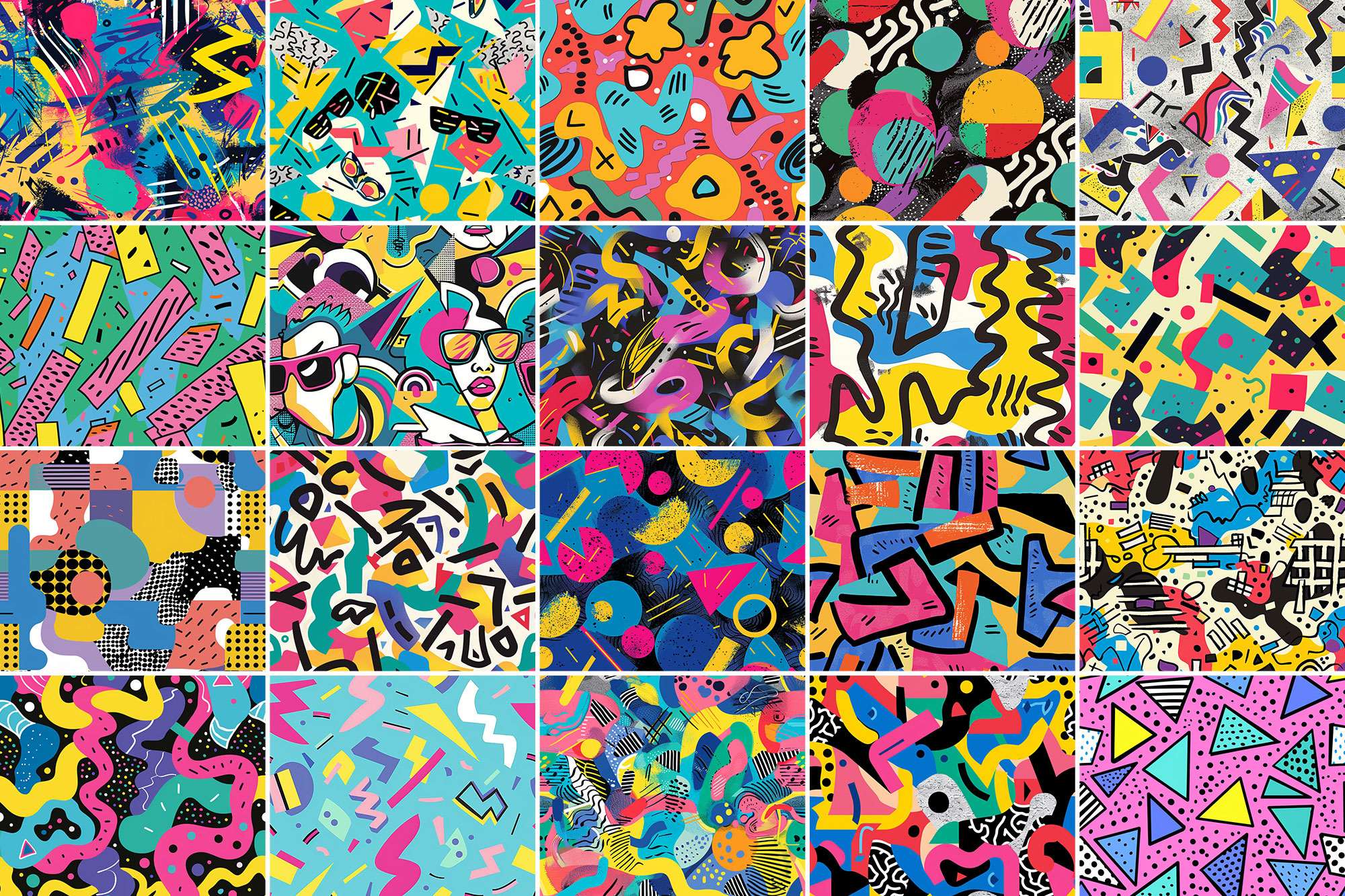
Practical tips
- Lower opacity first, then adjust contrast.
- Use Smart Objects when possible for clean scaling.
- Try a different blending mode before you give up on the look.
- Duplicate your layer before applying anything.
- Test it on both light and dark backgrounds.
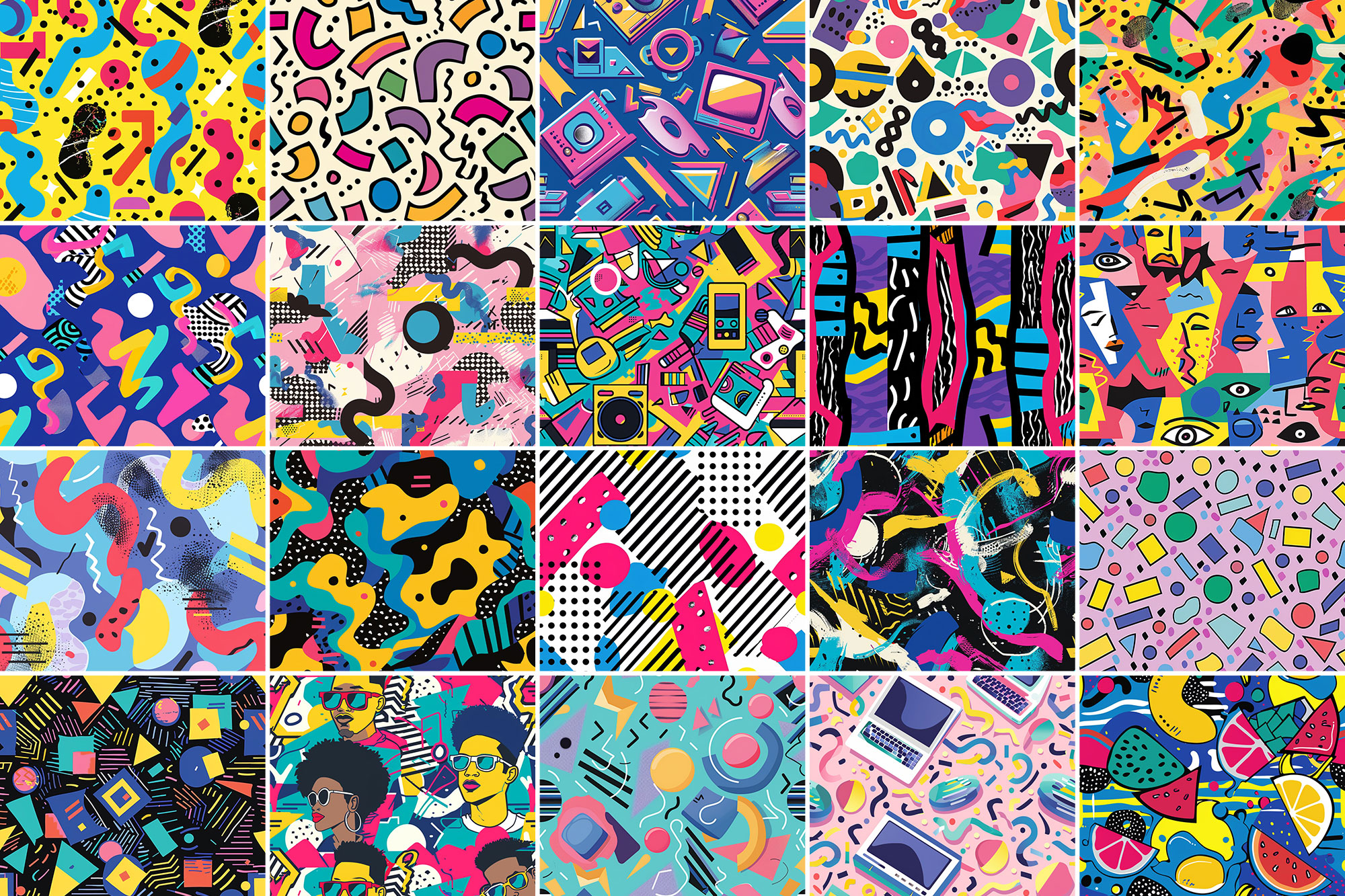
If something looks “too much,” small changes usually fix it. Opacity, blending mode, and a soft mask solve most issues.
Preview images
These previews are included with the original post so you can judge edges, texture strength, and readability.
FAQ
Can I use it in client work?
The listed license is Personal & Commercial use. For important jobs, read the license text inside the download.
Will it work on older versions?
Most assets like this work fine on recent versions of Adobe Photoshop. If you’re on an older build, test it in a duplicate file first.
Download 600+ 90s Patterns
Use the download button below. If your download is large, give it a minute to complete before extracting.