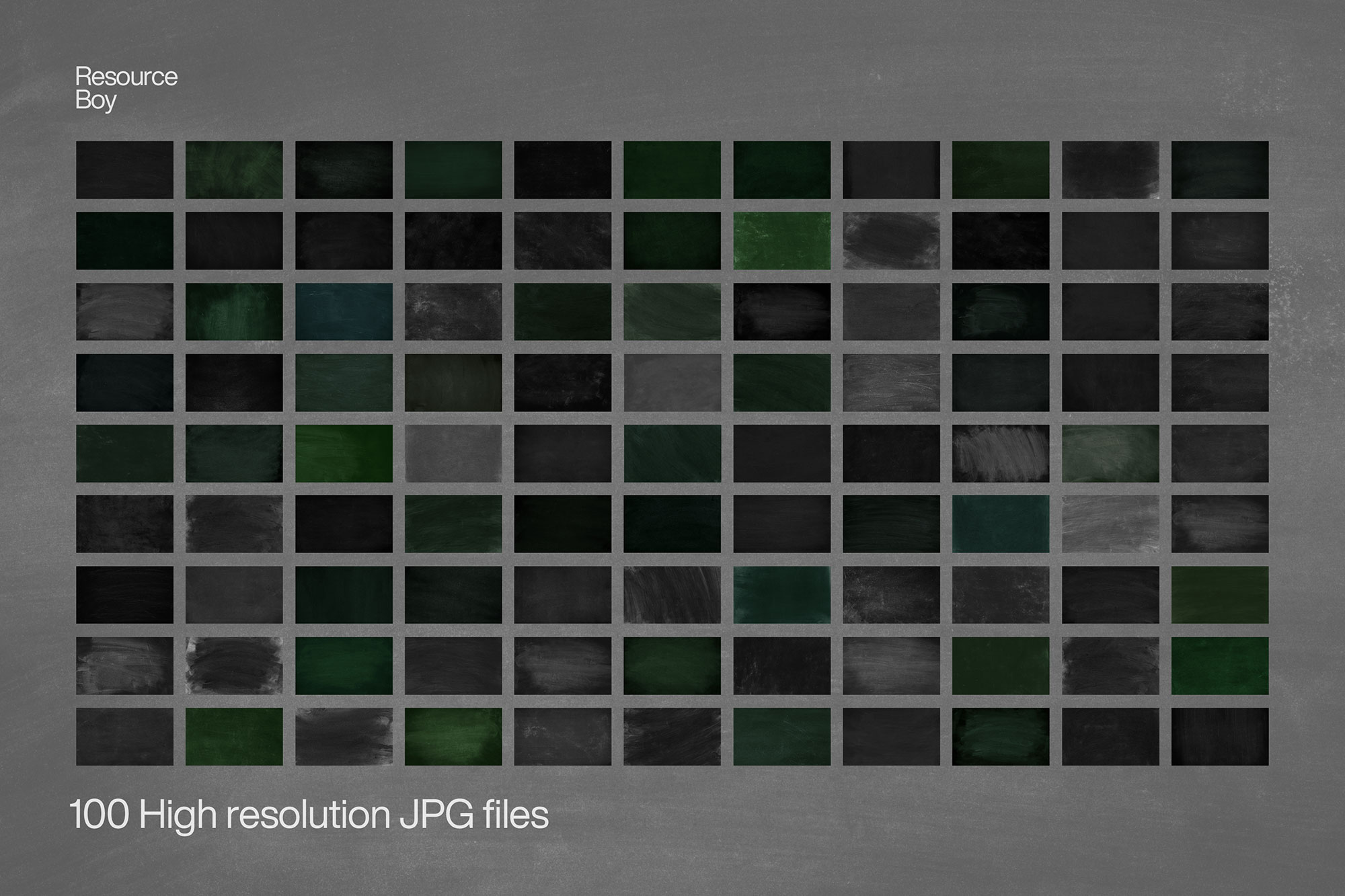
About 100 Chalkboard Textures
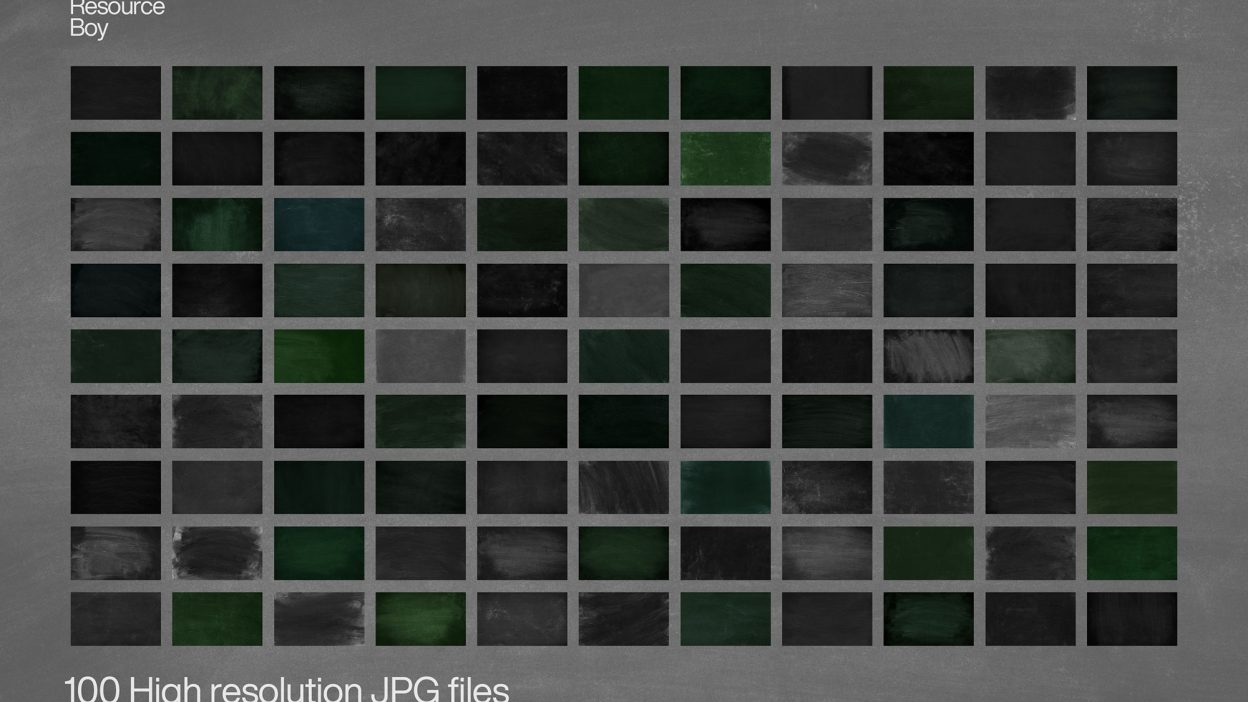
Sometimes you just need something that looks good instantly. 100 Chalkboard Textures is built for that. It’s made for Adobe Photoshop, and the previews show what you can expect.
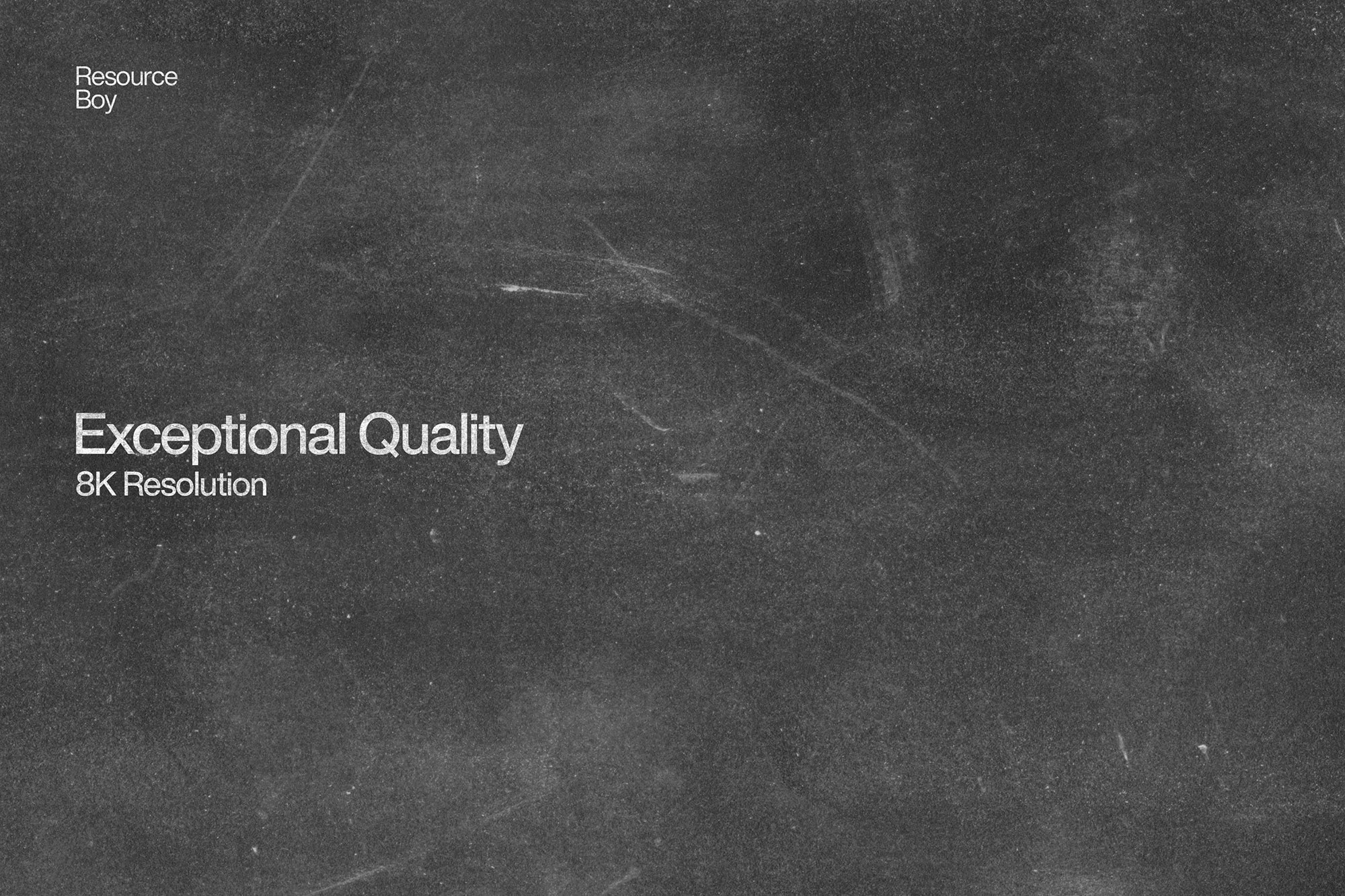
If you never thought of chalkboards as more than a means of teaching, here’s something new for you to learn. Having the world’s greatest chalkboard textures to share with you right now, we are going to show you how a simple click to set a chalkboard background for your project can put your design in a whole new light. With the added charm of our 100 grunge chalkboard JPGs, and matching chalkboard fonts, you’ll have the easiest job delivering a fine piece of art to your clients. If you want the largest and richest blackboard texture collection ever, RB’s the place you should look, and you’re not even going to pay a cent to get it in 8K high resolution. Blackboards are not just for elaborating math to school kids, but they’re pretty good for showing off your creativity to the world as well. If you think that’s kind of an exaggeration, that’s clearly because no product so far has been able to employ its full potential for enhancing graphic design. Download our chalkboard JPGs and see them hit the spot hands down as they lend your artwork an old realistic look. Plus, you can bet a nice chalk font would just make a perfect match. So click download now, and then head over to our selection of first-rate exclusive textures to keep hitting the jackpot for free.
Quick details: License: Personal & Commercial use. Designer: Resource Boy. Popularity: 37,694 downloads.
What you can do with it
It plays nicely with real-world files, not just perfect demo PSDs. Use it for packaging concepts, posters, YouTube thumbnails, or any layout where you want a cleaner visual hook.
How to use it in Adobe Photoshop
Download, unzip, load the asset, then tweak until it fits your design.
- Download the ZIP file using the button below.
- Unzip the archive to a clean folder.
- Open Adobe Photoshop and load the included files (brushes via the Brushes panel; textures via Place/Embed; mockups/effects by editing Smart Objects).
- Apply it to your text or layer, then adjust size and position.
- Fine-tune opacity, blending mode, and color until the result feels balanced.
Practical tips
- Lower opacity first, then adjust contrast.
- Try a different blending mode before you give up on the look.
- Use Smart Objects when possible for clean scaling.
- Test it on both light and dark backgrounds.
- Duplicate your layer before applying anything.
If something looks “too much,” small changes usually fix it. Opacity, blending mode, and a soft mask solve most issues.
Preview images
These previews are included with the original post so you can judge edges, texture strength, and readability.
FAQ
Can I use it in client work?
The listed license is Personal & Commercial use. For important jobs, read the license text inside the download.
Will it work on older versions?
Most assets like this work fine on recent versions of Adobe Photoshop. If you’re on an older build, test it in a duplicate file first.
Download 100 Chalkboard Textures
Use the download button below. If your download is large, give it a minute to complete before extracting.