About 100 Ink Photoshop Brushes
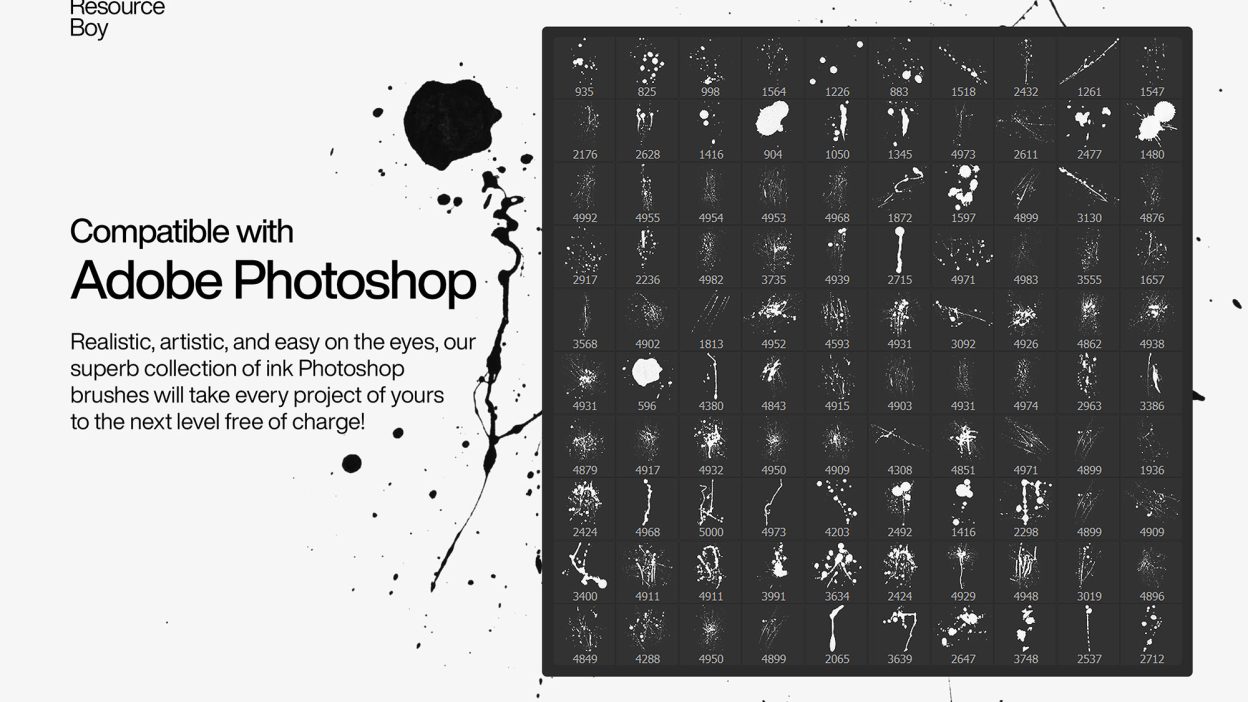
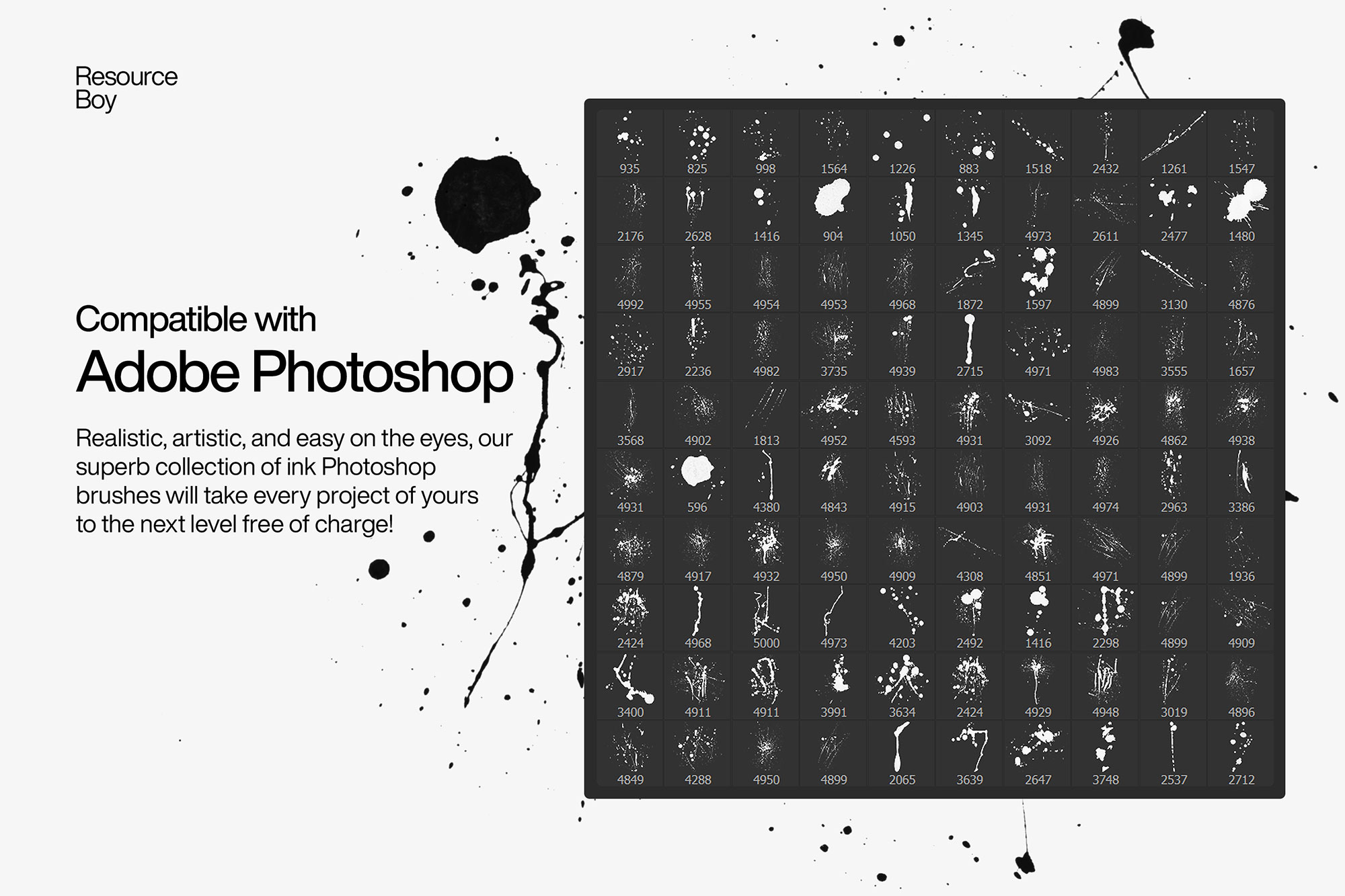
Sometimes you just need something that looks good instantly. 100 Ink Photoshop Brushes is built for that. It’s made for Adobe Photoshop, and the previews show what you can expect.
It’s actually pretty easy to make a splash when you have the luxury to use such tasteful ink brushes in your designs. You can just sit back as the ultra-high resolution of our artwork makes everyone’s jaw drop! Given how first-rate they are, it’s probably going to be a little hard to believe that the free commercial license is included in the download file too. Nonetheless, that shouldn’t be much of a surprise if you already know about our exclusive products on Resource Boy up till here. Packed with 100 free ink Photoshop brushes, this wonderful collection will be just the thing you need to boost your art aesthetically even as a beginner. After all, that 4k resolution is one of those things that will leave your viewers impressed no matter what. For a more bold and edgy look, you should team up these brushes with our spray paint fonts. Click download now and discover dozens of new ways to get creative in your future projects. There’s something so charming about our ink brush set and how it adds to the visual interest of your work that you guys are going to love it. So it’s pretty much going to be the same as our 100 free splatter brushes: realistic, artistic, and easy on the eyes. Take this chance to have more fun in any music cover, poster, or T-shirt that you’re designing and go beyond your limits. On Resource Boy, you’re invited to the experience of a lifetime with these terrific 4k ink stains, just like you all enjoyed our 100 free watercolor brushes earlier. To tell you the truth, if you want to make a lasting impression on your audience, basically any RB product works. All this ink is going to leave a mark anyway!
Quick details: License: Personal & Commercial use. Designer: Resource Boy. Popularity: 14,668 downloads.
What you can do with it
You can keep it subtle or push it loud—either way, it stays usable. Use it for YouTube thumbnails, landing page hero sections, posters, or any layout where you want a cleaner visual hook.
How to use it in Adobe Photoshop
Download, unzip, load the asset, then tweak until it fits your design.
- Download the ZIP file using the button below.
- Unzip the archive to a clean folder.
- Open Adobe Photoshop and load the included files (brushes via the Brushes panel; textures via Place/Embed; mockups/effects by editing Smart Objects).
- Apply it to your text or layer, then adjust size and position.
- Fine-tune opacity, blending mode, and color until the result feels balanced.
Practical tips
- Try a different blending mode before you give up on the look.
- Test it on both light and dark backgrounds.
- Use Smart Objects when possible for clean scaling.
- Lower opacity first, then adjust contrast.
- Duplicate your layer before applying anything.
If something looks “too much,” small changes usually fix it. Opacity, blending mode, and a soft mask solve most issues.
Preview images
These previews are included with the original post so you can judge edges, texture strength, and readability.
FAQ
Can I use it in client work?
The listed license is Personal & Commercial use. For important jobs, read the license text inside the download.
Will it work on older versions?
Most assets like this work fine on recent versions of Adobe Photoshop. If you’re on an older build, test it in a duplicate file first.
Download 100 Ink Photoshop Brushes
Use the download button below. If your download is large, give it a minute to complete before extracting.