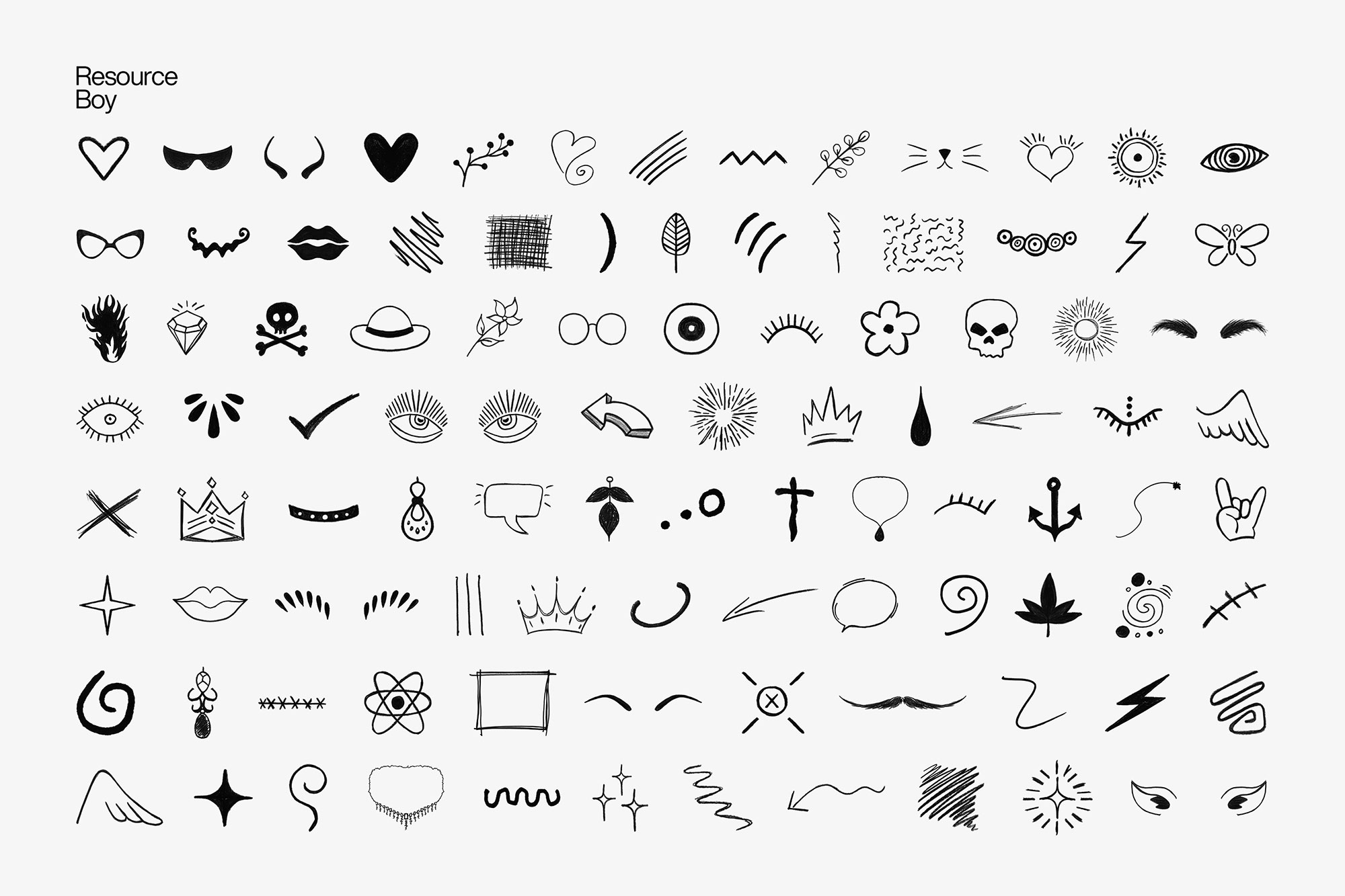
About 100 PNG Hand Drawn Elements
Design work moves fast. When you find a solid graphic design resource, it can shave hours off a deadline. It’s made for Adobe Photoshop, and the previews show what you can expect.
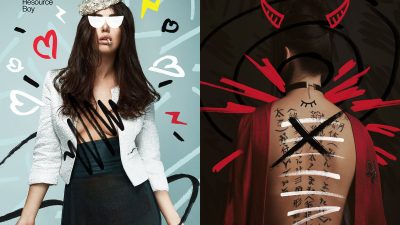
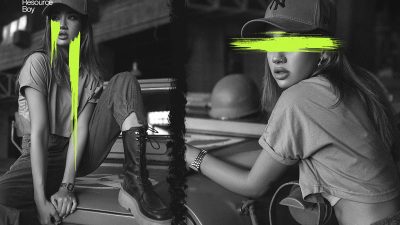
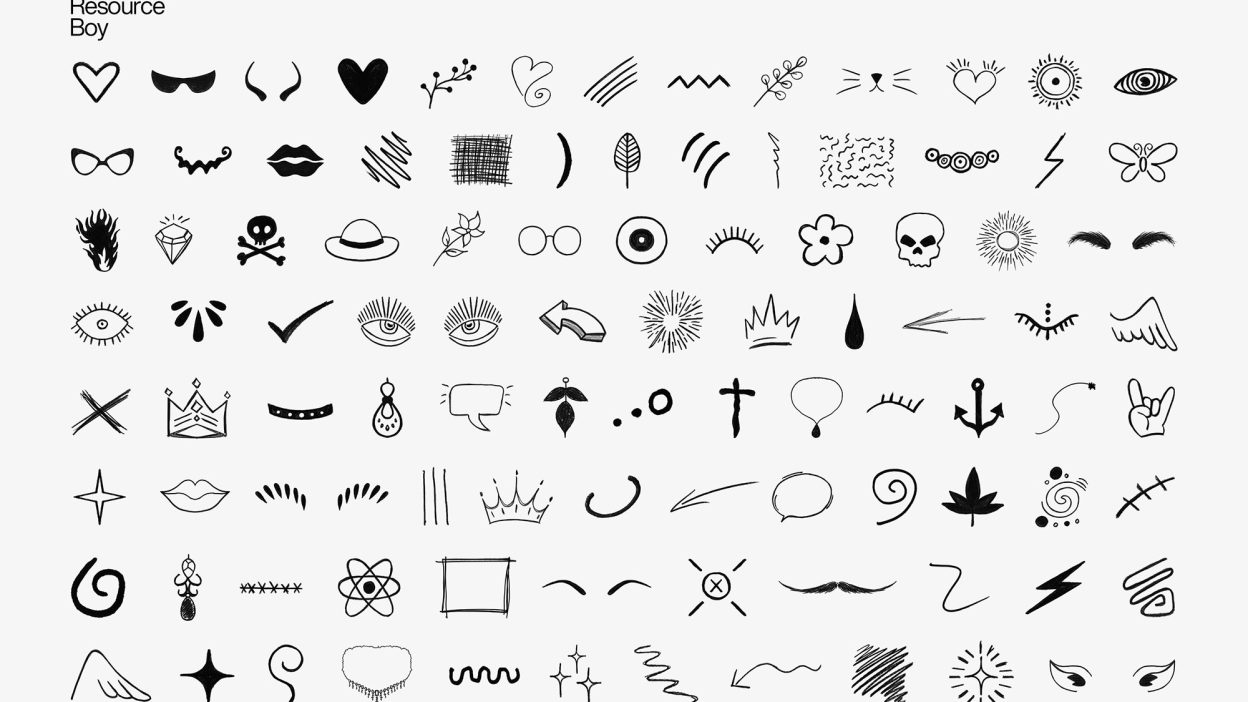
Outdo yourself in your graphic design projects just as Hyperpix has done so with its new legendry 1000 Hyper hand drawn elements collection, not long after their topnotch 1000 Hyper markers took the world by storm. But that’s not all the good news we have lined up for you today. Once again, we have pulled some strings to prepare a special treat for our users by giving you free access to a preview of Hyper hand drawn elements, exclusively available on Resource Boy. For now, as a privilege to RB users, a total of 100 transparent hand drawn elements have been picked from the original 1000 PNGs and given out here as freebies. There are all kinds of handmade elements for glasses / eyebrows / hats / necklaces / lips / mustaches and beard / ears / doodles / crowns / horns / tails / ties and ribbons in there and yet it’s nothing compared to its full package on Hyperpix. Oh, we almost forgot, you should definitely check our Doodle font collection too; it would be a must-have item alongside our elements. Just wait till you take the first bite of something so well-crafted and artistically tasteful, and you’re not going to be able to rest unless it’s fully yours. Press download to receive the light collection with 100 free hand-drawn PNG elements without further ado and visit our friends on Hyperpix next so that they catch you up with its latest premium version straight off. Oh a
Quick details: License: Personal & Commercial use. Designer: Hyperpix. Popularity: 29,898 downloads.
What you can do with it
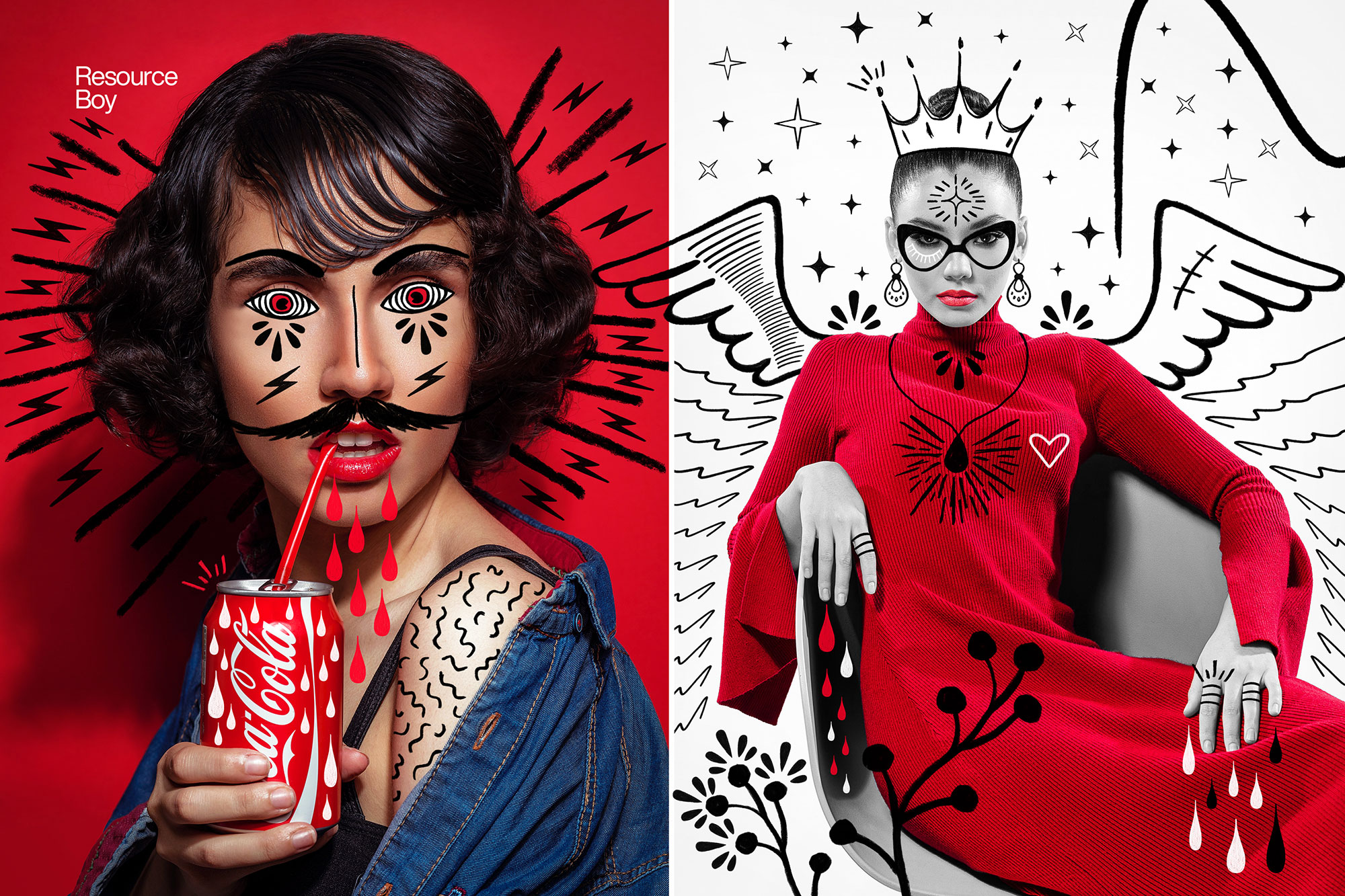
It plays nicely with real-world files, not just perfect demo PSDs. Use it for packaging concepts, landing page hero sections, album covers, or any layout where you want a cleaner visual hook.
How to use it in Adobe Photoshop
Download, unzip, load the asset, then tweak until it fits your design.
- Download the ZIP file using the button below.
- Unzip the archive to a clean folder.
- Open Adobe Photoshop and load the included files (brushes via the Brushes panel; textures via Place/Embed; mockups/effects by editing Smart Objects).
- Apply it to your text or layer, then adjust size and position.
- Fine-tune opacity, blending mode, and color until the result feels balanced.
Practical tips
- Use Smart Objects when possible for clean scaling.
- Try a different blending mode before you give up on the look.
- Test it on both light and dark backgrounds.
- Lower opacity first, then adjust contrast.
- Duplicate your layer before applying anything.
If something looks “too much,” small changes usually fix it. Opacity, blending mode, and a soft mask solve most issues.
Preview images
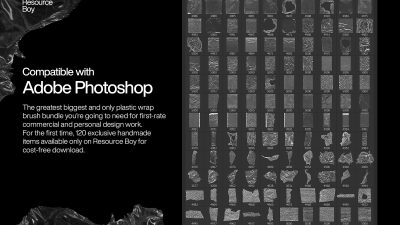
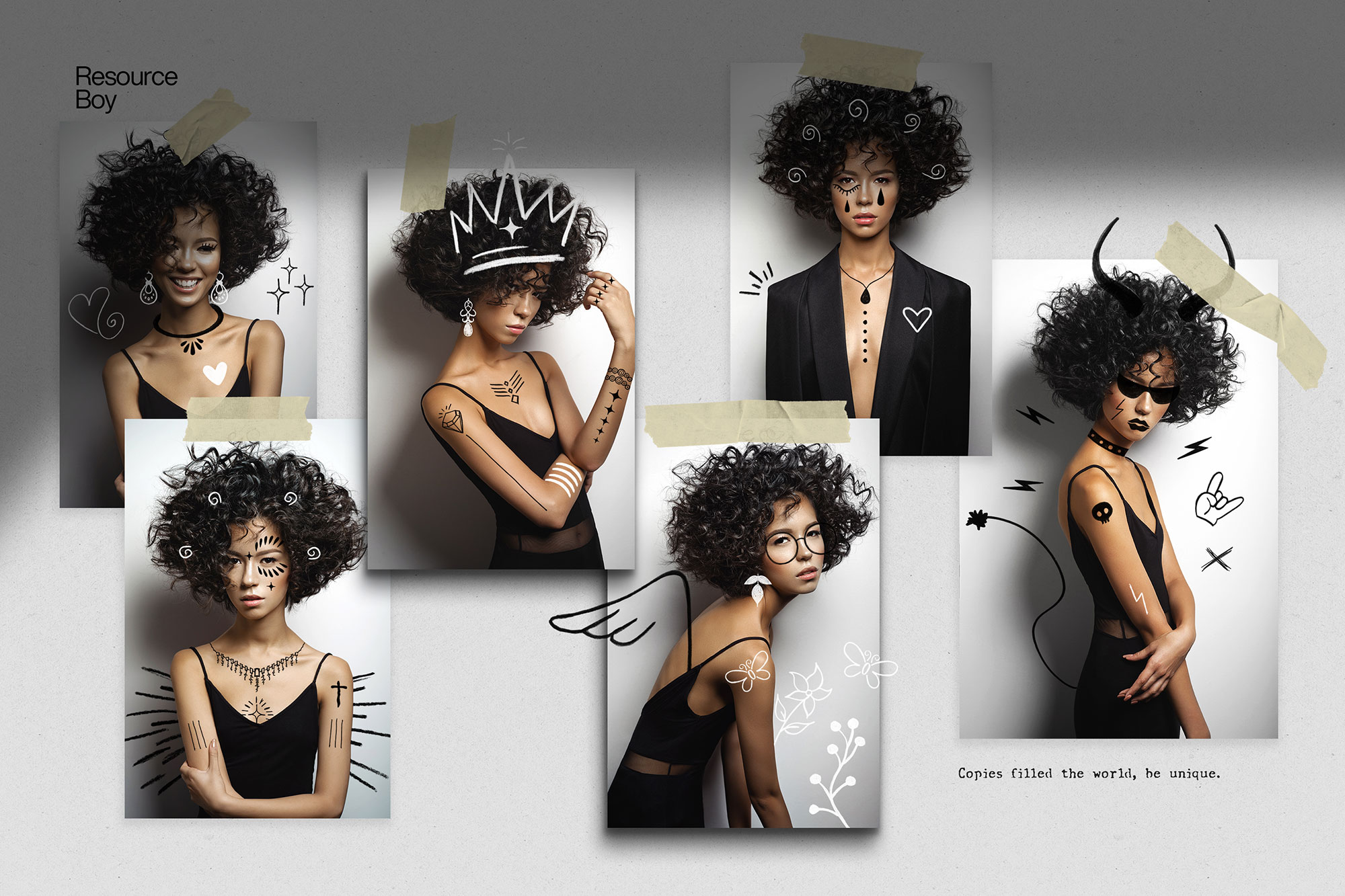
These previews are included with the original post so you can judge edges, texture strength, and readability.
FAQ
Can I use it in client work?
The listed license is Personal & Commercial use. For important jobs, read the license text inside the download.
Will it work on older versions?
Most assets like this work fine on recent versions of Adobe Photoshop. If you’re on an older build, test it in a duplicate file first.
Download 100 PNG Hand Drawn Elements
Use the download button below. If your download is large, give it a minute to complete before extracting.