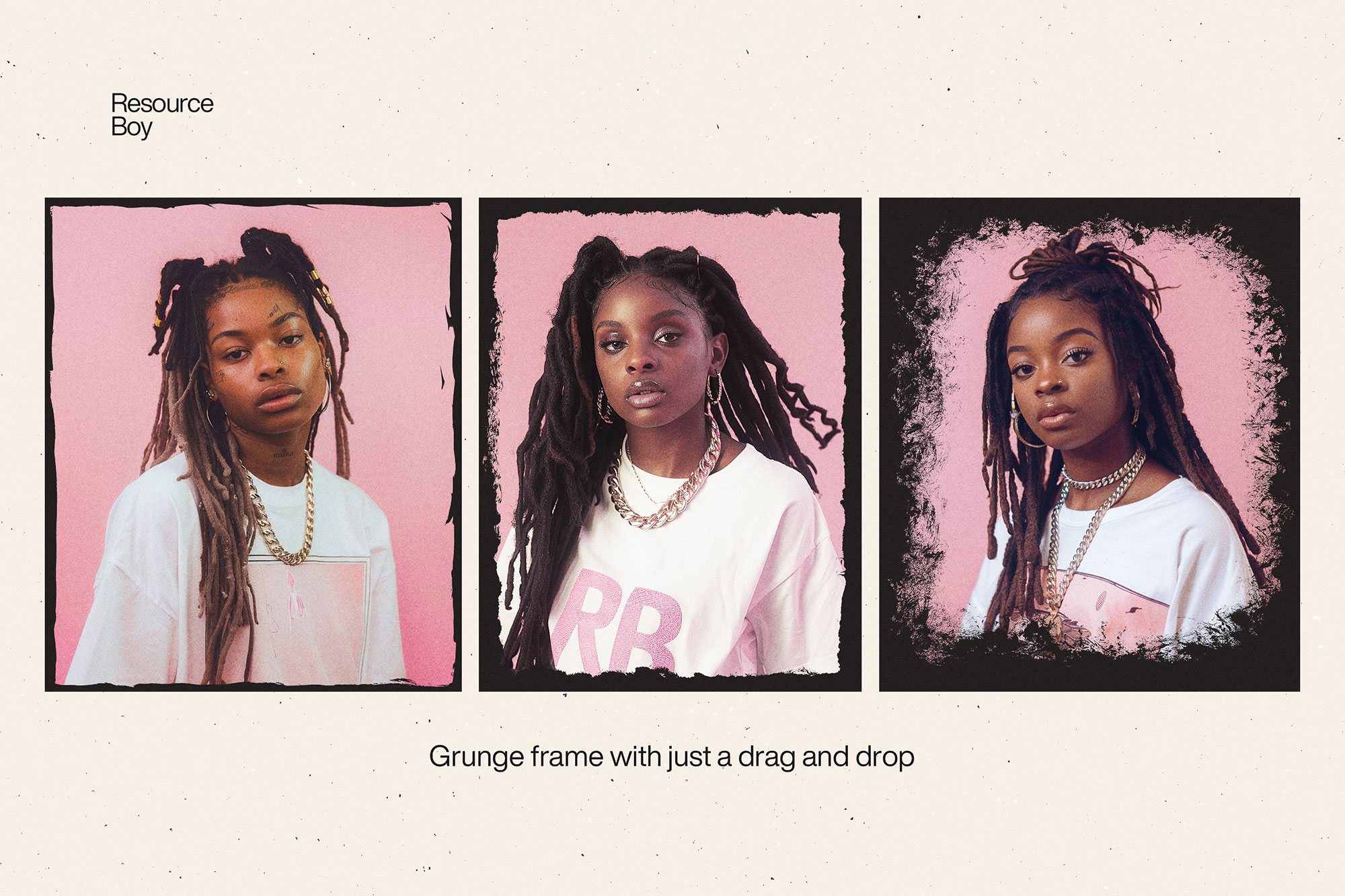
About 120+ Grunge Frame & Border Photoshop Brushes
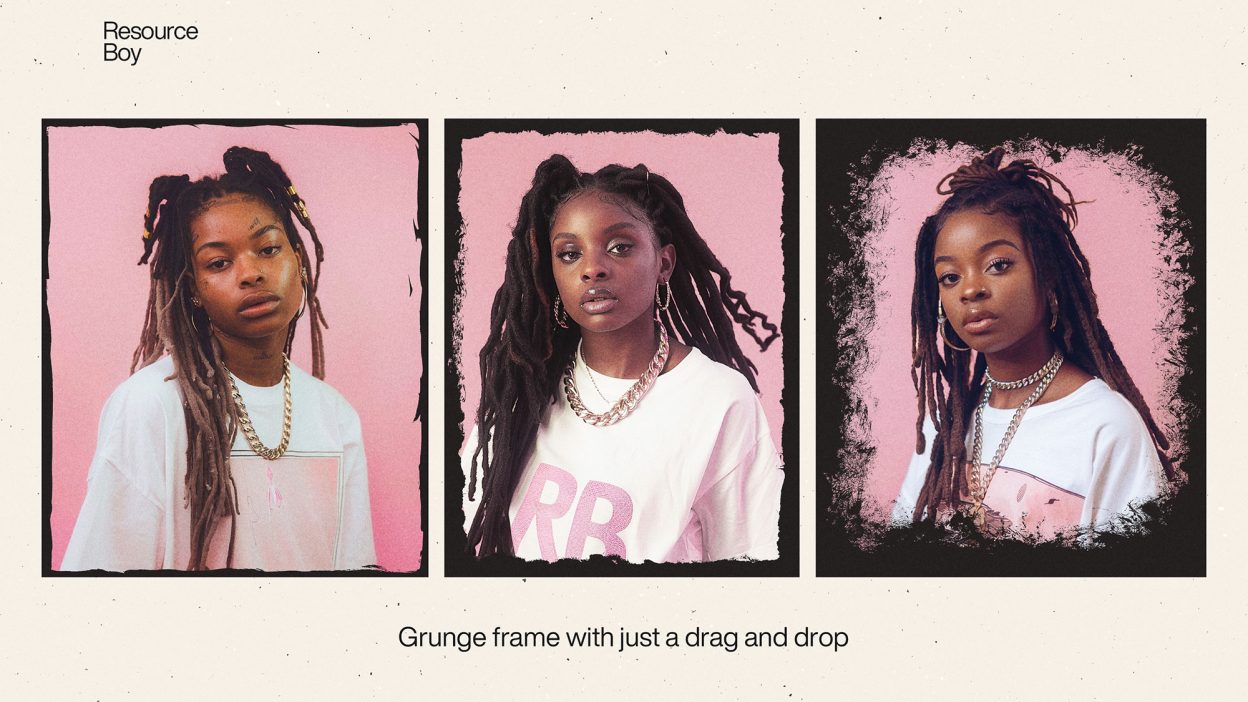
Not every asset deserves a spot in your toolbox. 120+ Grunge Frame & Border Photoshop Brushes is one of the few that actually earns it. It’s made for Adobe Photoshop, and the previews show what you can expect.
There must have been plenty of times when you thought you could double the artistic appeal of your design with a nice frame around it. Today we’re going to make sure you have the best material to make that happen without having to worry about the money or the skill it needs. Our fantastic collection of grunge frame Photoshop brushes may not be the first one made but it’ll certainly rank at the very top in terms of resolution. Guess how much that would have cost you on some other website! However, as long as you’re here with us, you don’t need to worry about your financial status for downloading our fine assets. All our Photoshop brushes are downloadable with a free commercial license. So feel free to add these aesthetic frames to your personal and business projects and see the difference it makes to your design. If only you knew how many wonderful designs you can make with just one of these border Photoshop brushes in partnership with our border fonts, you were already busy downloading and adding them to your toolkit right now. We’ve done it once with our grunge frame textures and we’re going to do it again with their brush versions too. It’s important that you know our designs are not like the rest of the border brushes out there. The entire content of this pack is made by hand, using different types of brushes to keep your options wide open. We managed to offer you one of the largest collections of stroke Photoshop brushes before, remember? This is just like that only much more advanced. Back then, there wasn’t a brush stroke you couldn’t find in our bundle and now it’s the same all over again. So buckle up and get ready to have tons of fun with our exciting free frame brushes. This is going to be like nothing else you’ve done before.
Quick details: License: Personal & Commercial use. Designer: Resource Boy. Popularity: 23,785 downloads.
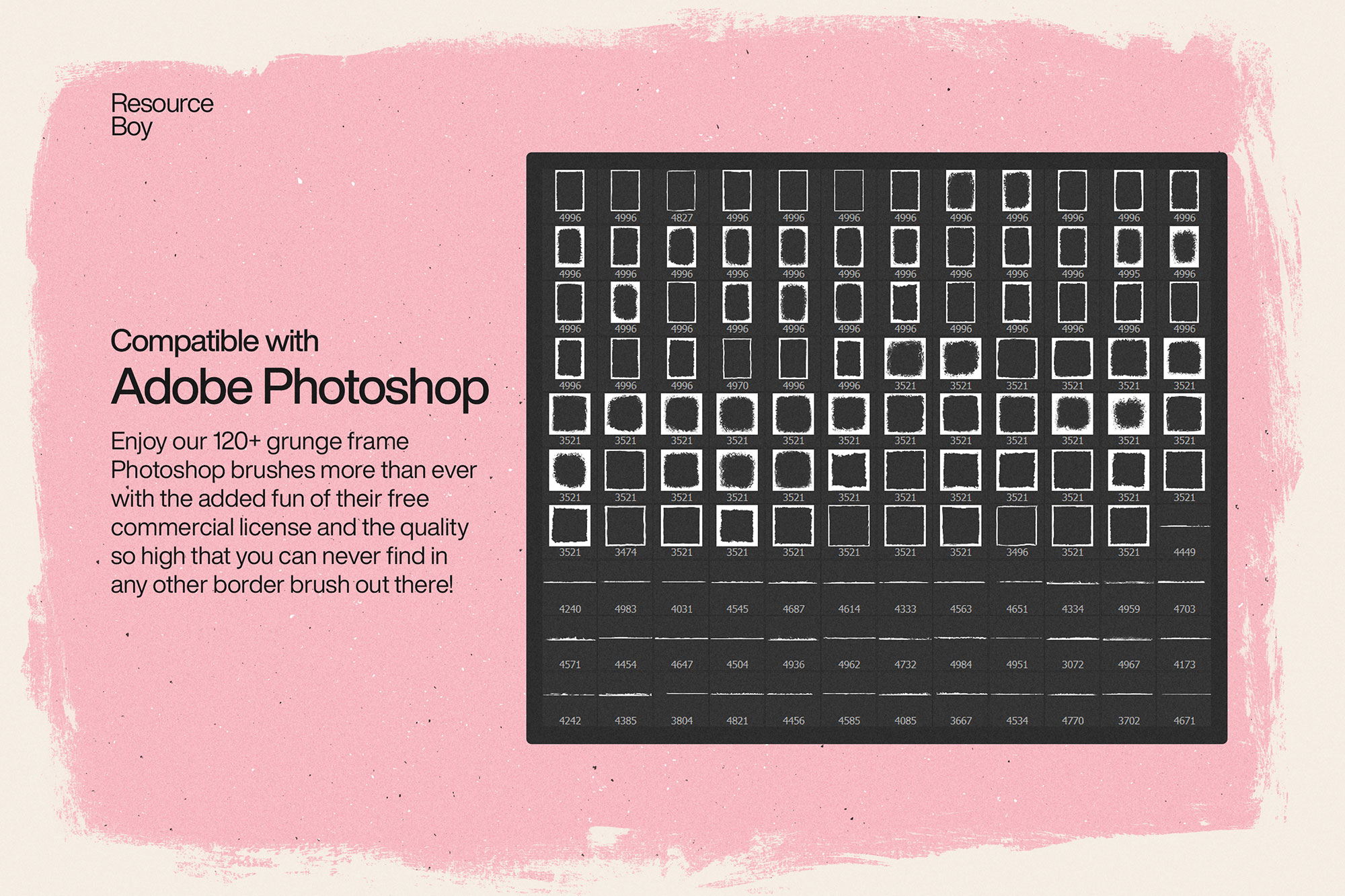
What you can do with it
It’s editable, flexible, and pretty forgiving if you like to experiment. Use it for brand headlines, YouTube thumbnails, album covers, or any layout where you want a cleaner visual hook.
How to use it in Adobe Photoshop
Download, unzip, load the asset, then tweak until it fits your design.
- Download the ZIP file using the button below.
- Unzip the archive to a clean folder.
- Open Adobe Photoshop and load the included files (brushes via the Brushes panel; textures via Place/Embed; mockups/effects by editing Smart Objects).
- Apply it to your text or layer, then adjust size and position.
- Fine-tune opacity, blending mode, and color until the result feels balanced.
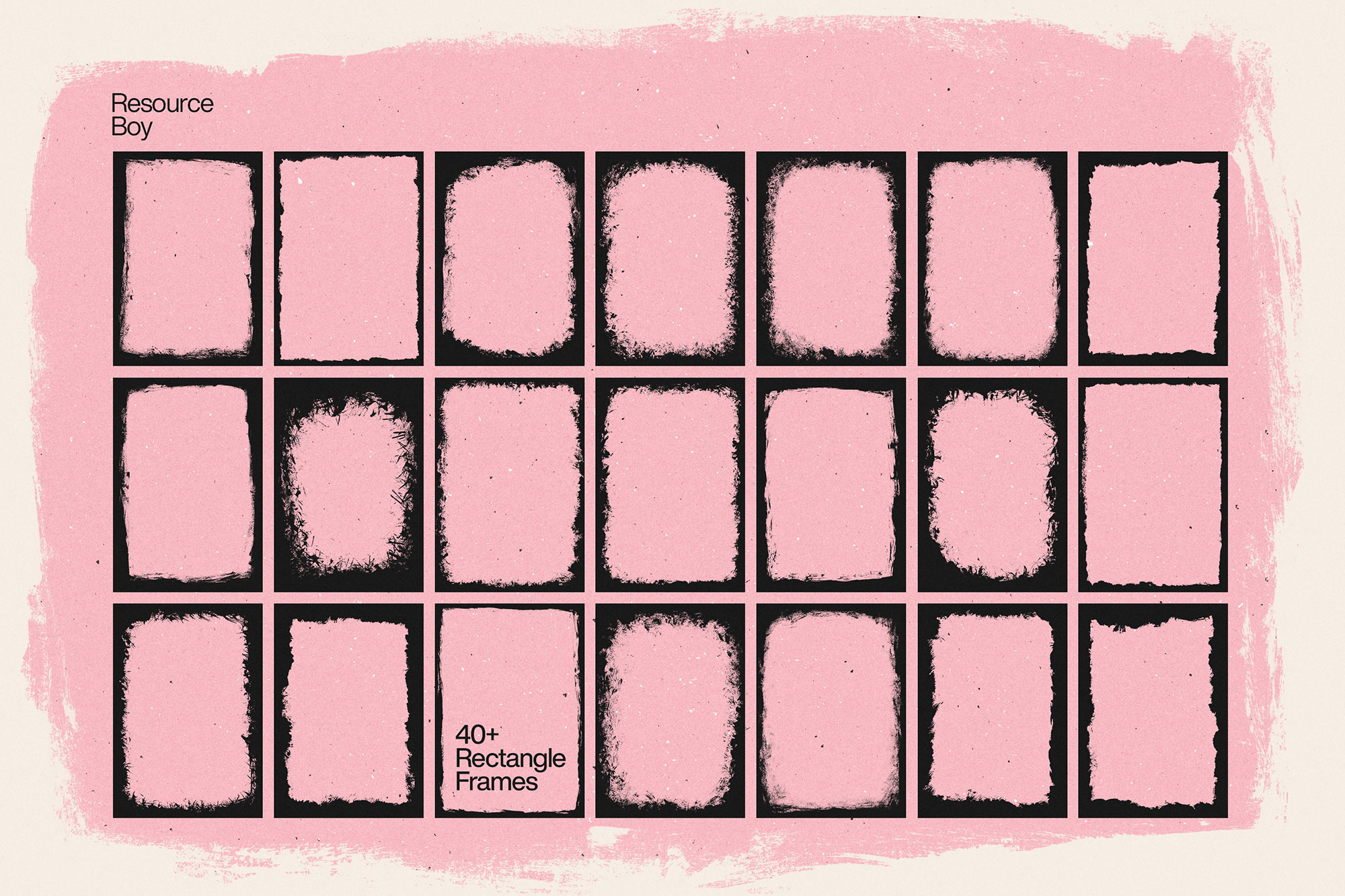
Practical tips
- Duplicate your layer before applying anything.
- Use Smart Objects when possible for clean scaling.
- Try a different blending mode before you give up on the look.
- Test it on both light and dark backgrounds.
- Lower opacity first, then adjust contrast.
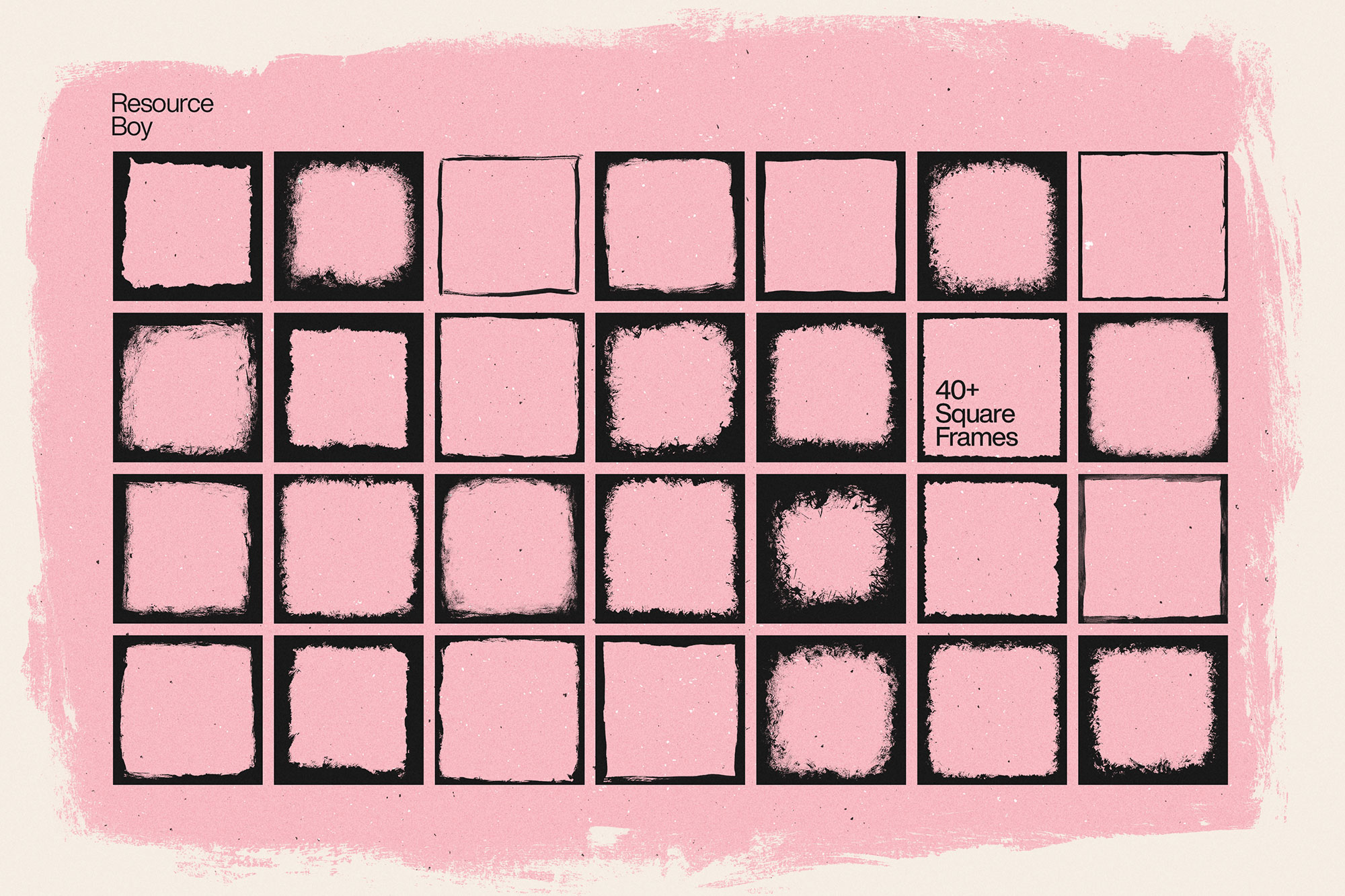
If something looks “too much,” small changes usually fix it. Opacity, blending mode, and a soft mask solve most issues.
Preview images
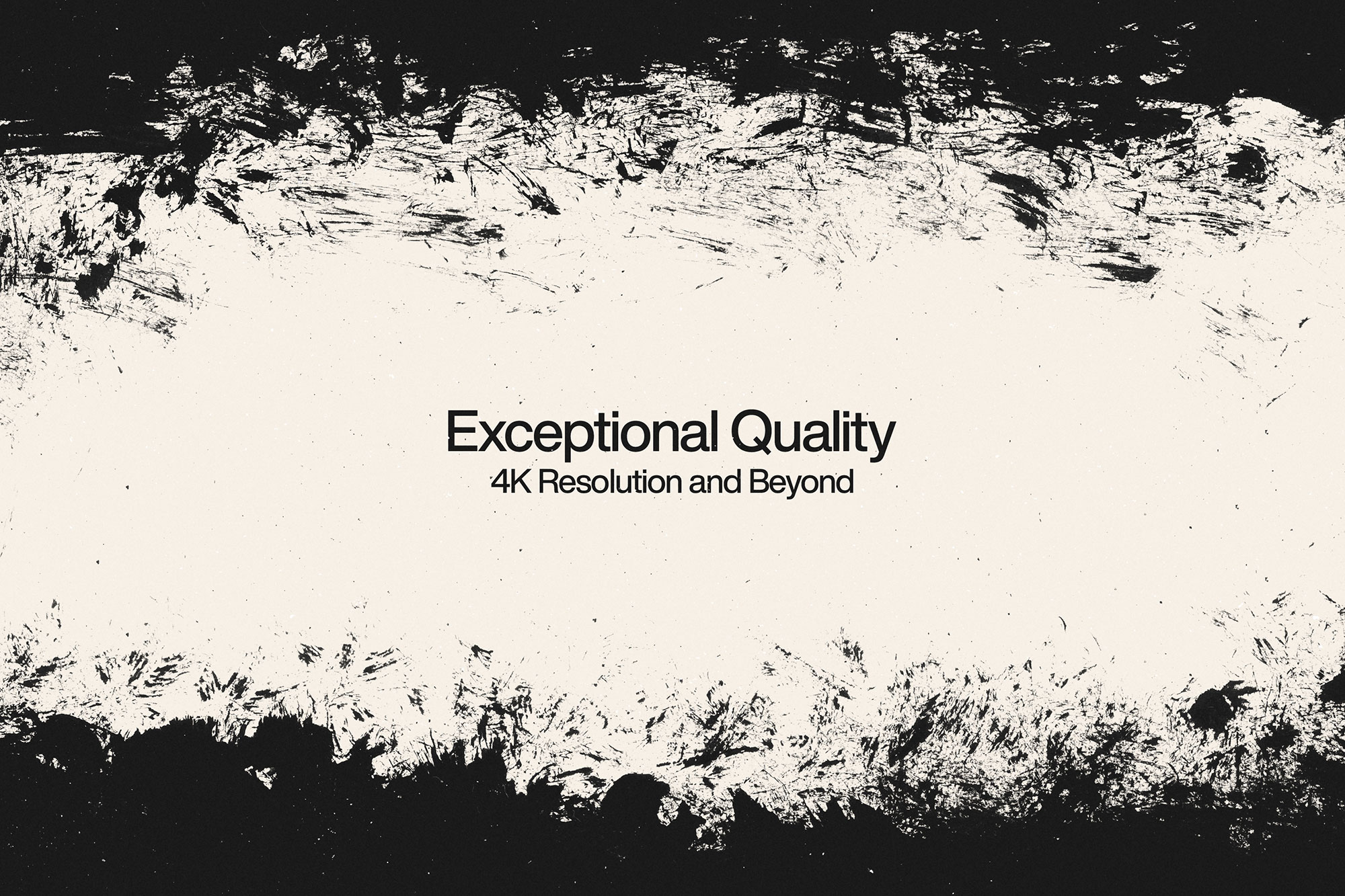
These previews are included with the original post so you can judge edges, texture strength, and readability.
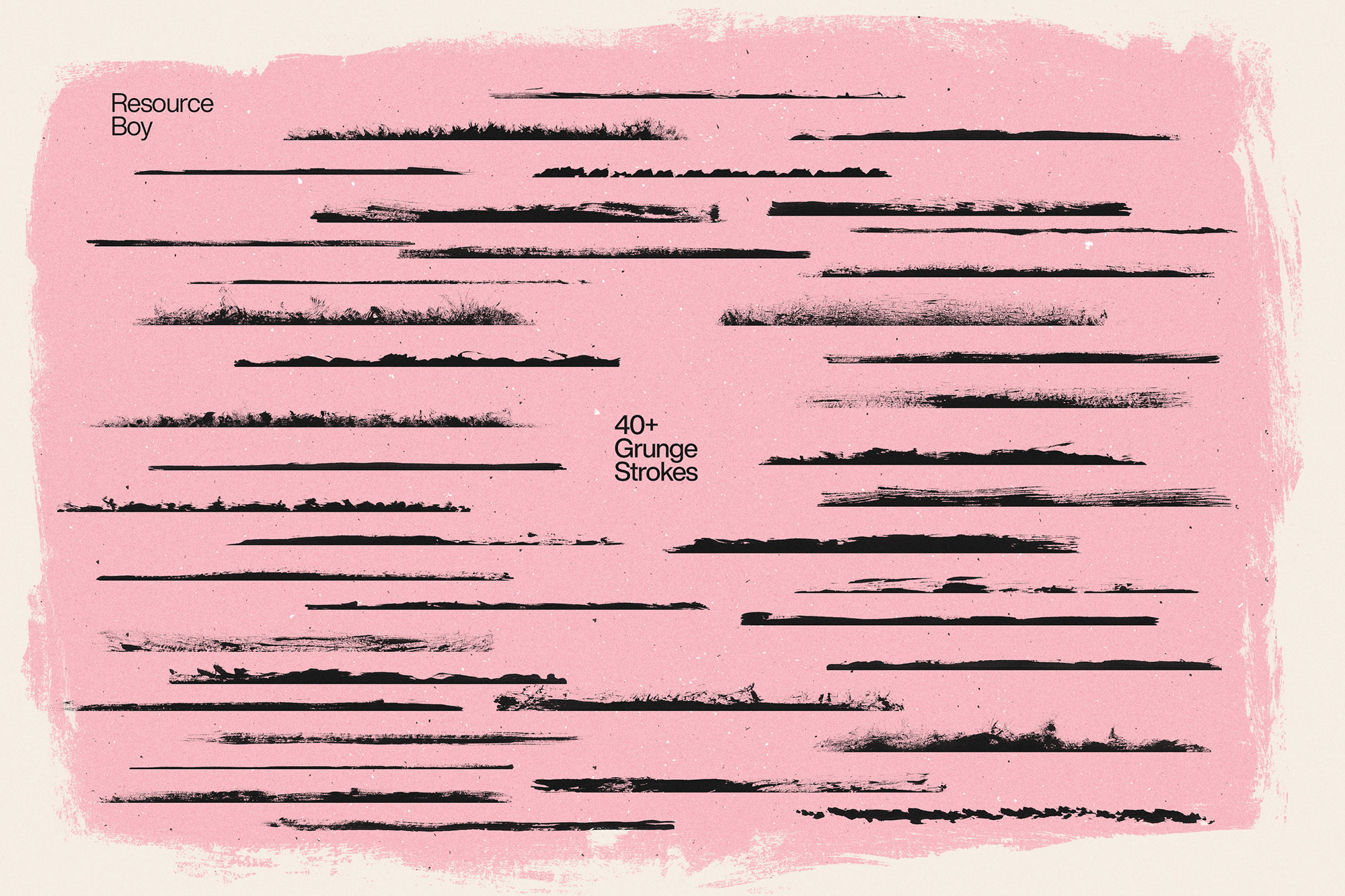
More previews
Extra images are placed here so you can scan the look quickly.
FAQ
Preview image
Can I use it in client work?
The listed license is Personal & Commercial use. For important jobs, read the license text inside the download.
Will it work on older versions?
Most assets like this work fine on recent versions of Adobe Photoshop. If you’re on an older build, test it in a duplicate file first.
Download 120+ Grunge Frame & Border Photoshop Brushes
Use the download button below. If your download is large, give it a minute to complete before extracting.