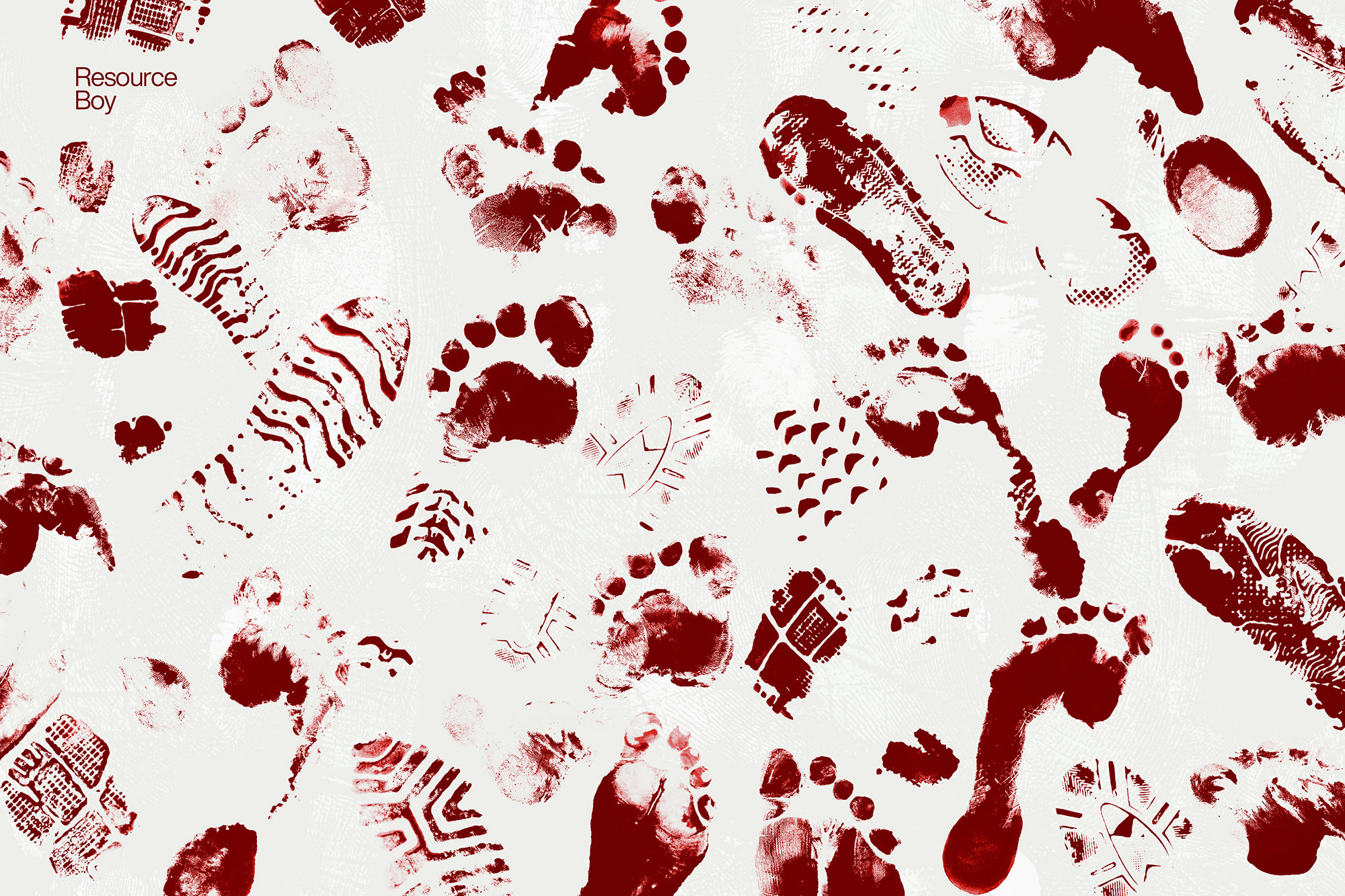
About 60 Footprint Photoshop Brushes
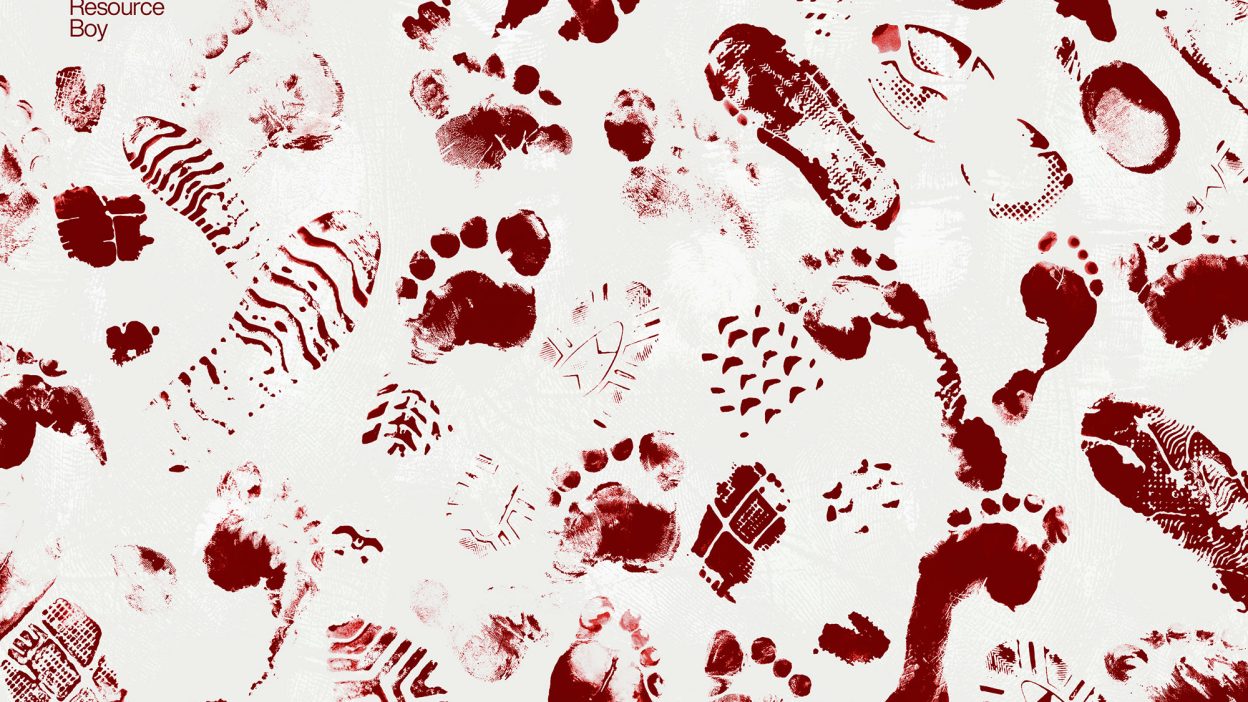
Design work moves fast. When you find a solid brushes resource, it can shave hours off a deadline. It’s made for Adobe Photoshop, and the previews show what you can expect.
If you think searching for the best footprint Photoshop brushes is hard, try making them. That’ll change your mind. If only you knew what we went through to bring you this pack, you’d treat it like a gem. After all the troubles of the design process, the free commercial license makes no sense, and yet here we are. We’re quite set in our way. So use them to level up your different designs artistically, and don’t forget to check out our fingerprint fonts bundle as well, and we’ll take that as reimbursement for all the time we put into this. In fact, that applies to all the rest of our free Photoshop brushes too. You just have to get creative with them. Don’t get us started on what a disaster it led to though. These footprint brushes may look so neat in their 4k resolution now, but it took a while before we got there. You should have been there to see all the mess behind the scenes. It’s been weeks and we still find ink stains everywhere. That’s how much we care about high quality. It took a while before the crisis was over and all along, we could easily trace everyone around. You just had to follow the footsteps. We’re not kidding! There’s no way you could imagine the chaos. Now that the world’s greatest footprint brush set is in front of you, you’ve got the option to download 60 of them at once and keep things as real as possible in your designs. That’s only one of the perks of having them handmade from scratch. So whenever you want to leave a trace of yourself somewhere, these footstep brushes come in handy, both with and without shoes. You should have seen this coming after our hand / fingerprint brushes. Equip yourself with the best tools in the market from Resource Boy, and considering all we’ve been through to make them, let’s make it count.
Quick details: License: Personal & Commercial use. Designer: Resource Boy. Popularity: 9,114 downloads.
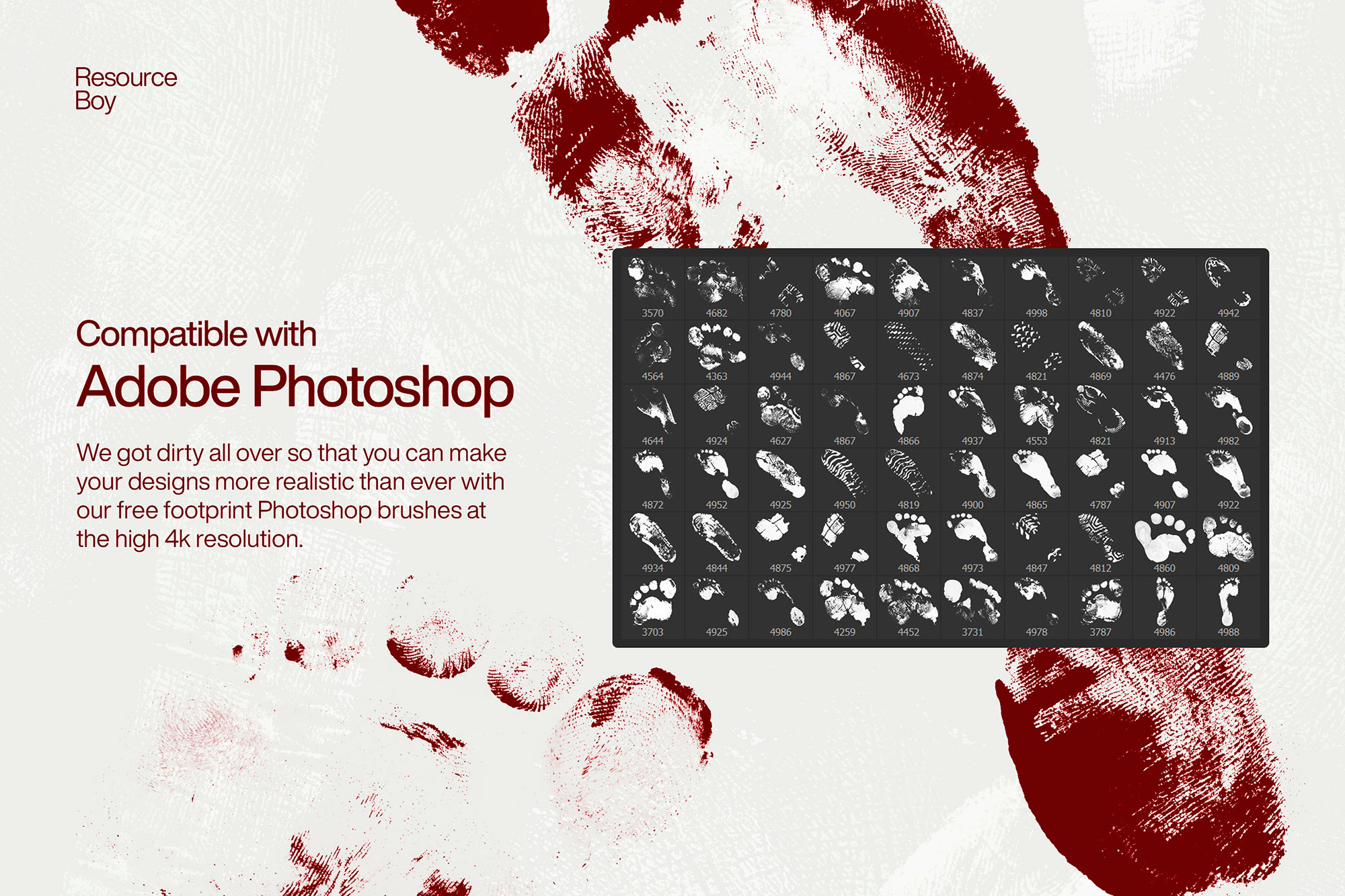
What you can do with it
You can keep it subtle or push it loud—either way, it stays usable. Use it for brand headlines, landing page hero sections, album covers, or any layout where you want a cleaner visual hook.
How to use it in Adobe Photoshop
Download, unzip, load the asset, then tweak until it fits your design.
- Download the ZIP file using the button below.
- Unzip the archive to a clean folder.
- Open Adobe Photoshop and load the included files (brushes via the Brushes panel; textures via Place/Embed; mockups/effects by editing Smart Objects).
- Apply it to your text or layer, then adjust size and position.
- Fine-tune opacity, blending mode, and color until the result feels balanced.
Practical tips
- Duplicate your layer before applying anything.
- Try a different blending mode before you give up on the look.
- Test it on both light and dark backgrounds.
- Use Smart Objects when possible for clean scaling.
- Lower opacity first, then adjust contrast.
If something looks “too much,” small changes usually fix it. Opacity, blending mode, and a soft mask solve most issues.
Preview images
These previews are included with the original post so you can judge edges, texture strength, and readability.
FAQ
Can I use it in client work?
The listed license is Personal & Commercial use. For important jobs, read the license text inside the download.
Will it work on older versions?
Most assets like this work fine on recent versions of Adobe Photoshop. If you’re on an older build, test it in a duplicate file first.
Download 60 Footprint Photoshop Brushes
Use the download button below. If your download is large, give it a minute to complete before extracting.