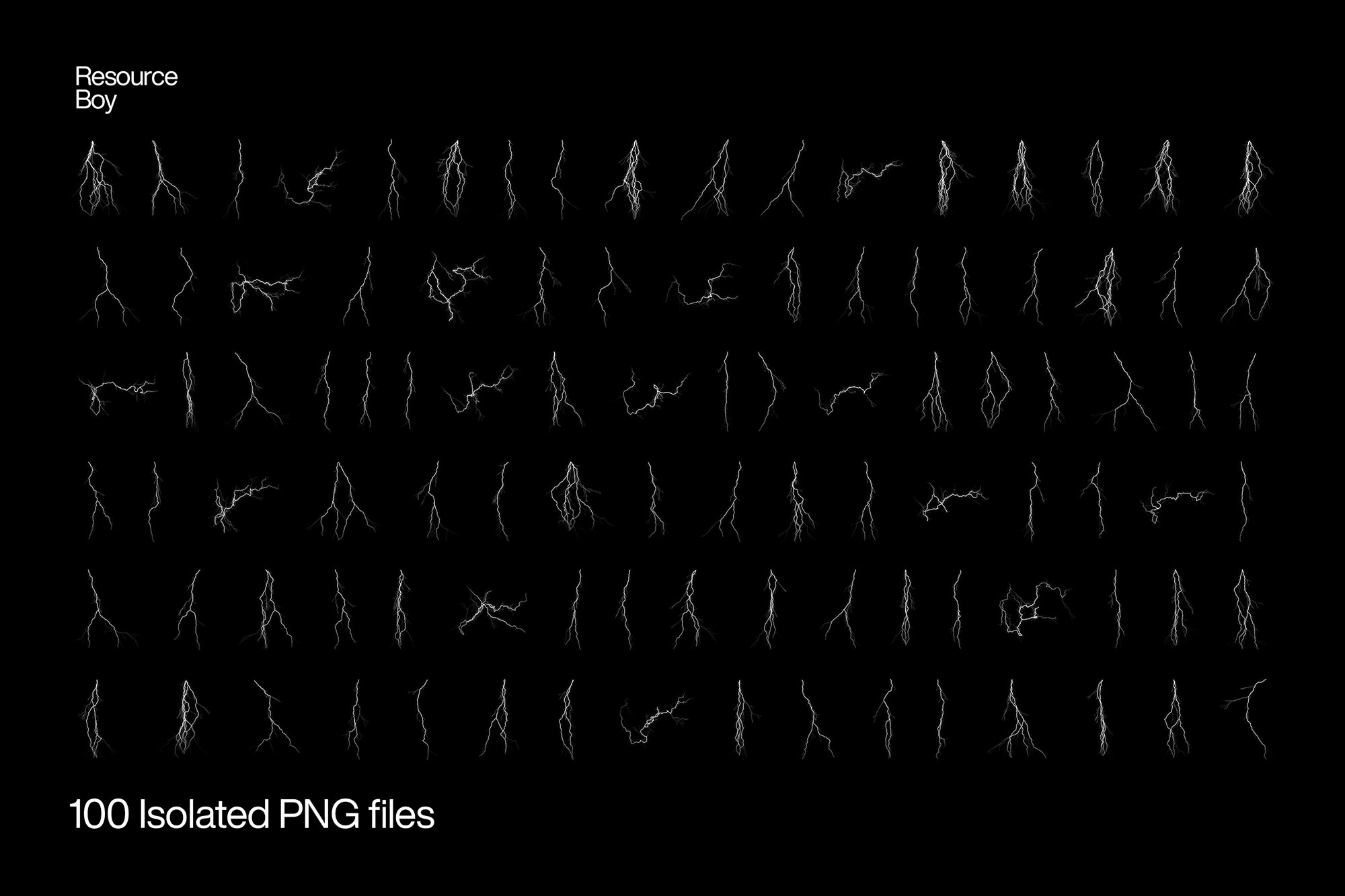
About 100 Lightning Bolt Textures
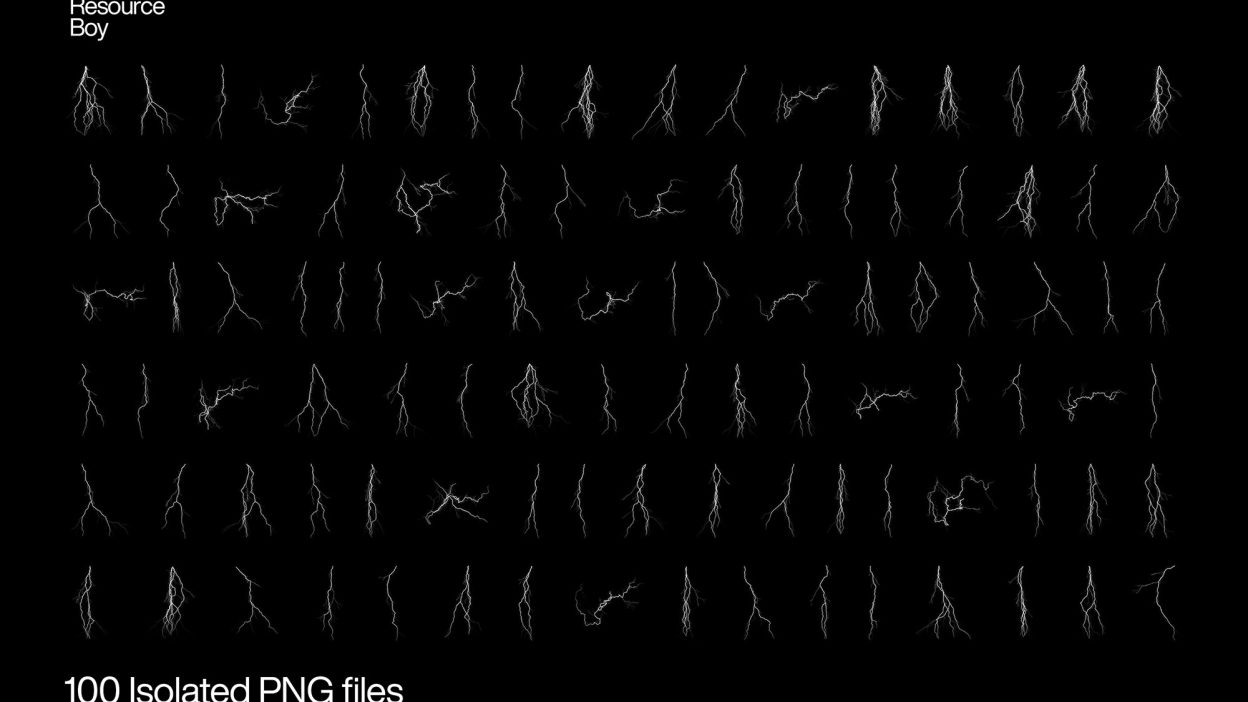
Sometimes you just need something that looks good instantly. 100 Lightning Bolt Textures is built for that. It’s made for Adobe Photoshop, and the previews show what you can expect.
You have a better chance of catching lightning in a bottle than finding its ultimate texture collection free for download. But look how you perfectly managed that against all odds! Resource Boy is right here with you having the world’s number one lightning bolt PNG set in both size and variety to offer you and it’s not our first time! Didn’t we already do the same with our lightning bolt Photoshop brush collection? So why not again? Set the most realistic backgrounds for your artwork in just a click as our 100 lightning bolt PNGs get the job done in the incredible 4K resolution, and consider pairing them with our stunning lightning fonts for even more electrifying designs. Everything from A to Z was done by our own team so that you have the best handmade quality on the entire internet for free. With such top standards that we set for ourselves, and the excellent craftsmanship applied to make all 100 of them transparent and isolated, no one could be anything less than impressed with our lightning storm effects, no matter how expert they may be. Even if Thor himself would want to take a swing at designing, our terrific bundle has so many different patterns of lightning overlay that it would just make the God of thunder proud. How could you not want a piece of that?!
Quick details: License: Personal & Commercial use. Designer: Resource Boy. Popularity: 30,217 downloads.
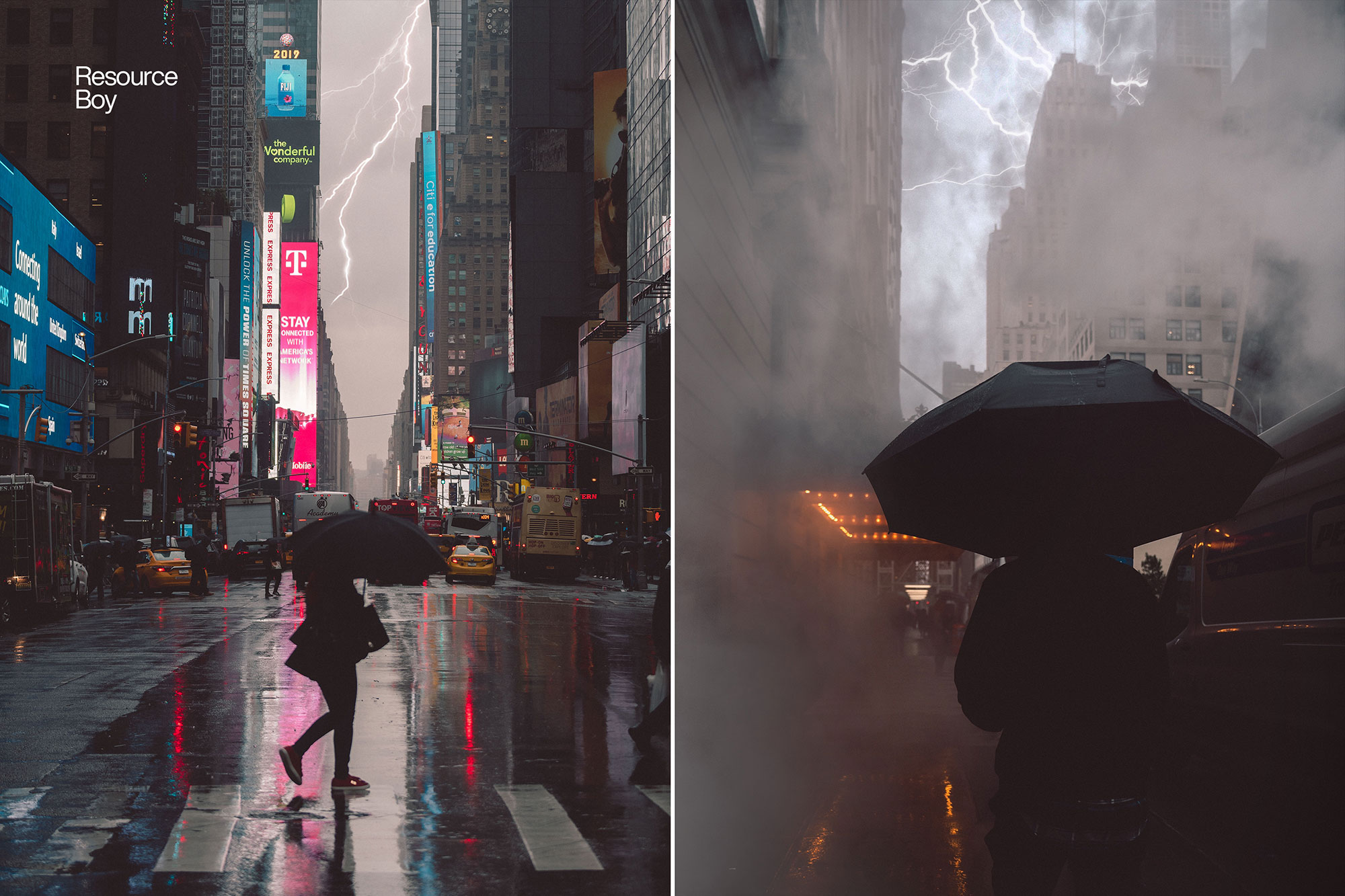
What you can do with it
It’s editable, flexible, and pretty forgiving if you like to experiment. Use it for landing page hero sections, YouTube thumbnails, album covers, or any layout where you want a cleaner visual hook.
How to use it in Adobe Photoshop
Download, unzip, load the asset, then tweak until it fits your design.
- Download the ZIP file using the button below.
- Unzip the archive to a clean folder.
- Open Adobe Photoshop and load the included files (brushes via the Brushes panel; textures via Place/Embed; mockups/effects by editing Smart Objects).
- Apply it to your text or layer, then adjust size and position.
- Fine-tune opacity, blending mode, and color until the result feels balanced.
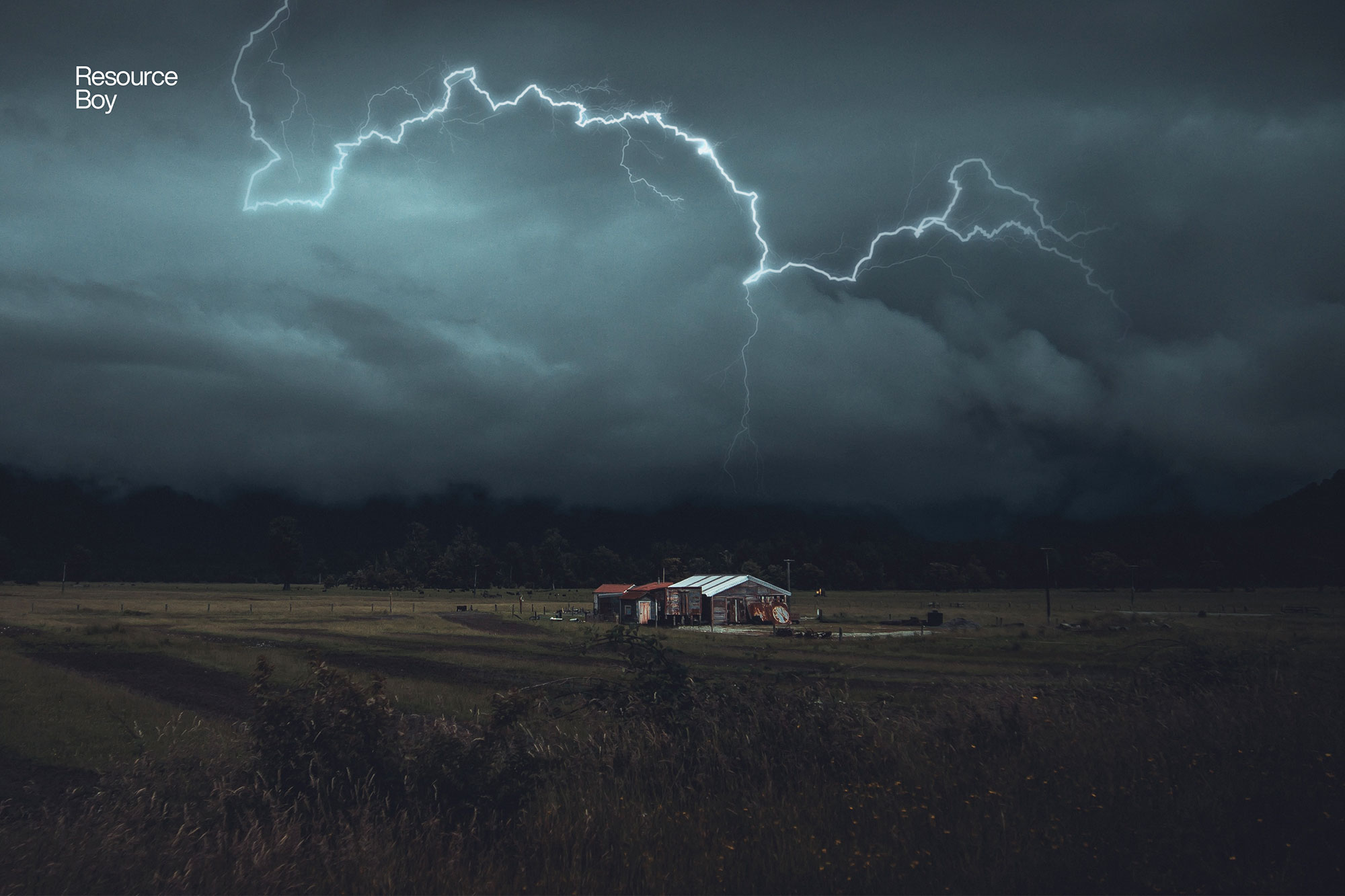
Practical tips
- Try a different blending mode before you give up on the look.
- Duplicate your layer before applying anything.
- Use Smart Objects when possible for clean scaling.
- Test it on both light and dark backgrounds.
- Lower opacity first, then adjust contrast.
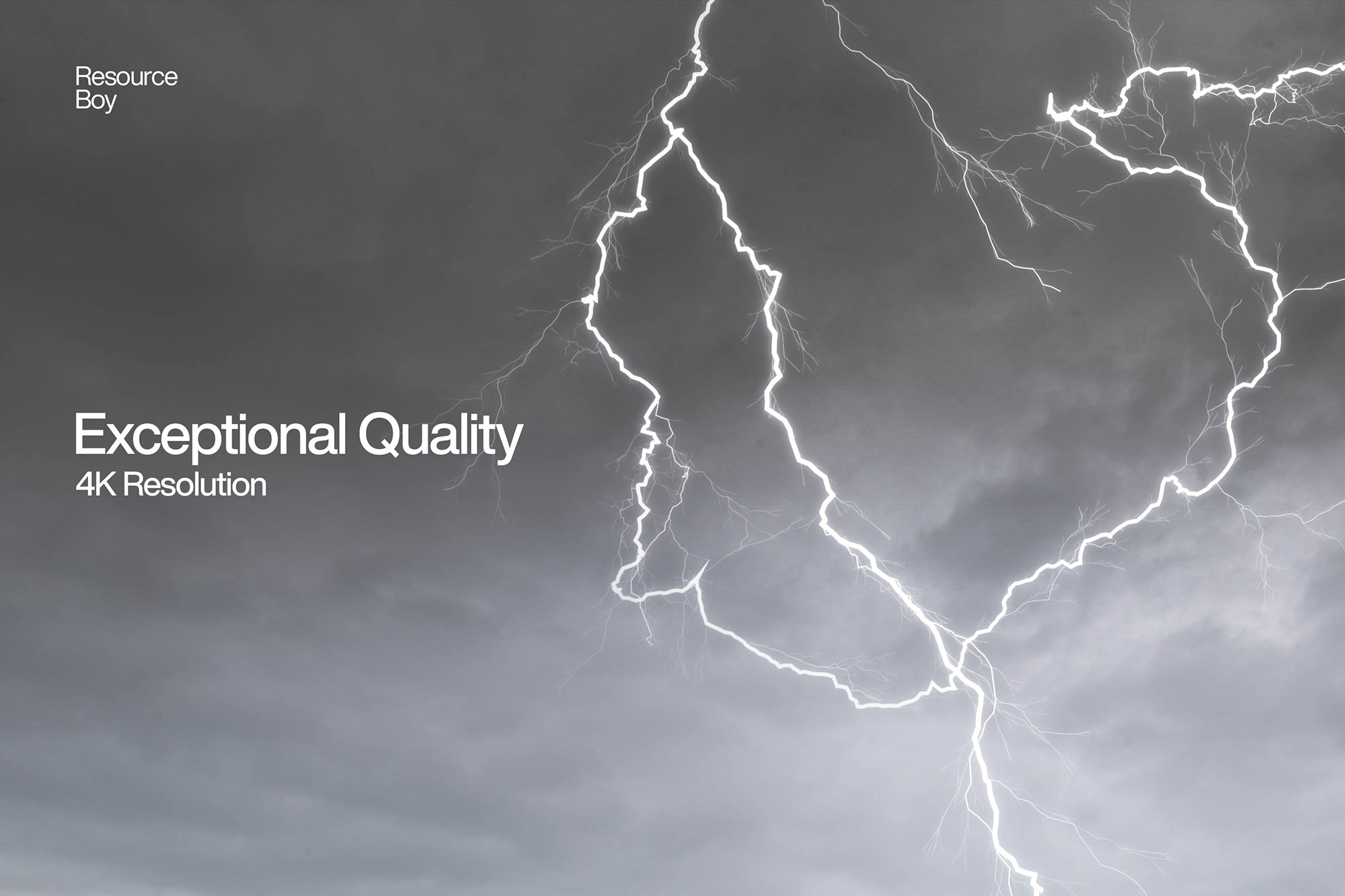
If something looks “too much,” small changes usually fix it. Opacity, blending mode, and a soft mask solve most issues.
Preview images
These previews are included with the original post so you can judge edges, texture strength, and readability.
FAQ
Can I use it in client work?
The listed license is Personal & Commercial use. For important jobs, read the license text inside the download.
Will it work on older versions?
Most assets like this work fine on recent versions of Adobe Photoshop. If you’re on an older build, test it in a duplicate file first.
Download 100 Lightning Bolt Textures
Use the download button below. If your download is large, give it a minute to complete before extracting.