About 1000+ Fruit Patterns
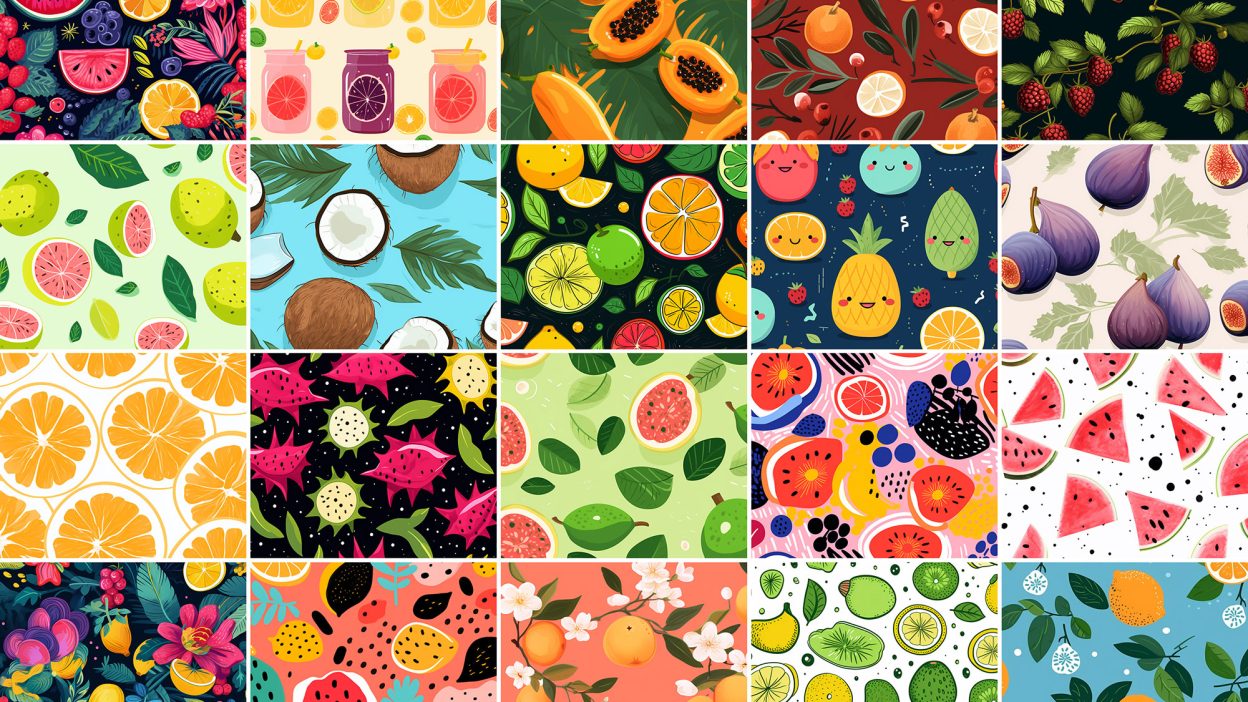
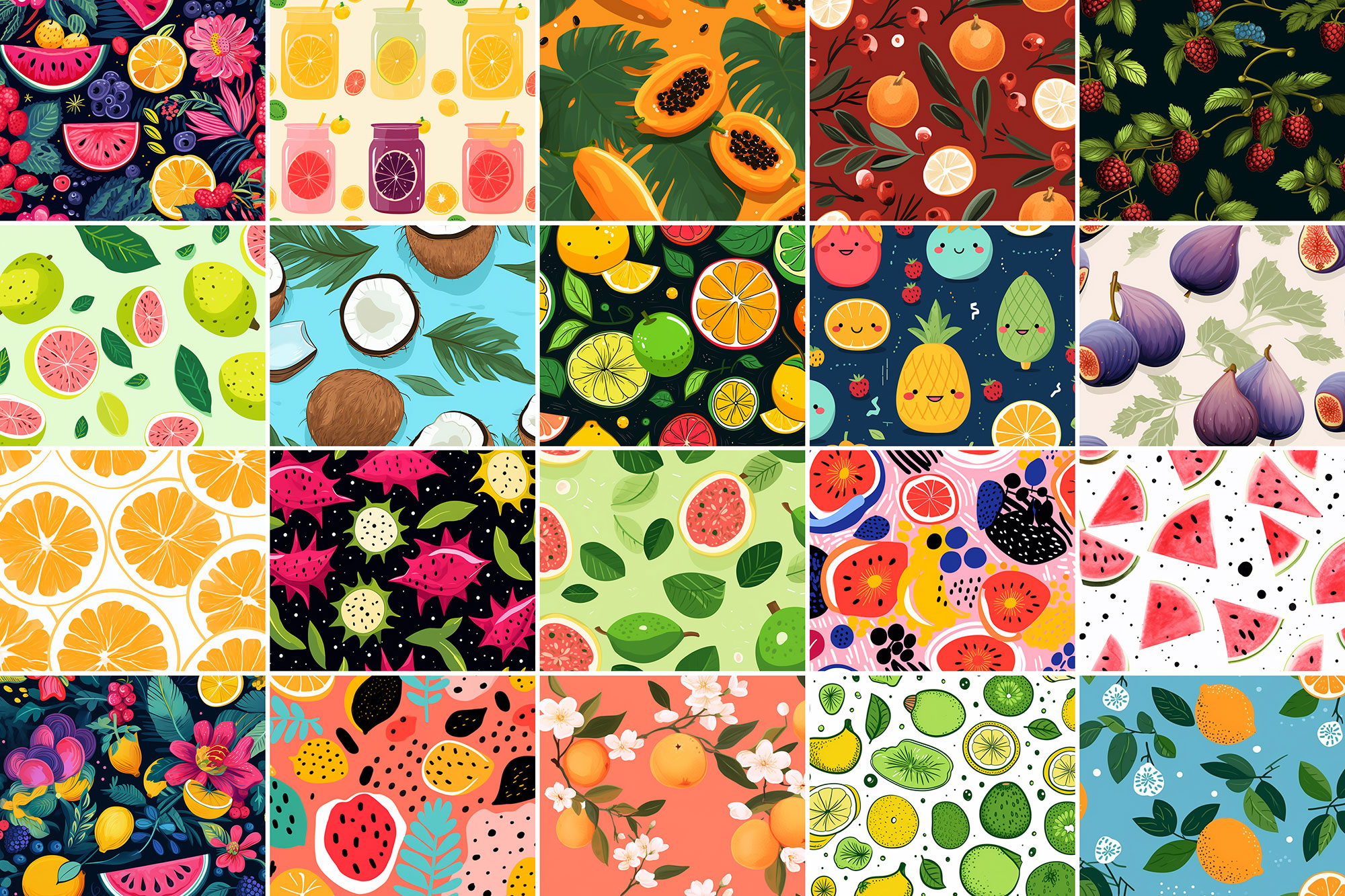
Not every asset deserves a spot in your toolbox. 1000+ Fruit Patterns is one of the few that actually earns it. It’s made for Adobe Photoshop, and the previews show what you can expect.
Turns out fruits are more than just health boosters, but great design elements for enhancing the visual interest of your artwork too. In fact, colorful fruity illustrations are quite famous for their delightful theme, and you can’t afford to miss that. So enough with however long you’re been searching for the best fruit patterns that the internet has to offer. Resource Boy is finally here with the cutest patterns of pineapple, strawberry, watermelon, orange, lemon, cherry, banana, and other tropical fruits in doodles, drawings, and real versions. No need to look for the price though. We wanted you all to enjoy these juicy patterns. So once again, our exclusive designs are available with a free commercial license included in the download file. Receive the whole pack with its countless seamless fruit patterns at once and add a fresh touch to anything you’re designing now. Pair these patterns with our food fonts, and you’ve got yourself the perfect combo for any food-related design. Brilliant, isn’t it? It was a fun experience to design these, but it probably doesn’t compare to how enjoyable it must feel to use them on different occasions. Any time a design of yours is missing summer vibes, count on these happy fruity patterns to make up for it. Let’s say you want to custom-make a set of friendship bracelets for you and your buddy, or you want to pick a happy wallpaper for your desktop. That’s when you come to our free fruit patterns. You’ll also find them a perfect background for your watercolor art or anything with a pastel color palette. So it’s a good thing that they’re highly printable on different materials. Turns out it’s really simple to design according to the highest set of standards when you have such aesthetic design tools at your disposal.
Quick details: License: Personal & Commercial use. Designer: Resource Boy. Popularity: 6,756 downloads.
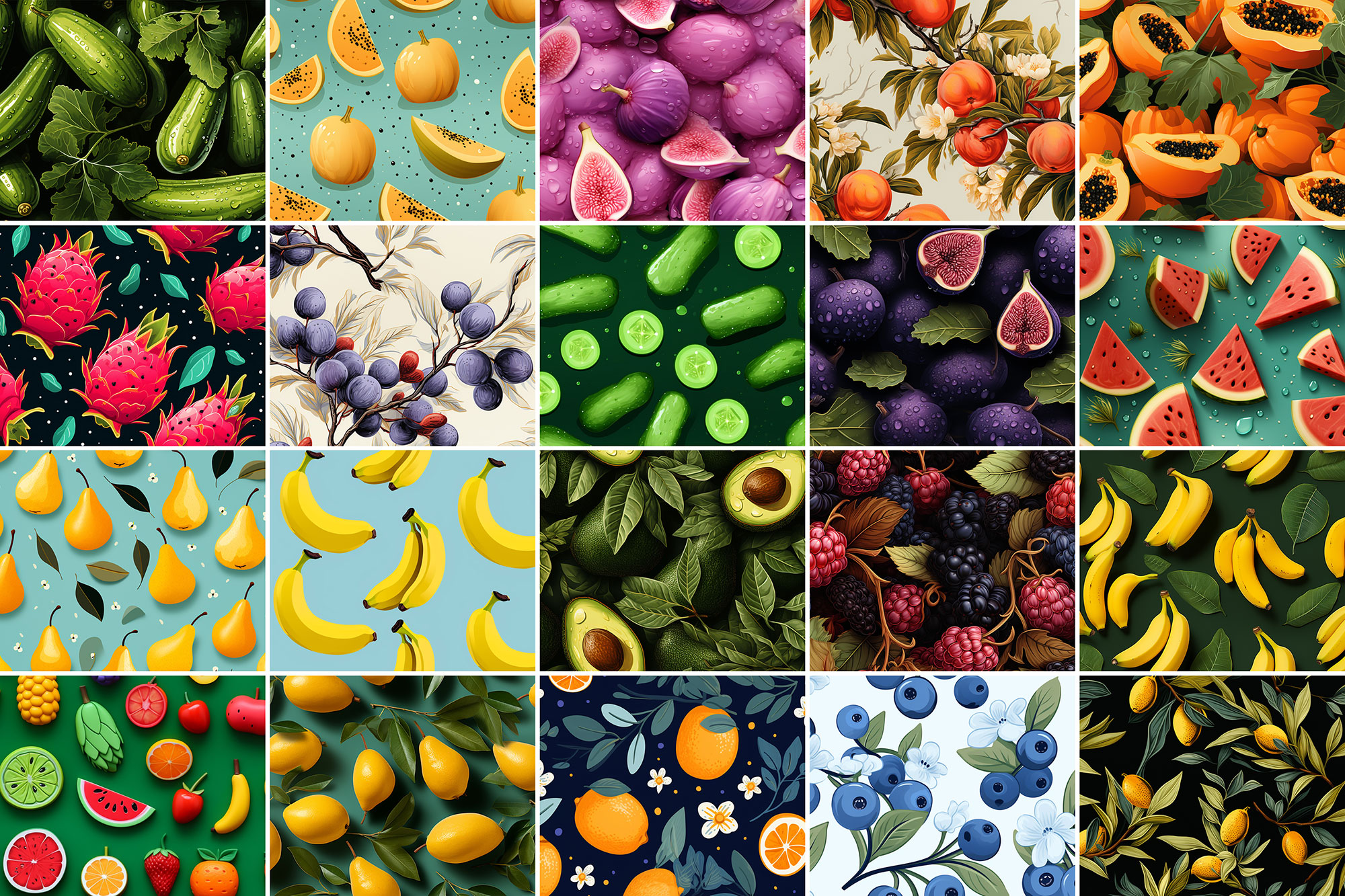
What you can do with it
It plays nicely with real-world files, not just perfect demo PSDs. Use it for YouTube thumbnails, packaging concepts, landing page hero sections, or any layout where you want a cleaner visual hook.
How to use it in Adobe Photoshop
Download, unzip, load the asset, then tweak until it fits your design.
- Download the ZIP file using the button below.
- Unzip the archive to a clean folder.
- Open Adobe Photoshop and load the included files (brushes via the Brushes panel; textures via Place/Embed; mockups/effects by editing Smart Objects).
- Apply it to your text or layer, then adjust size and position.
- Fine-tune opacity, blending mode, and color until the result feels balanced.
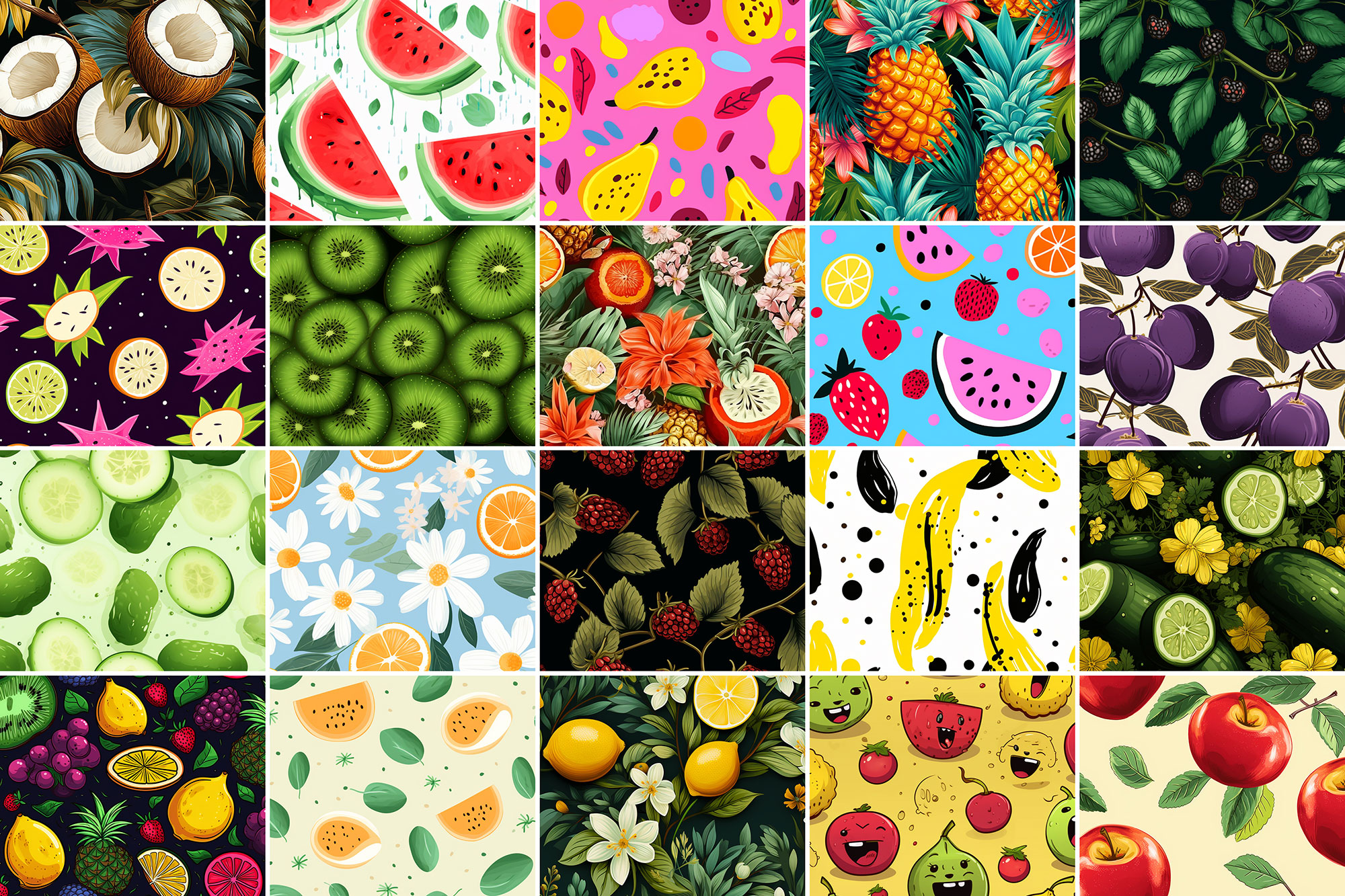
Practical tips
- Lower opacity first, then adjust contrast.
- Try a different blending mode before you give up on the look.
- Use Smart Objects when possible for clean scaling.
- Duplicate your layer before applying anything.
- Test it on both light and dark backgrounds.
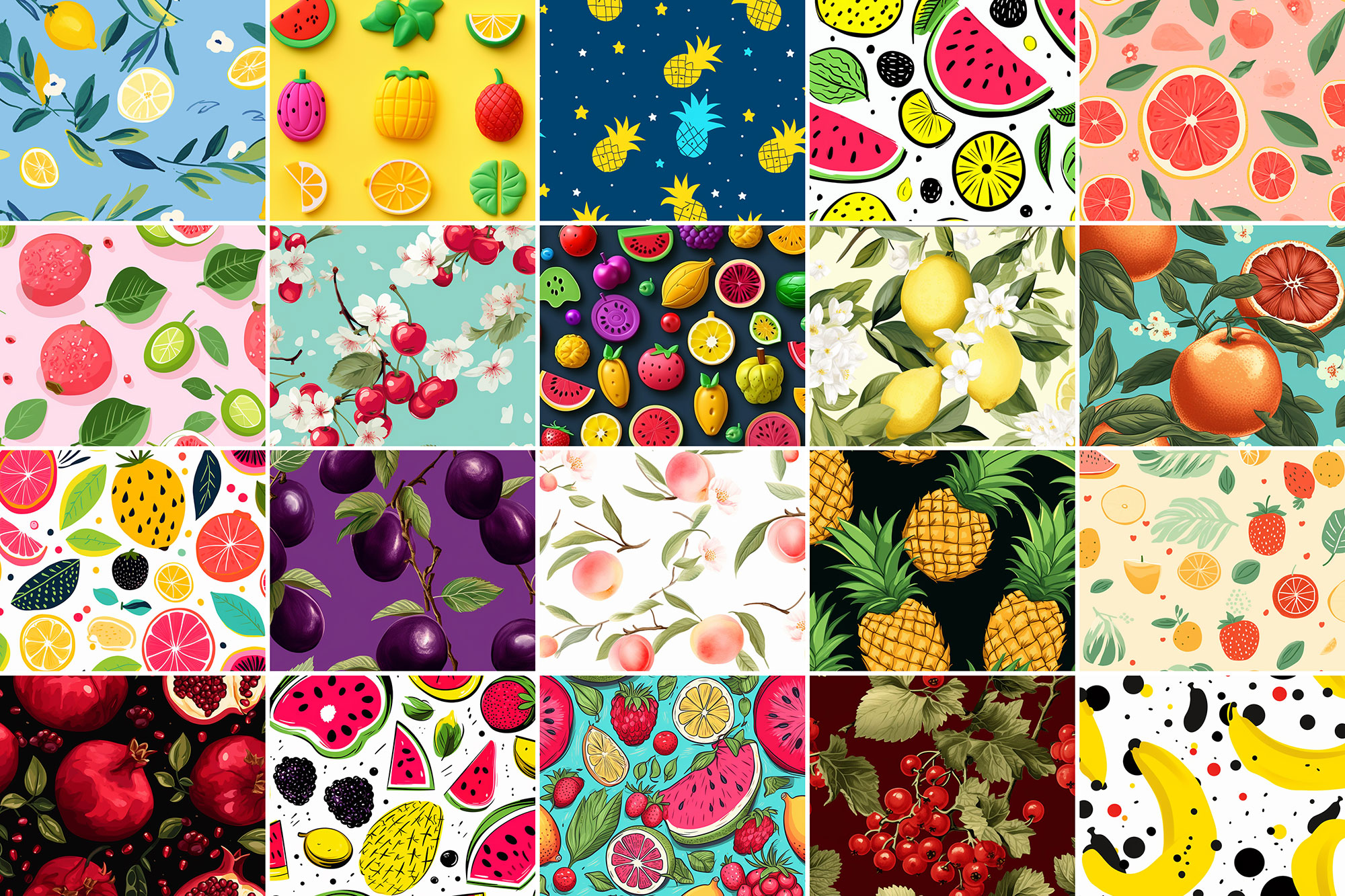
If something looks “too much,” small changes usually fix it. Opacity, blending mode, and a soft mask solve most issues.
Preview images
These previews are included with the original post so you can judge edges, texture strength, and readability.
FAQ
Can I use it in client work?
The listed license is Personal & Commercial use. For important jobs, read the license text inside the download.
Will it work on older versions?
Most assets like this work fine on recent versions of Adobe Photoshop. If you’re on an older build, test it in a duplicate file first.
Download 1000+ Fruit Patterns
Use the download button below. If your download is large, give it a minute to complete before extracting.