About 1000+ Skull Patterns
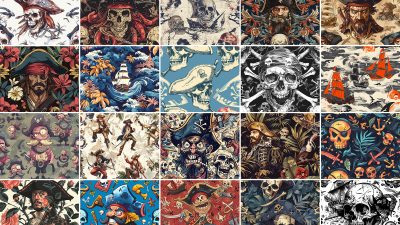
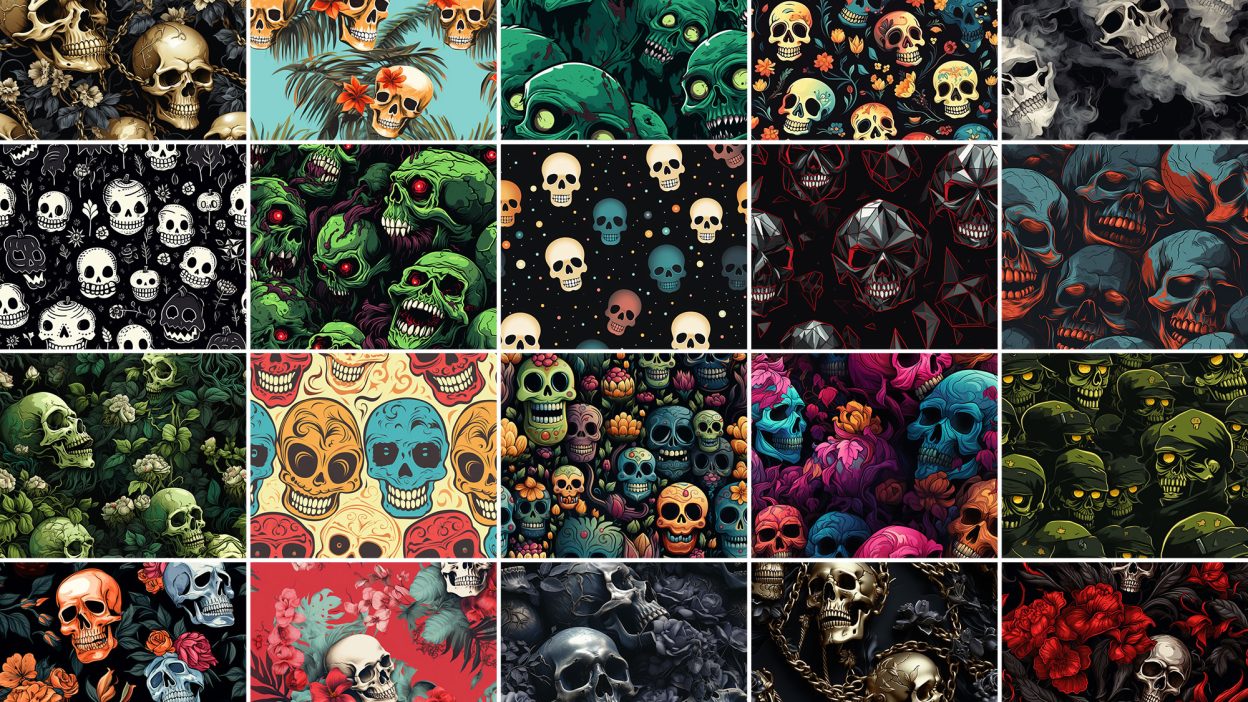
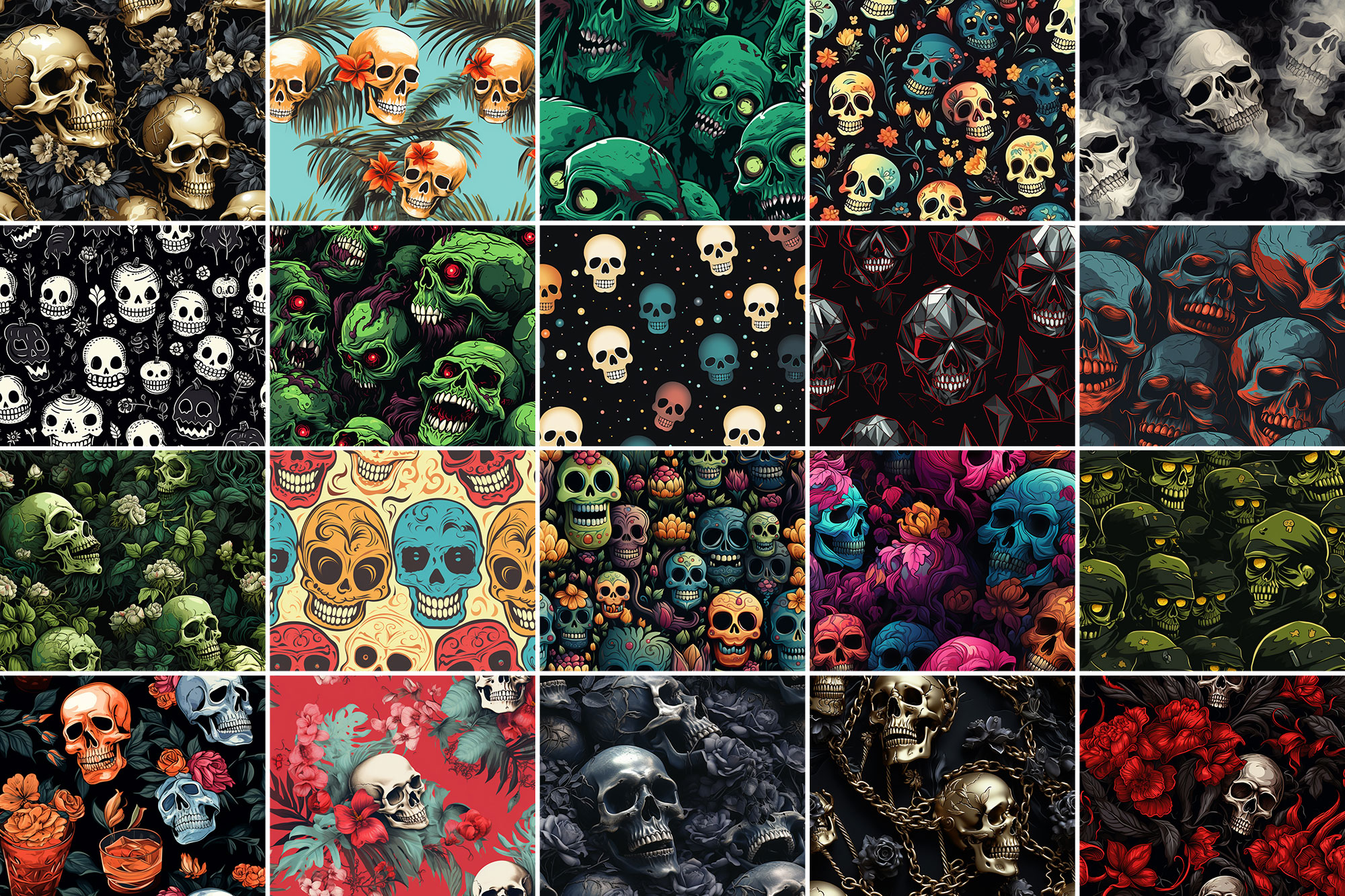
Sometimes you just need something that looks good instantly. 1000+ Skull Patterns is built for that. It’s made for Adobe Photoshop, and the previews show what you can expect.
Anyone can think of using skull patterns for Halloween designs and harness their symbolic meaning of death to add more creepiness to a certain project, but that’s not all that our skulls are capable of. You should be able to tell other occasions when skull patterns are also useful. It’s these simple tricks that set a truly talented designer apart from others. You’ll be surprised to know how popular these supposedly scary items are. In addition to that, an experienced designer would also know the best place to get the best skull patterns and complementary skull fonts. So you better download the patterns you need from nowhere but Resource Boy. You’ll thank us later. Accessible for free, incredibly user-friendly, and developed at the highest quality, Resource Boy’s seamless skull patterns are something else entirely from what you might have seen on other websites. You can customize them all as cute wallpapers or for honoring the Day of the Dead with aesthetic works of art. And since our colorful skull patterns are printable on everything, you can use them for leather or any other fabric, for wood, or on stained glass as well. Who knows? Maybe you even picked one of them for your sexy tattoos. Professionally speaking, when you have the world’s greatest skull patterns at your fingertips, it’s easy to be at the top of your game and impress everyone.
Quick details: License: Personal & Commercial use. Designer: Resource Boy. Popularity: 7,810 downloads.
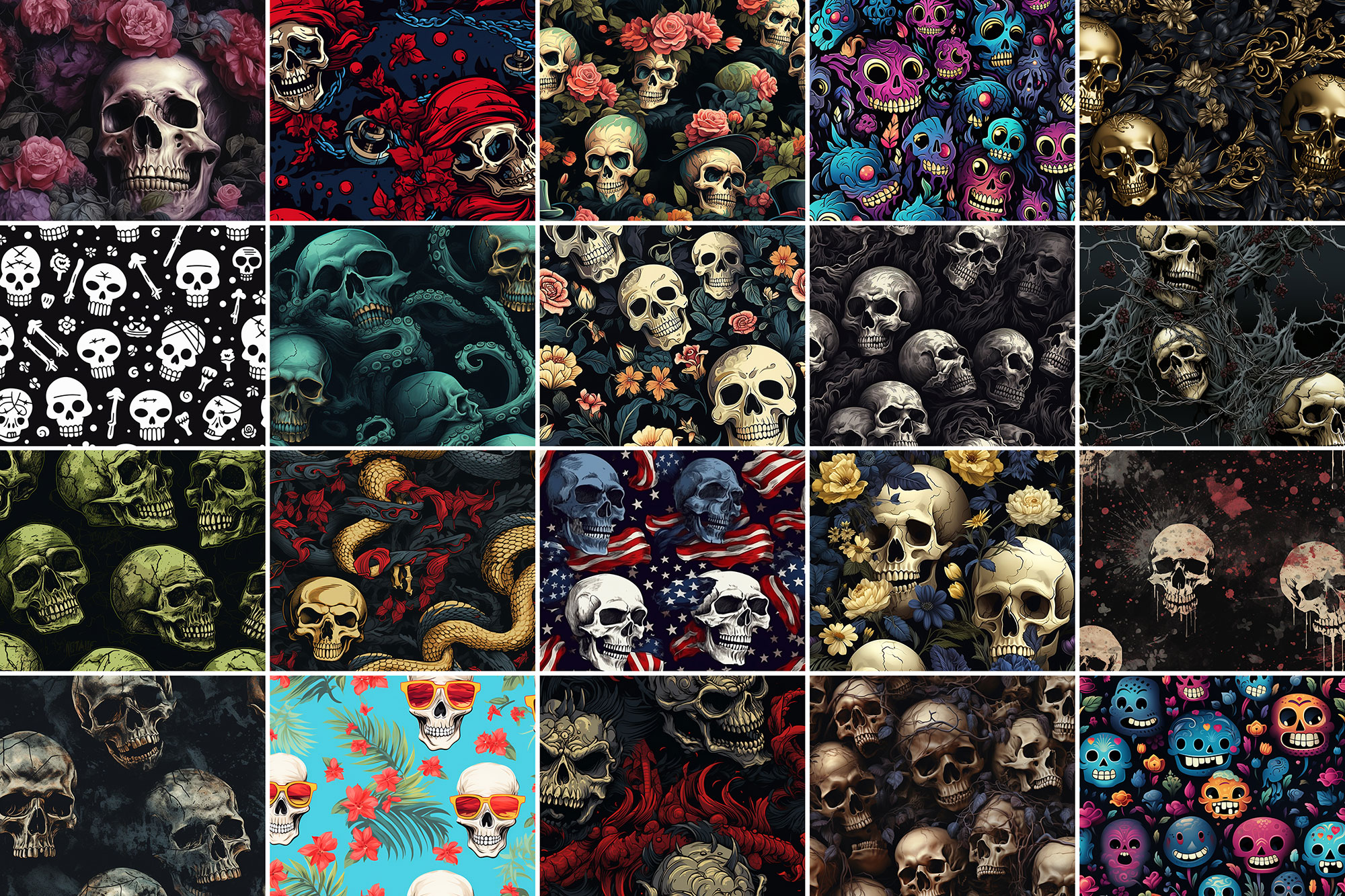
What you can do with it
It plays nicely with real-world files, not just perfect demo PSDs. Use it for YouTube thumbnails, landing page hero sections, social banners, or any layout where you want a cleaner visual hook.
How to use it in Adobe Photoshop
Download, unzip, load the asset, then tweak until it fits your design.
- Download the ZIP file using the button below.
- Unzip the archive to a clean folder.
- Open Adobe Photoshop and load the included files (brushes via the Brushes panel; textures via Place/Embed; mockups/effects by editing Smart Objects).
- Apply it to your text or layer, then adjust size and position.
- Fine-tune opacity, blending mode, and color until the result feels balanced.
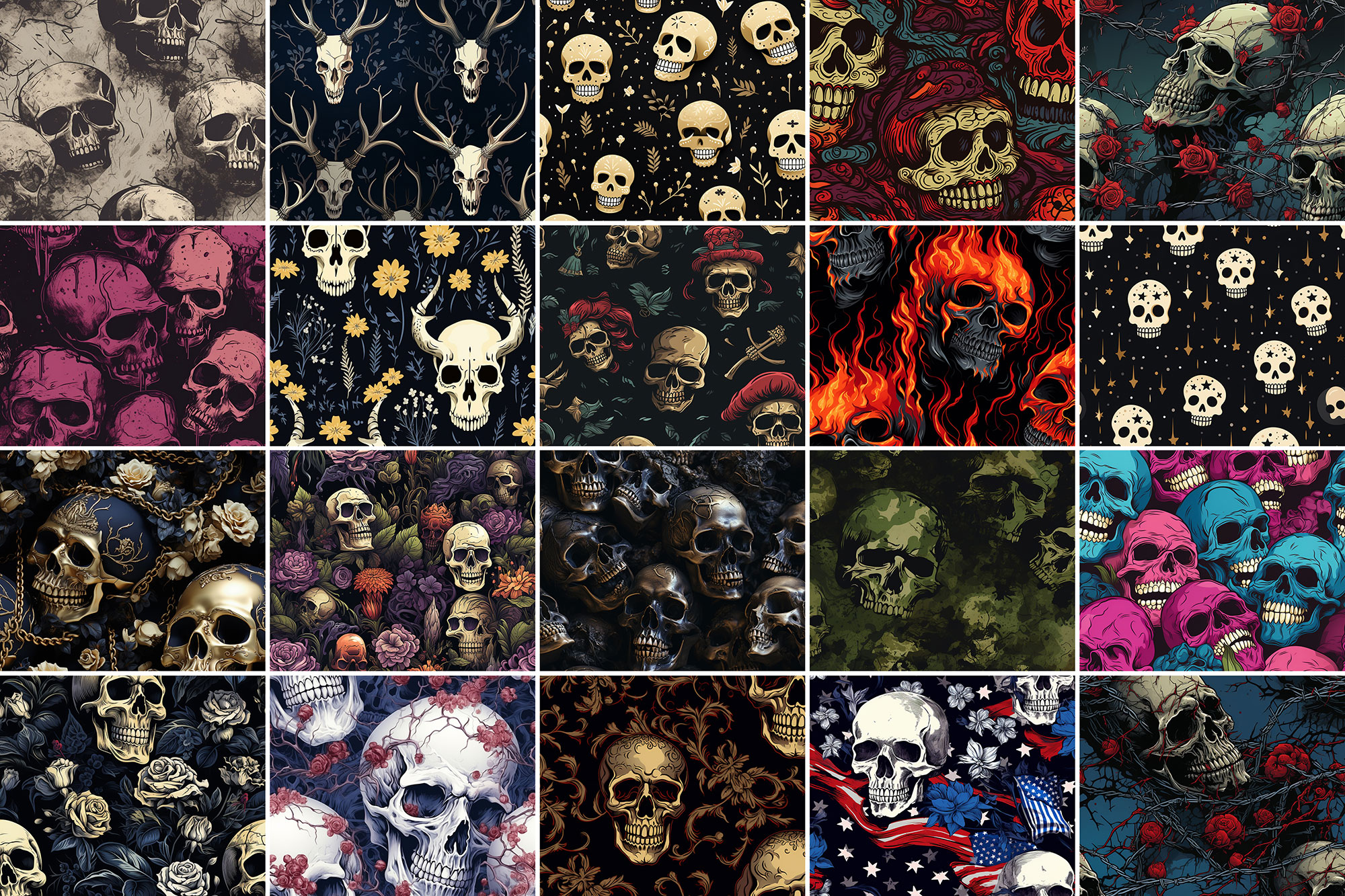
Practical tips
- Use Smart Objects when possible for clean scaling.
- Duplicate your layer before applying anything.
- Lower opacity first, then adjust contrast.
- Try a different blending mode before you give up on the look.
- Test it on both light and dark backgrounds.
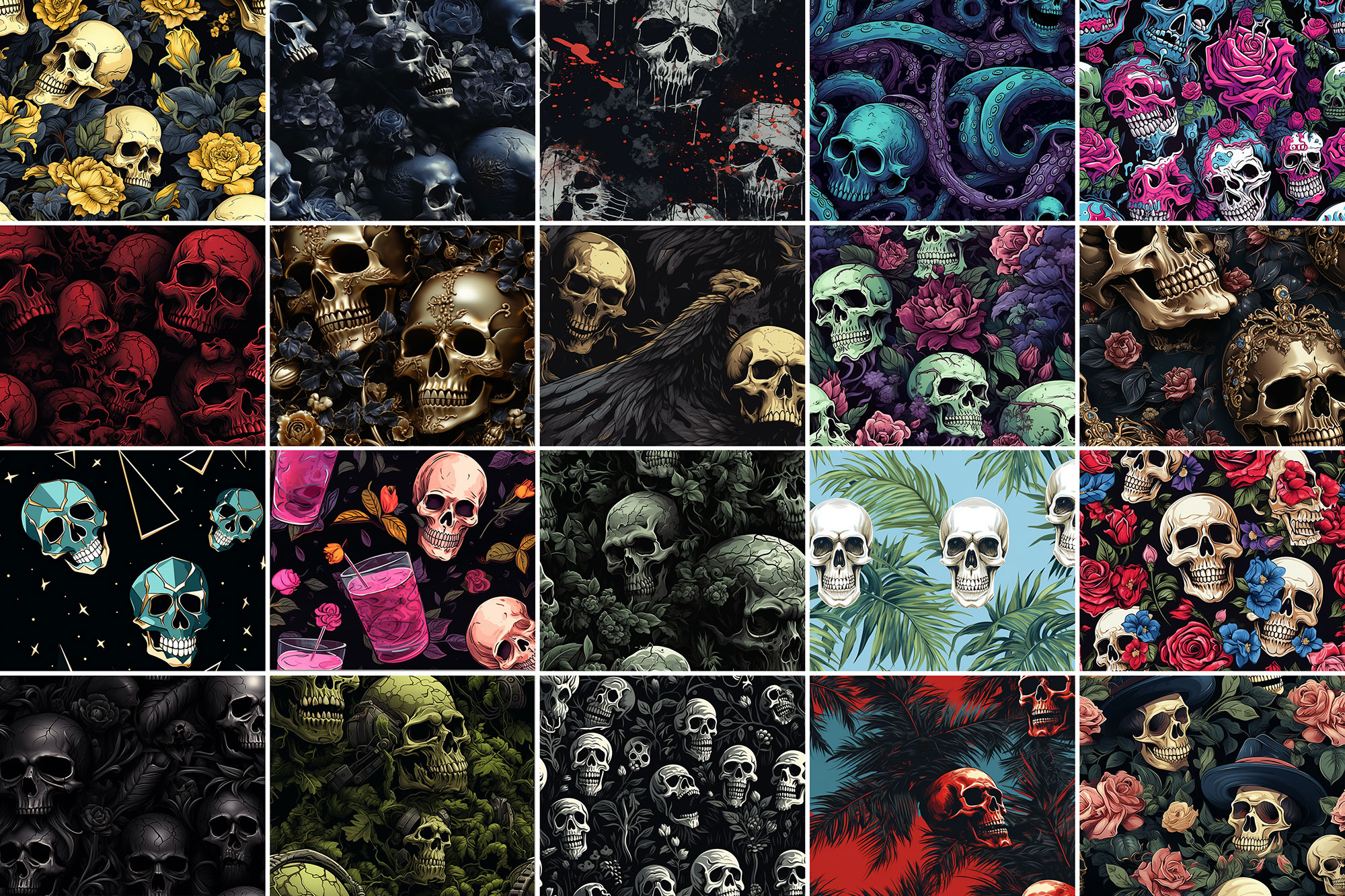
If something looks “too much,” small changes usually fix it. Opacity, blending mode, and a soft mask solve most issues.
Preview images
These previews are included with the original post so you can judge edges, texture strength, and readability.
FAQ
Can I use it in client work?
The listed license is Personal & Commercial use. For important jobs, read the license text inside the download.
Will it work on older versions?
Most assets like this work fine on recent versions of Adobe Photoshop. If you’re on an older build, test it in a duplicate file first.
Download 1000+ Skull Patterns
Use the download button below. If your download is large, give it a minute to complete before extracting.