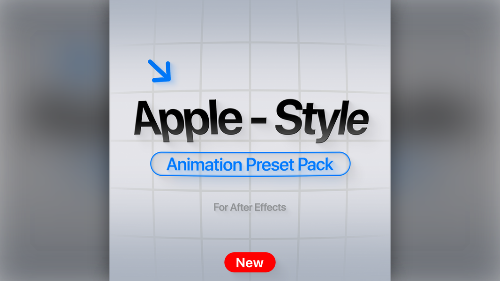
If you want to elevate your motion design work with that distinct, professional polish seen in top-tier tech commercials, the Apple Style Animation Pack is the ultimate tool for your arsenal. Specifically, this preset pack focuses on subtle, intentional motion that enhances the user experience without being distracting.
Creating smooth UI animations from scratch often takes a significant amount of time. However, this pack bridges the gap effectively. Consequently, video editors and motion designers can generate clean, modern visuals instantly.
What Does the Apple Style Animation Pack Offer?
The Apple Style Animation Pack creates a comprehensive library of expressions and presets. First, the creator built these tools to speed up your workflow significantly. Unlike flashy motion graphics that often clutter a screen, these presets prioritize elegance and clarity.
For instance, whether you are working on a UI app concept, a social media advertisement, or a corporate presentation, this pack helps you achieve a “high-end” look with minimal effort. In fact, it creates everything from smooth position bounces to sophisticated text animations.
Key Features Included
This collection suits real-world projects perfectly, rather than just demo reels. Therefore, here is what you receive when you download the Apple Style Animation Pack:
- Smooth Bounces: You gain effortless position and scale bounce expressions that give elements a tactile feel.
- Opacity & Blur: The pack provides clean fade-in and fade-out animations paired with blur effects for a modern depth-of-field look.
- Text Presets: Additionally, you can use word-based and character-based motion specifically designed for typography.
- UI Elements: It includes ready-to-use presets for pop-ups, buttons, and notifications.
- Utility Expressions: Finally, the pack offers subtle shakes, warps, rounded corner fixes, and rocking motions to add life to static images.
Who Should Use This Pack?
These presets work effortlessly across a wide variety of niches. Moreover, the Apple Style Animation Pack fits the following workflows:
- Motion Designers: You save time on repetitive keyframing tasks.
- Video Editors: You can add professional polish to text and B-roll without deep AE knowledge.
- Content Creators: Furthermore, creators elevate social media content with high-quality transitions.
- UI/UX Designers: Designers can mockup app interactions and concepts with realistic motion.
System Requirements
To use these presets effectively, you will need:
- Adobe After Effects (CC versions recommended).
- Basic knowledge of applying presets and expressions within the software.
Download Apple Style Animation Pack
In conclusion, start creating smoother, cleaner animations today. Click the link below to download the full pack.