
About 100 Electrical Duct Tape Textures
Design work moves fast. When you find a solid textures resource, it can shave hours off a deadline. It’s made for Adobe Photoshop, and the previews show what you can expect.
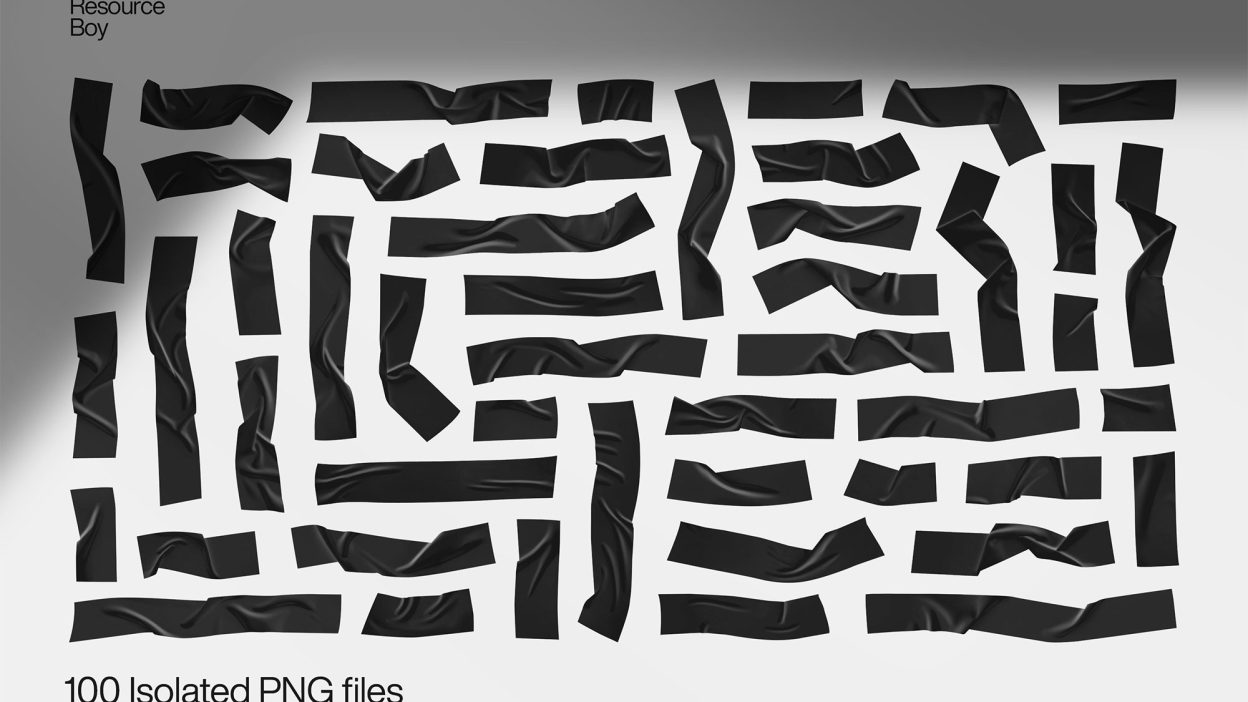
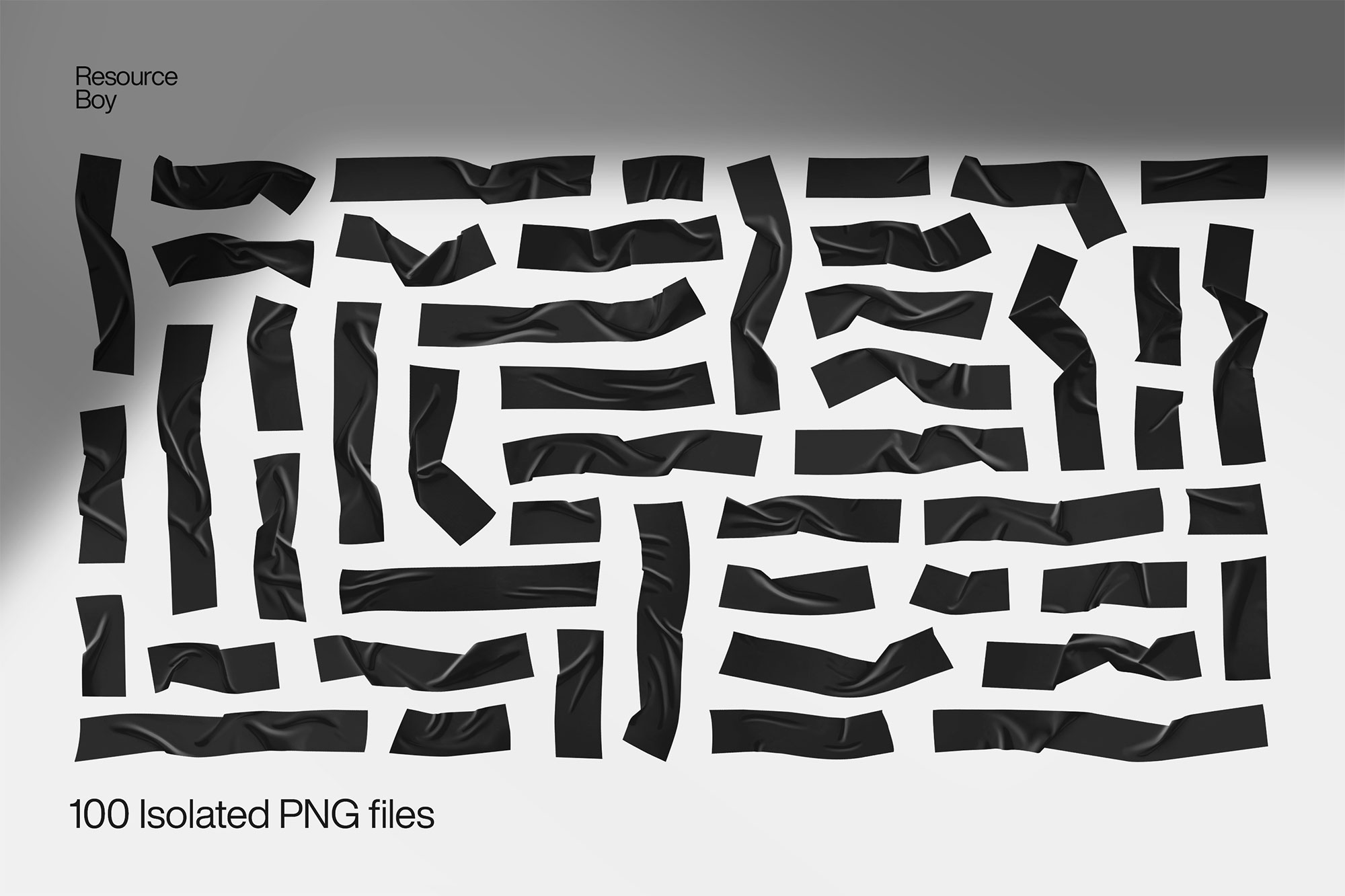
Sometimes a small detail can make a big change in your designs, pretty much like our electrical tape pieces taking your work to another level instantly. In nothing but a click, add as many electrical tape pieces as you need to your artwork and along with it a strong realistic touch that turns many heads. The best part is that now with RB’s newest exclusive product, you’ve got the world’s greatest electrical tape texture collection to pick your tape pieces from. So prepare yourself for a high resolution that has never been seen anywhere else before, provided by a bundle so extensive and well-crafted that it just can not be beaten. Perfect for your low-budget design projects, our electrical tape collection is entirely free to download even though it hooks you up with 100 first-rate transparent and also isolated electrical tape PNGs all at once. To realize just how lucky you are to own such a top-notch tool for your designing, it’s enough to know that the number of items in our collection alone is way higher than any other premium collection around the internet. Plus, with our top handmade quality, you have the best shot at delivering a fine piece of art, without missing anything. Speaking of not being missed, our other exclusive tape freebies such as packing tape textures, white duct tape textures, and masking tape textures should definitely be what you check out next.
Quick details: License: Personal & Commercial use. Designer: Resource Boy. Popularity: 18,305 downloads.
What you can do with it
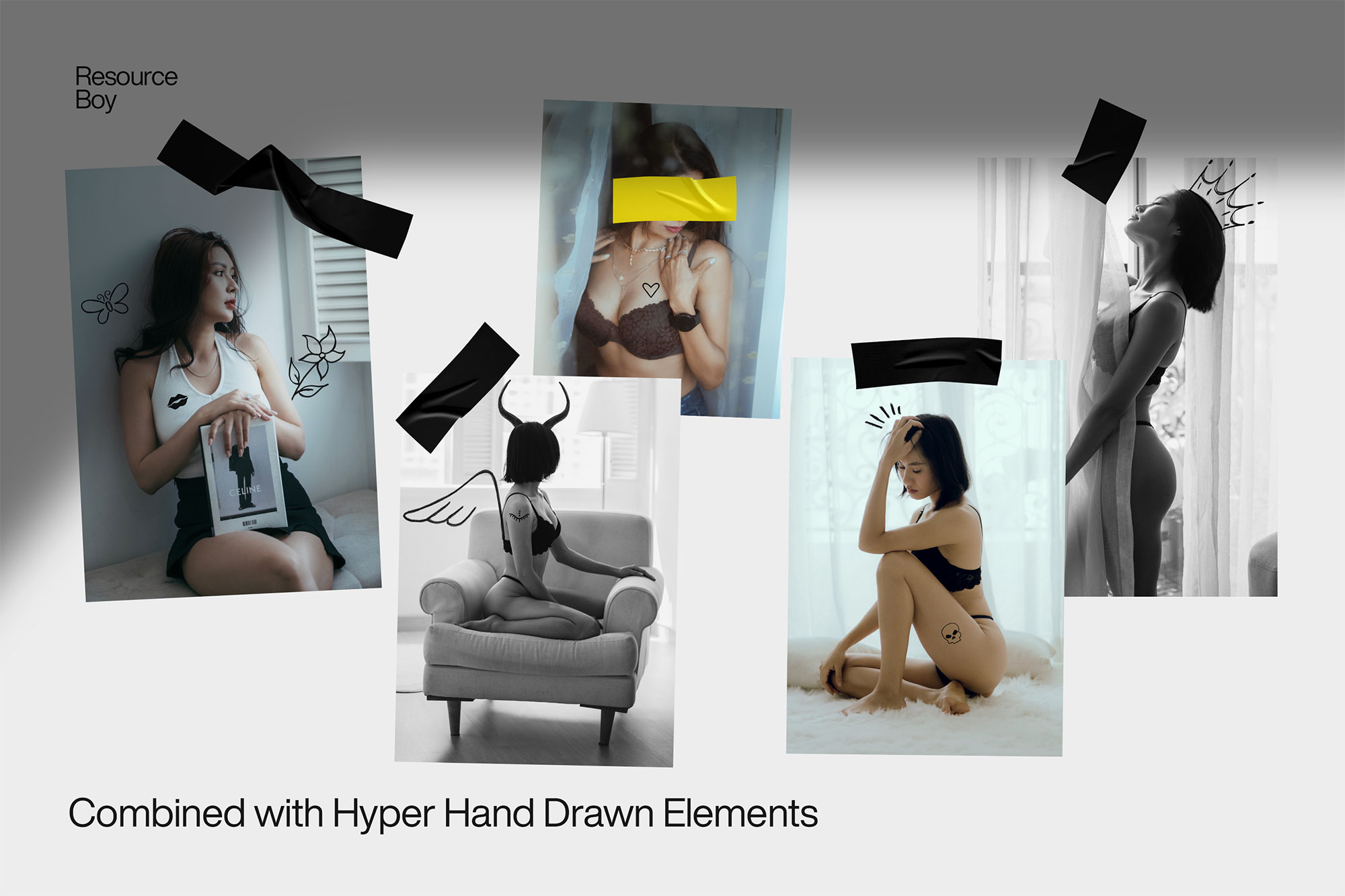
It’s editable, flexible, and pretty forgiving if you like to experiment. Use it for YouTube thumbnails, album covers, brand headlines, or any layout where you want a cleaner visual hook.
How to use it in Adobe Photoshop
Download, unzip, load the asset, then tweak until it fits your design.
- Download the ZIP file using the button below.
- Unzip the archive to a clean folder.
- Open Adobe Photoshop and load the included files (brushes via the Brushes panel; textures via Place/Embed; mockups/effects by editing Smart Objects).
- Apply it to your text or layer, then adjust size and position.
- Fine-tune opacity, blending mode, and color until the result feels balanced.
Practical tips
- Try a different blending mode before you give up on the look.
- Use Smart Objects when possible for clean scaling.
- Duplicate your layer before applying anything.
- Test it on both light and dark backgrounds.
- Lower opacity first, then adjust contrast.
If something looks “too much,” small changes usually fix it. Opacity, blending mode, and a soft mask solve most issues.
Preview images
These previews are included with the original post so you can judge edges, texture strength, and readability.
FAQ
Can I use it in client work?
The listed license is Personal & Commercial use. For important jobs, read the license text inside the download.
Will it work on older versions?
Most assets like this work fine on recent versions of Adobe Photoshop. If you’re on an older build, test it in a duplicate file first.
Download 100 Electrical Duct Tape Textures
Use the download button below. If your download is large, give it a minute to complete before extracting.