About 100+ Torn Paper Photoshop Brushes
Not every asset deserves a spot in your toolbox. 100+ Torn Paper Photoshop Brushes is one of the few that actually earns it. It’s made for Adobe Photoshop, and the previews show what you can expect.
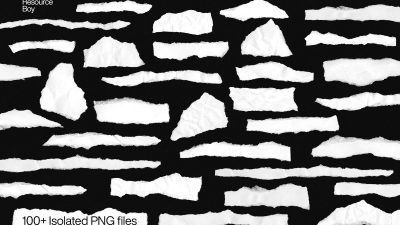
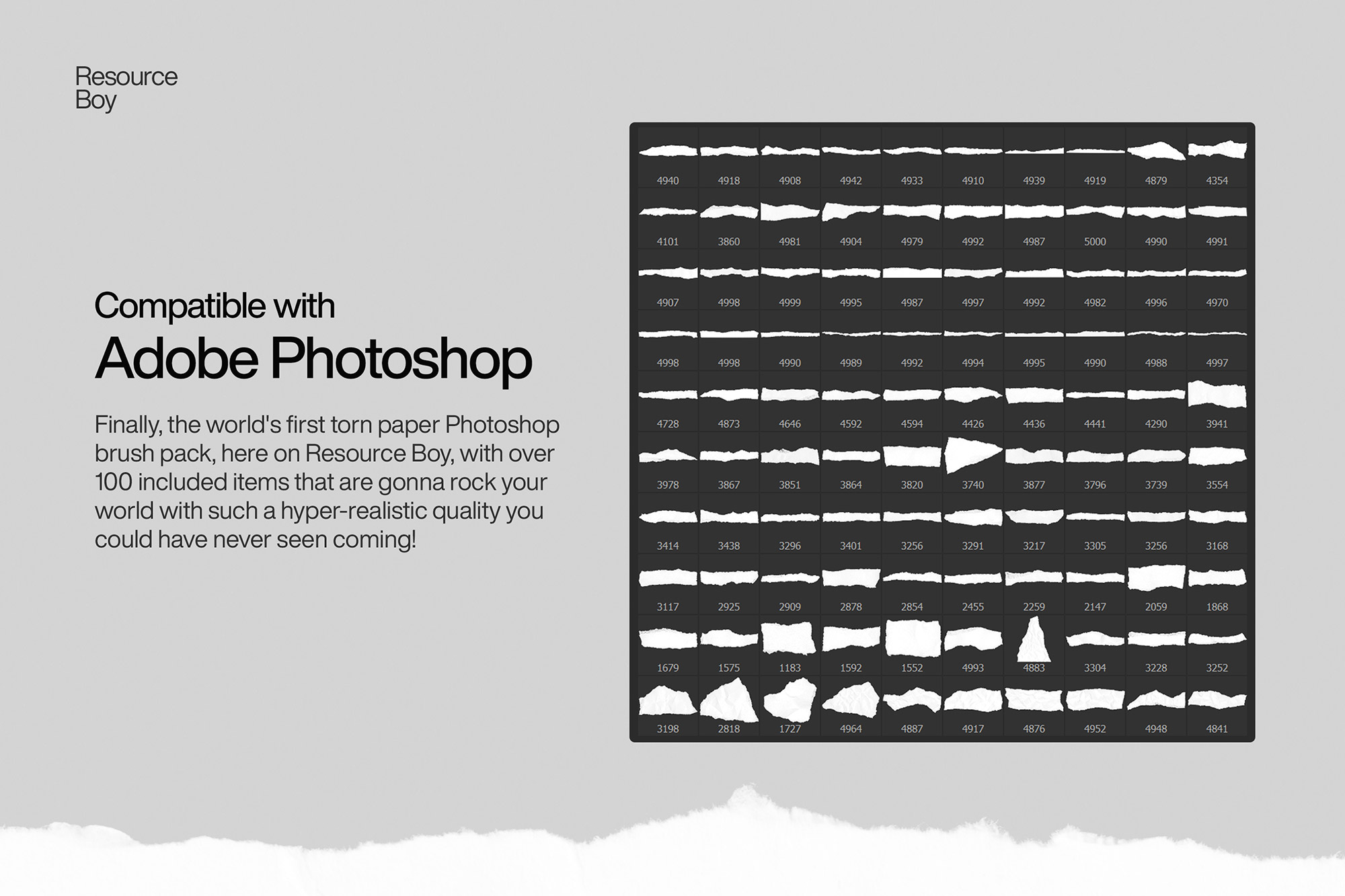
So you’re already feeling good about your photos, but imagine how much more artistic they can get with one of our hyper-realistic torn paper brushes here. A classic but surefire way to add some more visual allure to your graphic design projects without fail! So here it comes, Finally!! The world’s first torn paper Photoshop brush pack, available for free download and creative use anywhere you want. Yes, that’s right. anywhere! That’s why we have attached the free commercial license there in the download file… You’re welcome world… Of course, that’s no news to our website’s regular users because we have already published the other version of it in our free torn paper textures, so you could have easily seen this one coming sooner or later. But we get it. No matter how many free Photoshop brushes we offer you here on Resource Boy, you probably can never get used to it anyway. Neither can we! After all, it’s not like you can find a graphic design website with so many freebies at such a fine quality every day. So seize this opportunity and conquer the market with our exclusives like a pro, unstoppable and full of inspired ideas. Want to spice things up even more? Try them with one of our free redaction Photoshop brushes in your artwork and BOOM goes the dynamite… And here you were, thinking this couldn’t have gotten any better, right? Well, we know how to keep this game interesting! There are enough examples in the preview to show you how it’s done but knowing you, we’d say you’re gonna come up with even cooler ways to breathe life and taste into your projects, even if you have nothing but these 100+ torn paper brushes of RB to go to. We’re gonna make you proud. Promise!
Quick details: License: Personal & Commercial use. Designer: Resource Boy. Popularity: 46,146 downloads.
What you can do with it
You can keep it subtle or push it loud—either way, it stays usable. Use it for YouTube thumbnails, posters, social banners, or any layout where you want a cleaner visual hook.
How to use it in Adobe Photoshop
Download, unzip, load the asset, then tweak until it fits your design.
- Download the ZIP file using the button below.
- Unzip the archive to a clean folder.
- Open Adobe Photoshop and load the included files (brushes via the Brushes panel; textures via Place/Embed; mockups/effects by editing Smart Objects).
- Apply it to your text or layer, then adjust size and position.
- Fine-tune opacity, blending mode, and color until the result feels balanced.
Practical tips
- Use Smart Objects when possible for clean scaling.
- Try a different blending mode before you give up on the look.
- Lower opacity first, then adjust contrast.
- Test it on both light and dark backgrounds.
- Duplicate your layer before applying anything.
If something looks “too much,” small changes usually fix it. Opacity, blending mode, and a soft mask solve most issues.
Preview images
These previews are included with the original post so you can judge edges, texture strength, and readability.
FAQ
Can I use it in client work?
The listed license is Personal & Commercial use. For important jobs, read the license text inside the download.
Will it work on older versions?
Most assets like this work fine on recent versions of Adobe Photoshop. If you’re on an older build, test it in a duplicate file first.
Download 100+ Torn Paper Photoshop Brushes
Use the download button below. If your download is large, give it a minute to complete before extracting.