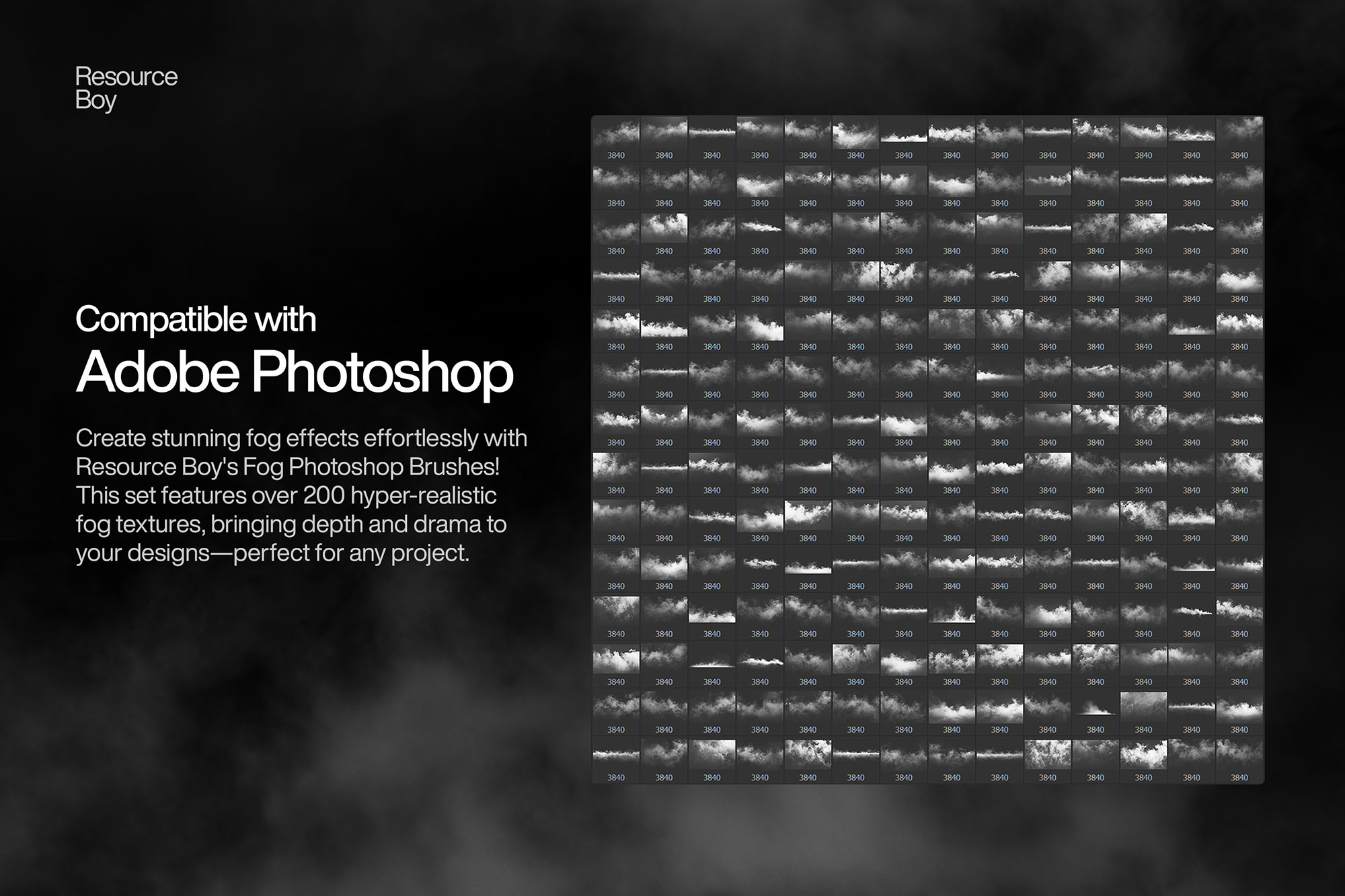
About 200+ Fog Photoshop Brushes
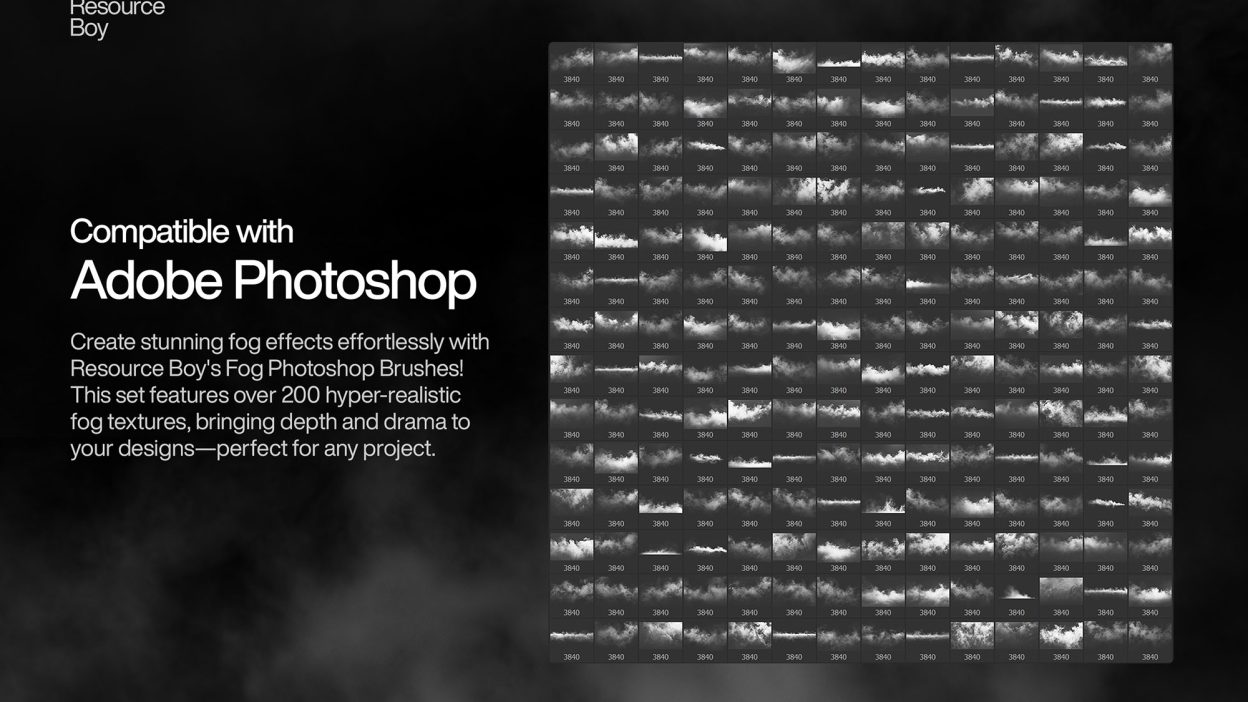
Not every asset deserves a spot in your toolbox. 200+ Fog Photoshop Brushes is one of the few that actually earns it. It’s made for Adobe Photoshop, and the previews show what you can expect.
Ready to elevate your creative projects to new heights? Resource Boy brings you an exclusive pack of over 200 fog Photoshop brushes, meticulously crafted to help you design with unmatched realism and depth. From soft, ethereal wisps to dense, dramatic layers, this collection is your ultimate tool for creating stunning, atmospheric visuals. Whether you’re working on photo manipulations, digital paintings, or cinematic effects, these brushes are designed to blend seamlessly into your artwork. And for those who have already fallen in love with our fog textures, you’ll find these brushes to be the perfect extension of your creative toolkit. Our team has poured expertise and creativity into this collection, ensuring every brush captures the authentic look and feel of natural fog. These brushes deliver hyper-realistic effects in high resolution, allowing you to craft scenes that immerse your audience. Whether you’re setting the mood for a mysterious forest or adding subtle depth to an urban skyline, the possibilities are endless. Plus, these fog brushes complement our popular smoke brushes and cloud brushes, giving you the versatility to create cohesive and dynamic visuals that stand out. And here’s the best part—this collection is not just premium in quality but also free for download, with a commercial license included. That’s right, no strings attached! So, whether you’re a seasoned pro or an aspiring designer, you can unleash your creativity without limitations. Combine these brushes with your favorite textures and watch your artwork come alive like never before. Ready to transform your designs? Download our fog Photoshop brushes now and see why Resource Boy remains the go-to destination for top-notch design resources.
Quick details: License: Personal & Commercial use. Designer: Resource Boy. Popularity: 47,341 downloads.
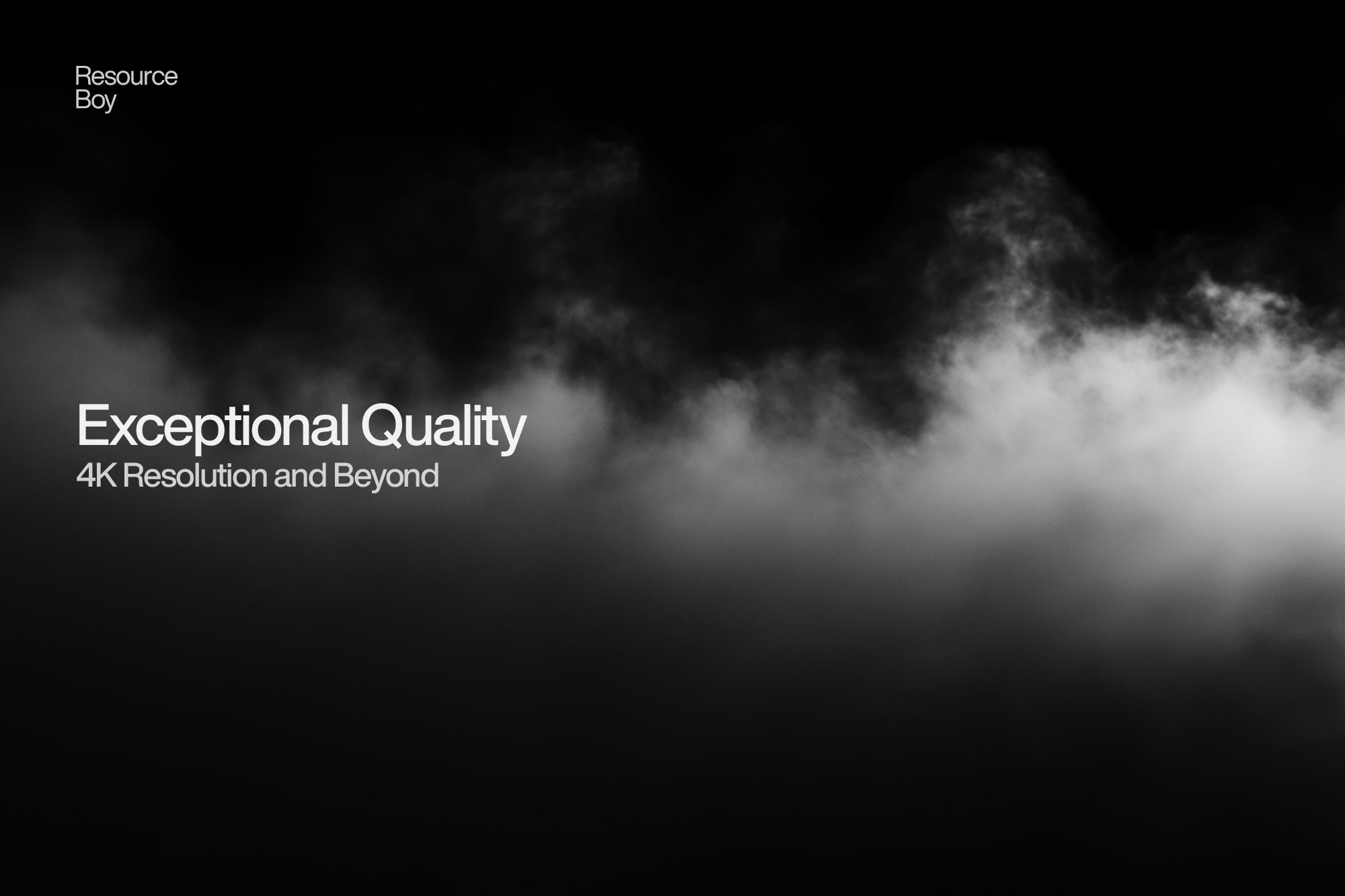
What you can do with it
You can keep it subtle or push it loud—either way, it stays usable. Use it for brand headlines, social banners, landing page hero sections, or any layout where you want a cleaner visual hook.
How to use it in Adobe Photoshop
Download, unzip, load the asset, then tweak until it fits your design.
- Download the ZIP file using the button below.
- Unzip the archive to a clean folder.
- Open Adobe Photoshop and load the included files (brushes via the Brushes panel; textures via Place/Embed; mockups/effects by editing Smart Objects).
- Apply it to your text or layer, then adjust size and position.
- Fine-tune opacity, blending mode, and color until the result feels balanced.
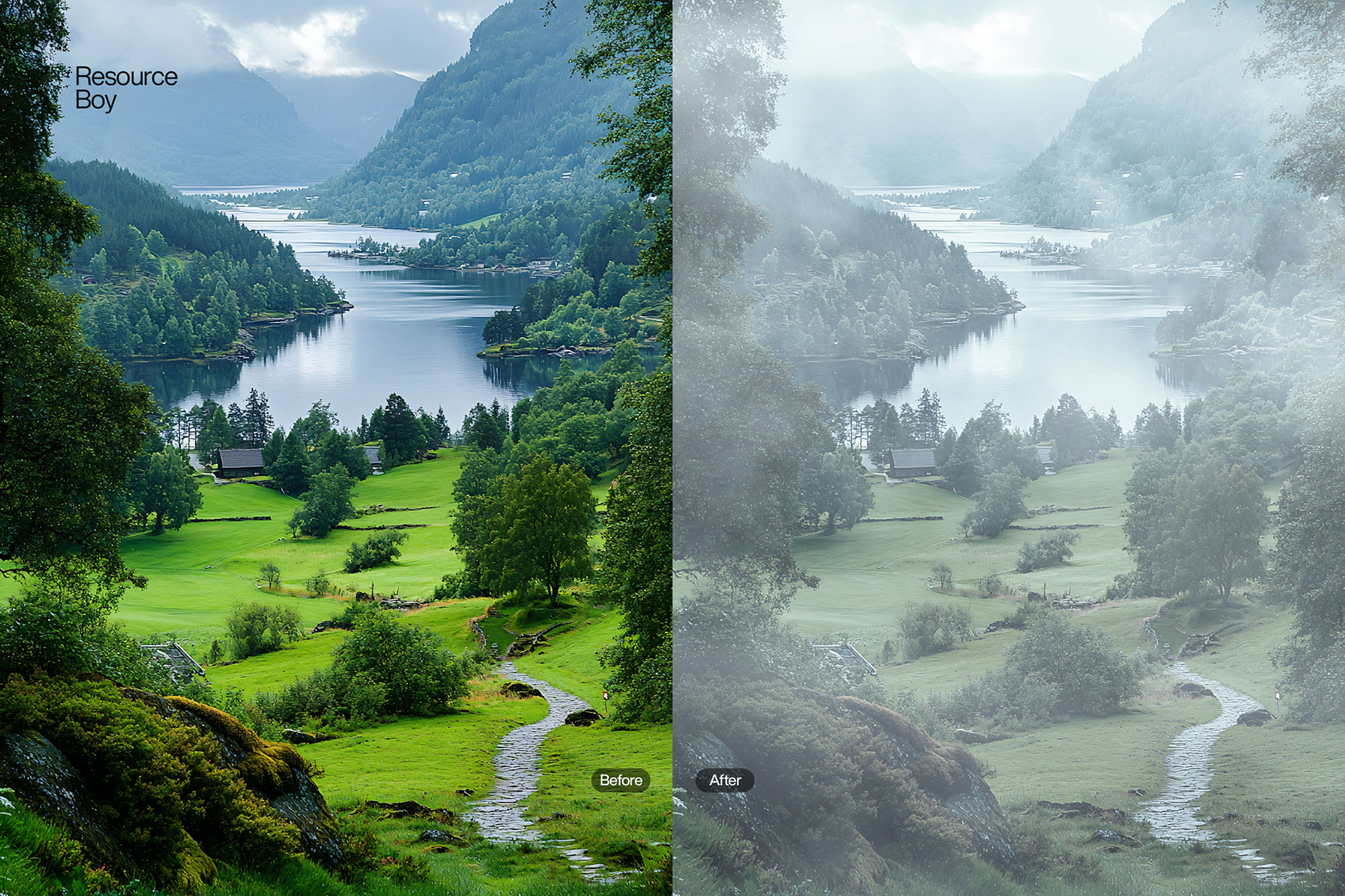
Practical tips
- Test it on both light and dark backgrounds.
- Lower opacity first, then adjust contrast.
- Try a different blending mode before you give up on the look.
- Use Smart Objects when possible for clean scaling.
- Duplicate your layer before applying anything.
If something looks “too much,” small changes usually fix it. Opacity, blending mode, and a soft mask solve most issues.
Preview images
These previews are included with the original post so you can judge edges, texture strength, and readability.
FAQ
Can I use it in client work?
The listed license is Personal & Commercial use. For important jobs, read the license text inside the download.
Will it work on older versions?
Most assets like this work fine on recent versions of Adobe Photoshop. If you’re on an older build, test it in a duplicate file first.
Download 200+ Fog Photoshop Brushes
Use the download button below. If your download is large, give it a minute to complete before extracting.