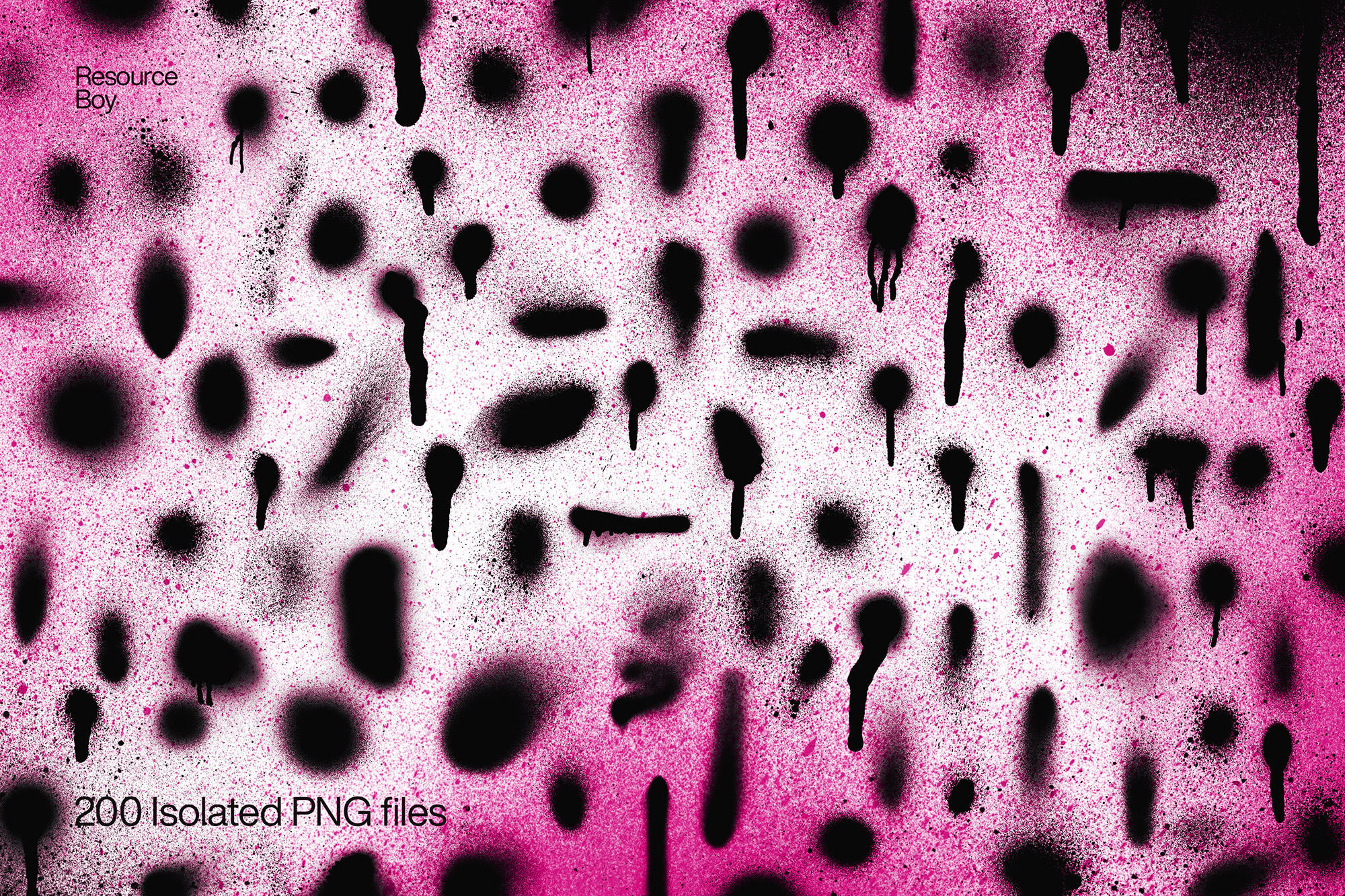
About 200 Spray Paint Textures
Design work moves fast. When you find a solid textures resource, it can shave hours off a deadline. It’s made for Adobe Photoshop, and the previews show what you can expect.
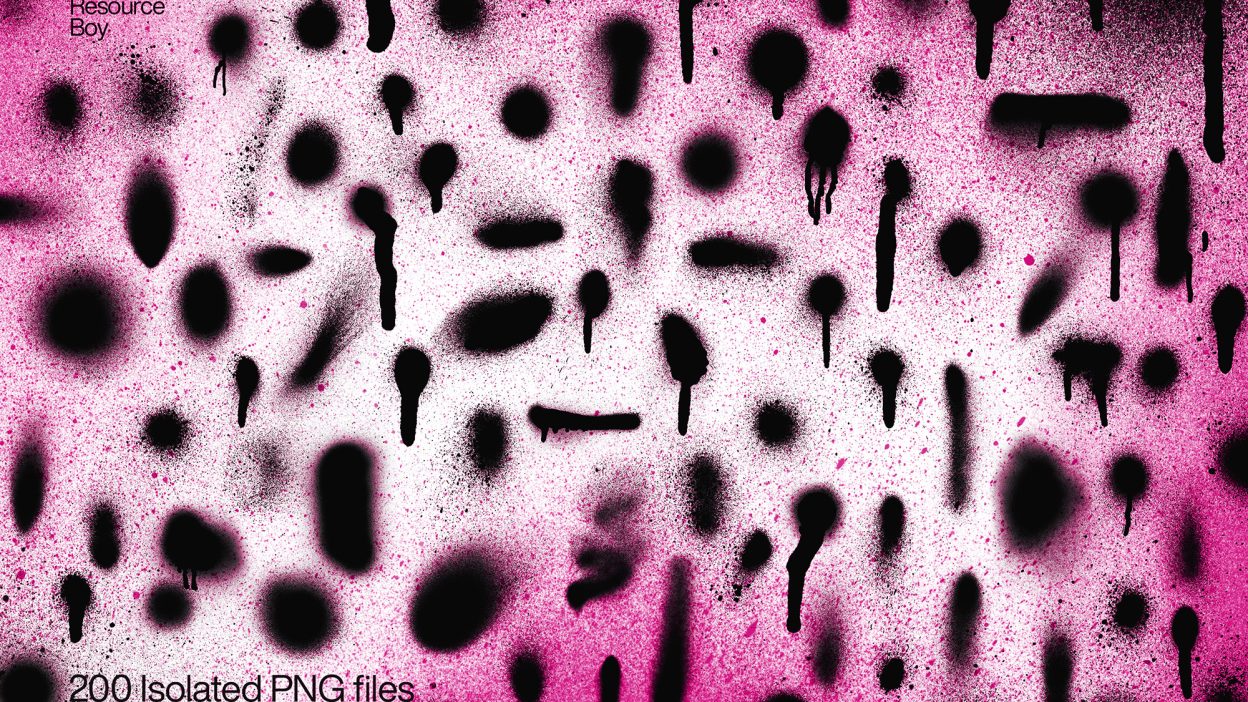
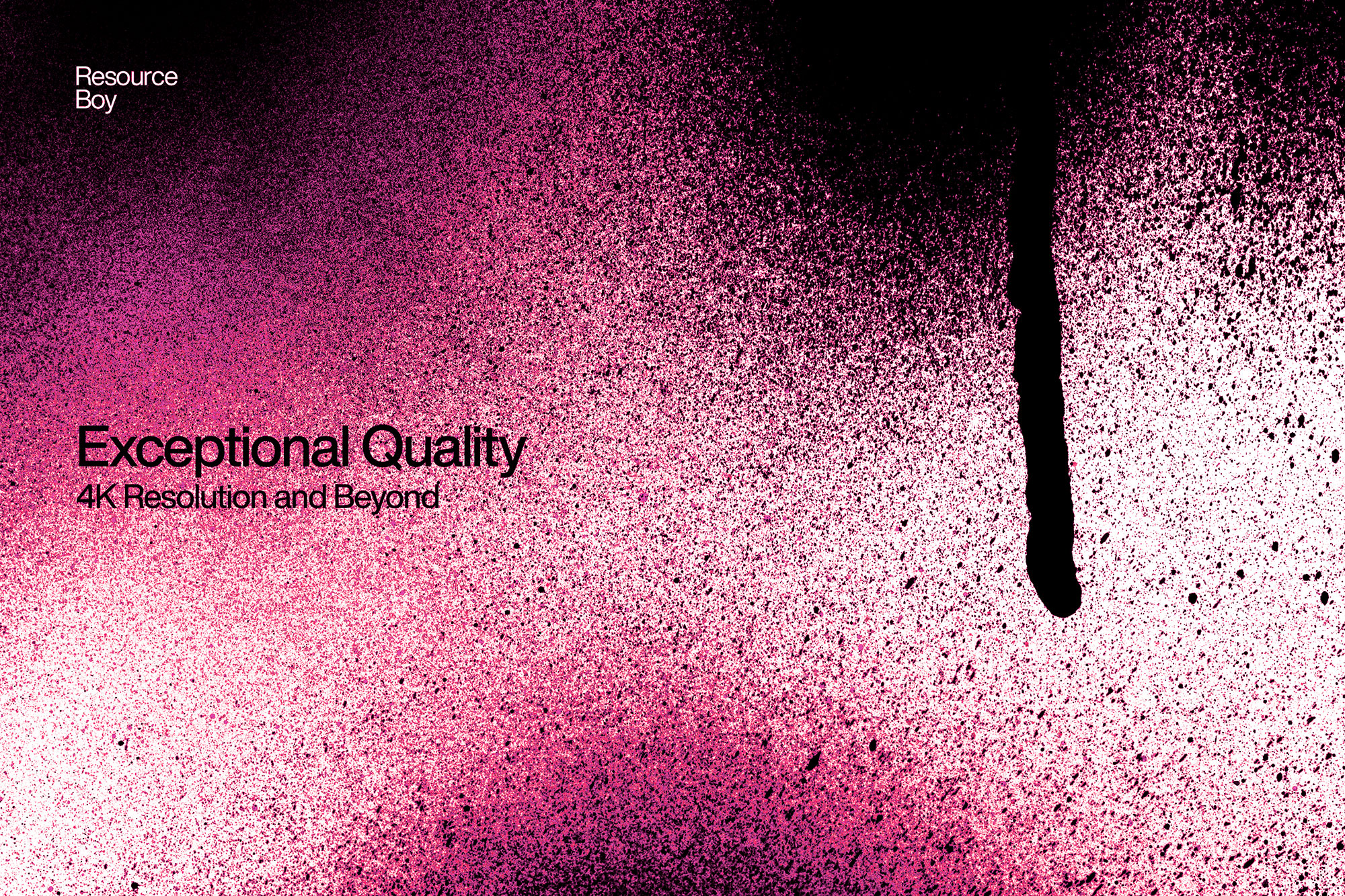
Brace yourself for the largest free collection of spray paint textures in the world! Resource Boy proudly presents this epic bundle of 200 handmade spray paint textures, each crafted with meticulous detail to capture the raw, edgy vibe of street art. Available in 4K resolution and PNG transparent format, these textures deliver every drip, splatter, and spray with stunning clarity, making it easier than ever to layer them seamlessly over any design. Whether you’re creating backgrounds or adding an urban touch to your artwork, this collection is built to elevate your projects. This isn’t just any set of textures; it’s a full arsenal that brings your work to life with authentic spray paint effects. From fine splatter textures to bold ink sprays, these textures have all the intensity and detail of the real thing. Pair them with our spray paint brushes for an extra dose of realism or mix them with our ink textures for a creative mashup that’s sure to stand out. The 4K quality means even the smallest drops and specks appear sharp and vivid, making it ideal for everything from high-res print designs to digital art projects. And here’s the best part: these 200 spray paint textures are completely free to download, with a free commercial license included, so you can use them alongside our spray paint fonts without any restrictions. This is more than just a texture pack; it’s the ultimate resource for designers who want to bring an authentic, gritty edge to their work. Don’t miss out on the chance to access the finest collection of free textures including splatter textures, all for free. Download them today on Resource Boy and take your designs to the next level!
Quick details: License: Personal & Commercial use. Designer: Resource Boy. Popularity: 18,536 downloads.
What you can do with it
It’s editable, flexible, and pretty forgiving if you like to experiment. Use it for social banners, packaging concepts, brand headlines, or any layout where you want a cleaner visual hook.
How to use it in Adobe Photoshop
Download, unzip, load the asset, then tweak until it fits your design.
- Download the ZIP file using the button below.
- Unzip the archive to a clean folder.
- Open Adobe Photoshop and load the included files (brushes via the Brushes panel; textures via Place/Embed; mockups/effects by editing Smart Objects).
- Apply it to your text or layer, then adjust size and position.
- Fine-tune opacity, blending mode, and color until the result feels balanced.
Practical tips
- Lower opacity first, then adjust contrast.
- Duplicate your layer before applying anything.
- Use Smart Objects when possible for clean scaling.
- Try a different blending mode before you give up on the look.
- Test it on both light and dark backgrounds.
If something looks “too much,” small changes usually fix it. Opacity, blending mode, and a soft mask solve most issues.
Preview images
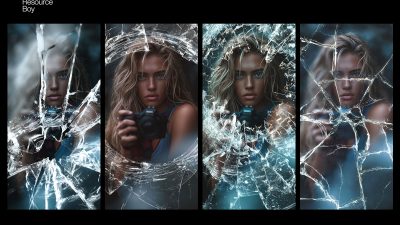
These previews are included with the original post so you can judge edges, texture strength, and readability.
FAQ
Can I use it in client work?
The listed license is Personal & Commercial use. For important jobs, read the license text inside the download.
Will it work on older versions?
Most assets like this work fine on recent versions of Adobe Photoshop. If you’re on an older build, test it in a duplicate file first.
Download 200 Spray Paint Textures
Use the download button below. If your download is large, give it a minute to complete before extracting.