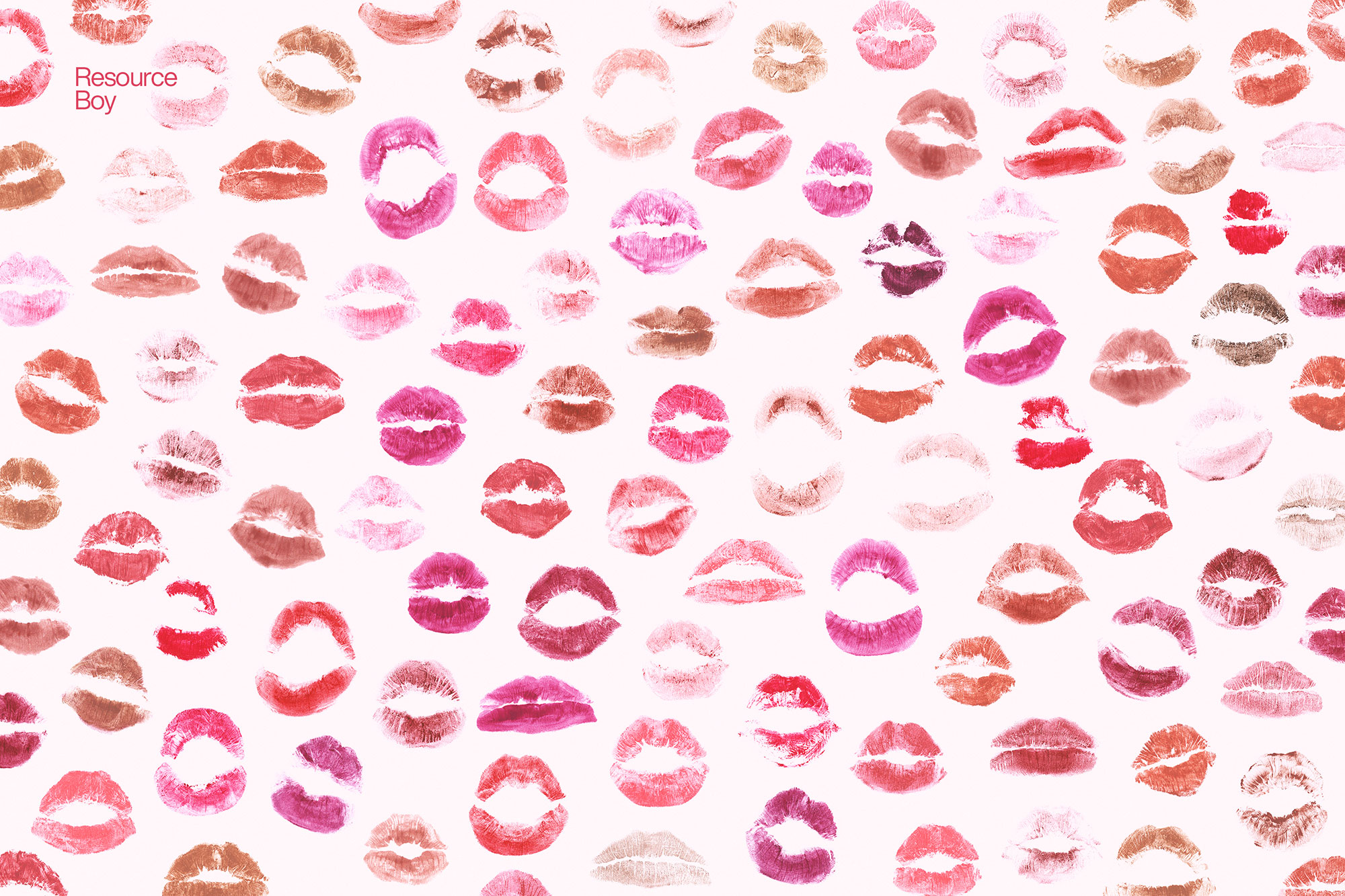
About 100+ Lip Print Textures
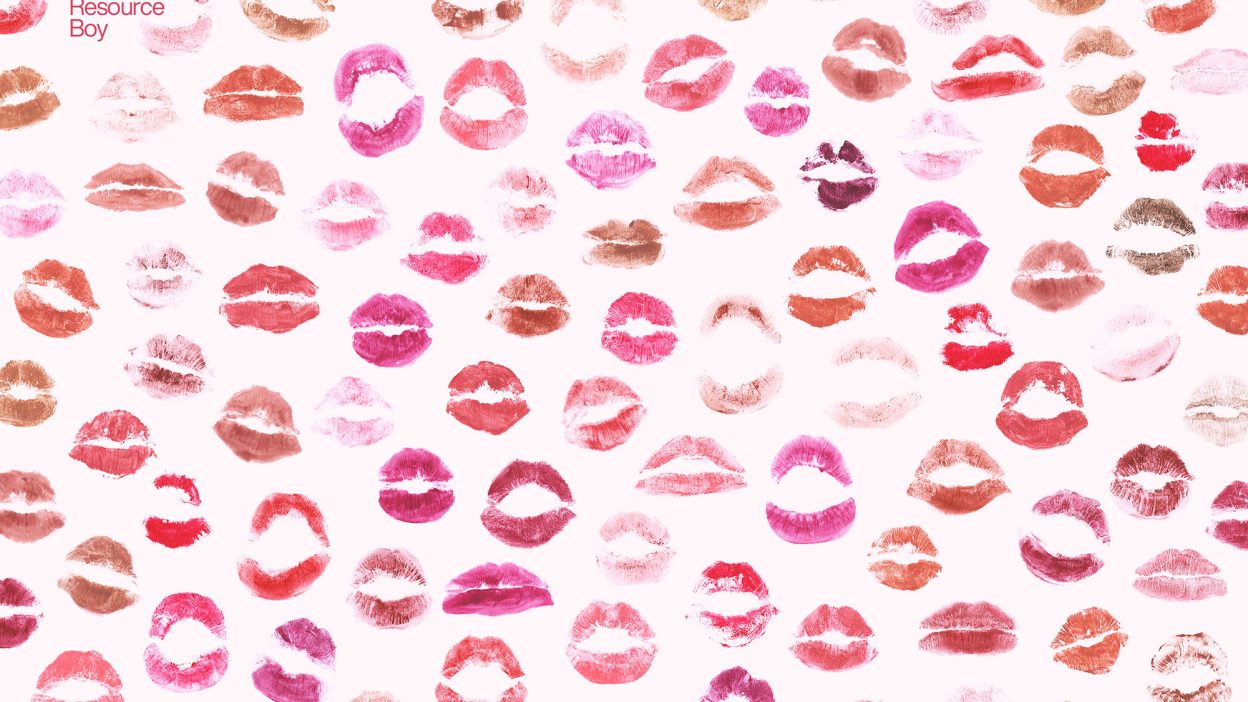
Not every asset deserves a spot in your toolbox. 100+ Lip Print Textures is one of the few that actually earns it. It’s made for Adobe Photoshop, and the previews show what you can expect.
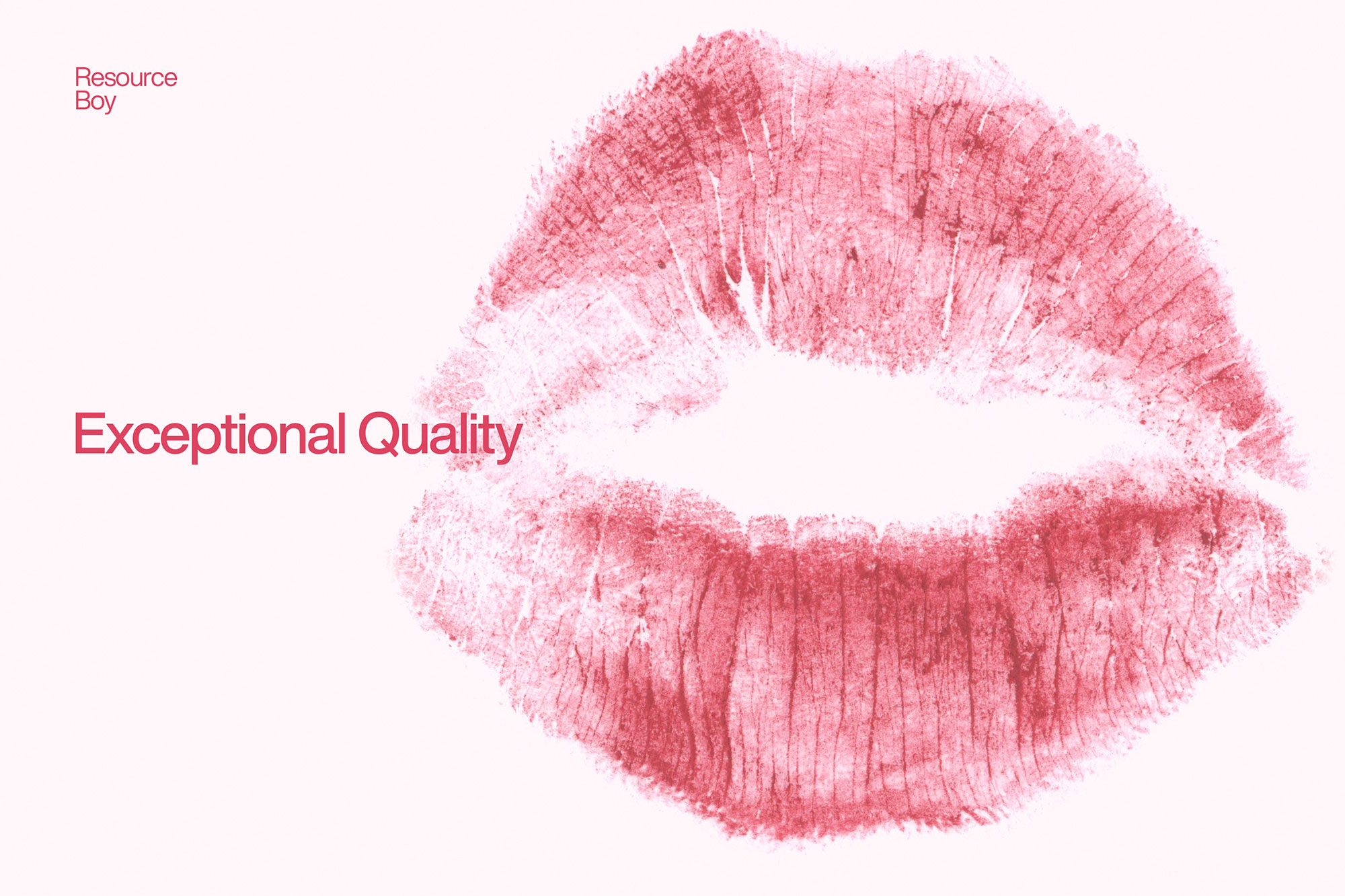
Didn’t you want to make your love letters more real or your Valentines Day posters more romantic? Well, that’s exactly what our lip print texture collection is for. We have prepared 100 different lip patterns that allow you to find the most ideal option and match it with the rest of your design theme. Just drag and drop any of them on your photos, customize the color as you fancy, and you’re done. It’s as simple as that! After all, we’re not talking about some ordinary lip print texture pack here. This is officially the first collection of transparent lip print textures that has ever been made to provide such a great number of PNGs and lip variety. Pair them with our Valentine’s Day fonts to create the perfect romantic touch. And better yet, it’s 100% free of charge. Another point for Resource Boy! But it wasn’t our first big hit, nor is it going to be the last. We’re already working on their brush version which you can download as soon as it’s published from 100 lip print brushes. As for our previous freebies, they are also available for download right now at Resource Boy’s exclusive library. Download RB’s world-class 100 lip print PNG textures and give a very real kiss to your love partner, mother, or anyone else dear to you any time you need to. You’re so going to love how high-resolution and super realistic our lip textures are. In case you don’t know, we have created the entire pack from scratch, with real photos scanned from the lipstick prints. And it’s not like we’ve used some random lips either, especially not when one of our own designers has such sexy lips. You’ll see! She’s made a huge contribution to this bundle. Just upgrade your tool painting kit with our cool kiss lips textures now and let the red lipsticks, pink lips, and any other of your personalized colors jump right off the page against not just white backgrounds but on any design at all. It can be a greeting card, a Canvas art, or a GIF for social media. Either way, you’ll have our awesome photographic prints of lip textures to give your artwork an undeniable spark. If you remember, the same thing happened with our 100+ free hand / fingerprint textures too, didn’t it? So you should already know what lies ahead. Then let’s not wait any longer and try these original high-quality lip print textures too this instant.
Quick details: License: Personal & Commercial use. Designer: Resource Boy. Popularity: 15,025 downloads.
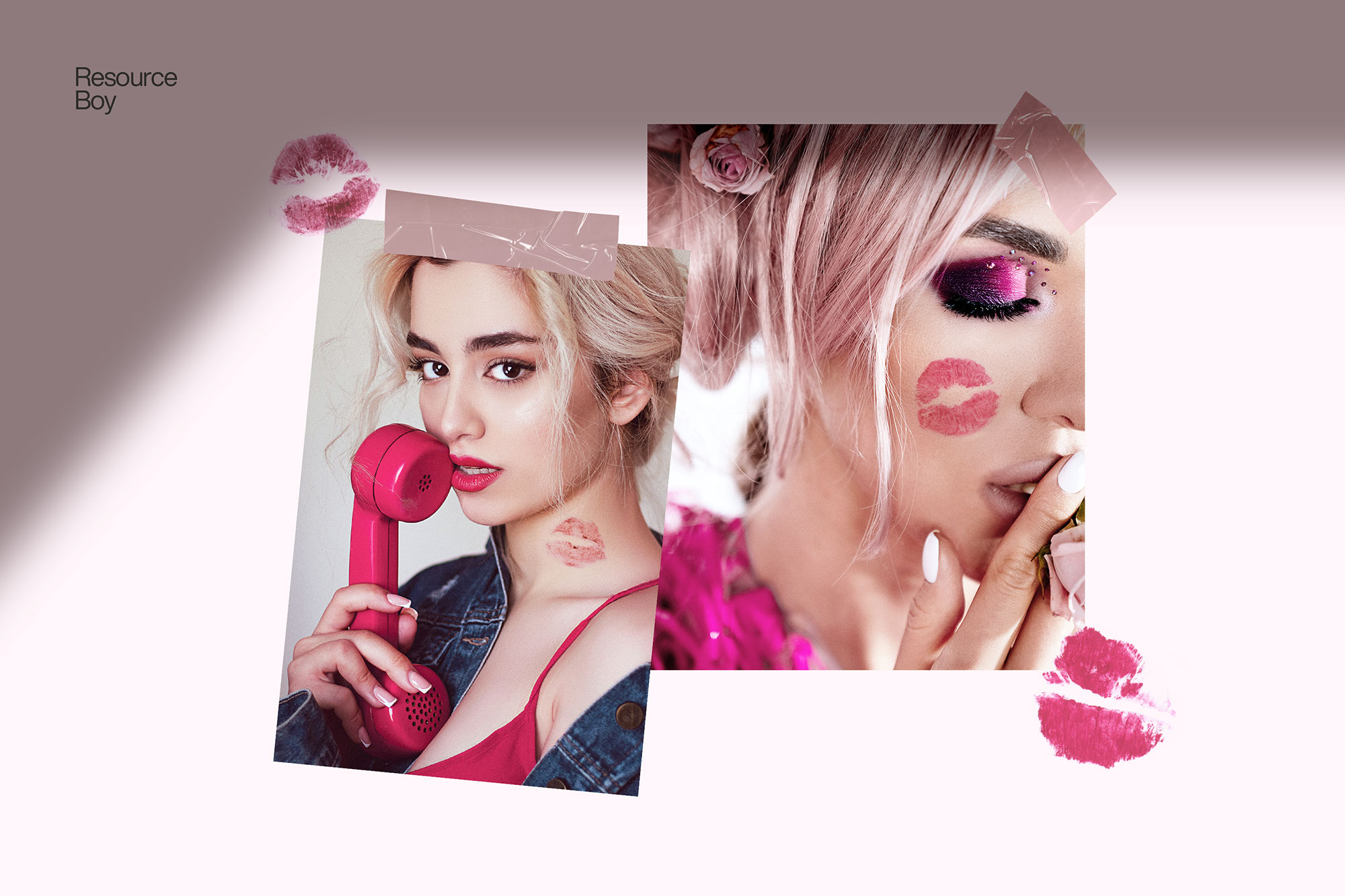
What you can do with it
It plays nicely with real-world files, not just perfect demo PSDs. Use it for album covers, YouTube thumbnails, social banners, or any layout where you want a cleaner visual hook.
How to use it in Adobe Photoshop
Download, unzip, load the asset, then tweak until it fits your design.
- Download the ZIP file using the button below.
- Unzip the archive to a clean folder.
- Open Adobe Photoshop and load the included files (brushes via the Brushes panel; textures via Place/Embed; mockups/effects by editing Smart Objects).
- Apply it to your text or layer, then adjust size and position.
- Fine-tune opacity, blending mode, and color until the result feels balanced.
Practical tips
- Test it on both light and dark backgrounds.
- Lower opacity first, then adjust contrast.
- Duplicate your layer before applying anything.
- Try a different blending mode before you give up on the look.
- Use Smart Objects when possible for clean scaling.
If something looks “too much,” small changes usually fix it. Opacity, blending mode, and a soft mask solve most issues.
Preview images
These previews are included with the original post so you can judge edges, texture strength, and readability.
Download 100+ Lip Print Textures
Use the download button below. If your download is large, give it a minute to complete before extracting.